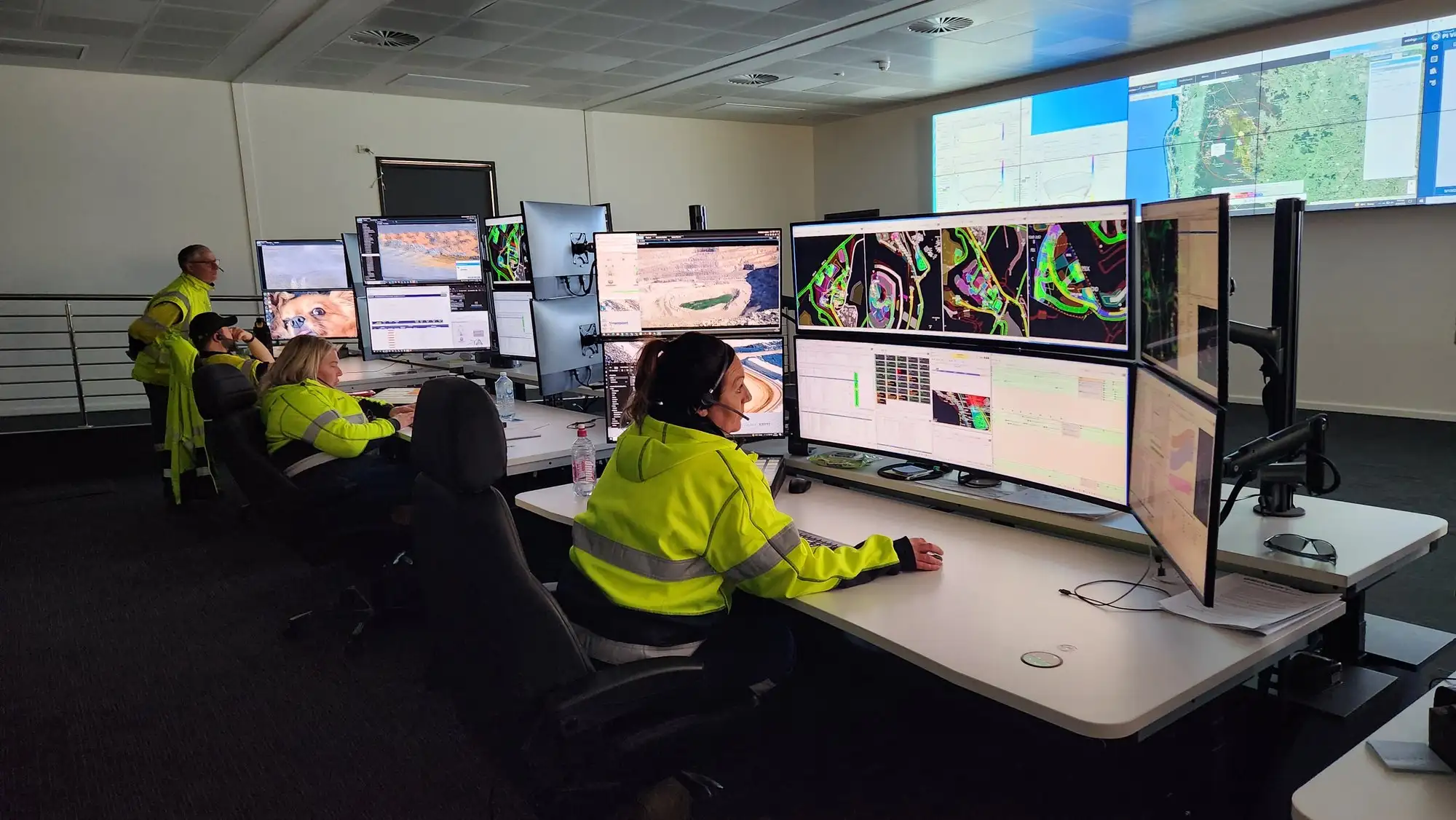
Control Rooms
Built for 24/7. Forever.
Mining operations, utilities, security and emergency response run on rooms that can never go dark. Focus AV designs control room AV rated for that reality — video walls, operator workflows, consoles and support.
What a control room actually is
The room that watches everything.
A control room is a decision machine: live feeds, dashboards, comms and alarms arranged so operators see what matters in seconds and act on it in fewer. Mining operations centres, security rooms, traffic and utilities — different industries, same discipline.
The AV core is the video wall and what feeds it: any source to any screen, presets per shift and per incident, operator positions that let one person drive the whole wall without leaving their seat.
Around that core sit the details that decide whether the room works at 3am: sight-lines from every console, audio that alerts without exhausting, lighting that doesn't fight the wall, and redundancy on everything that can't be allowed to fail.
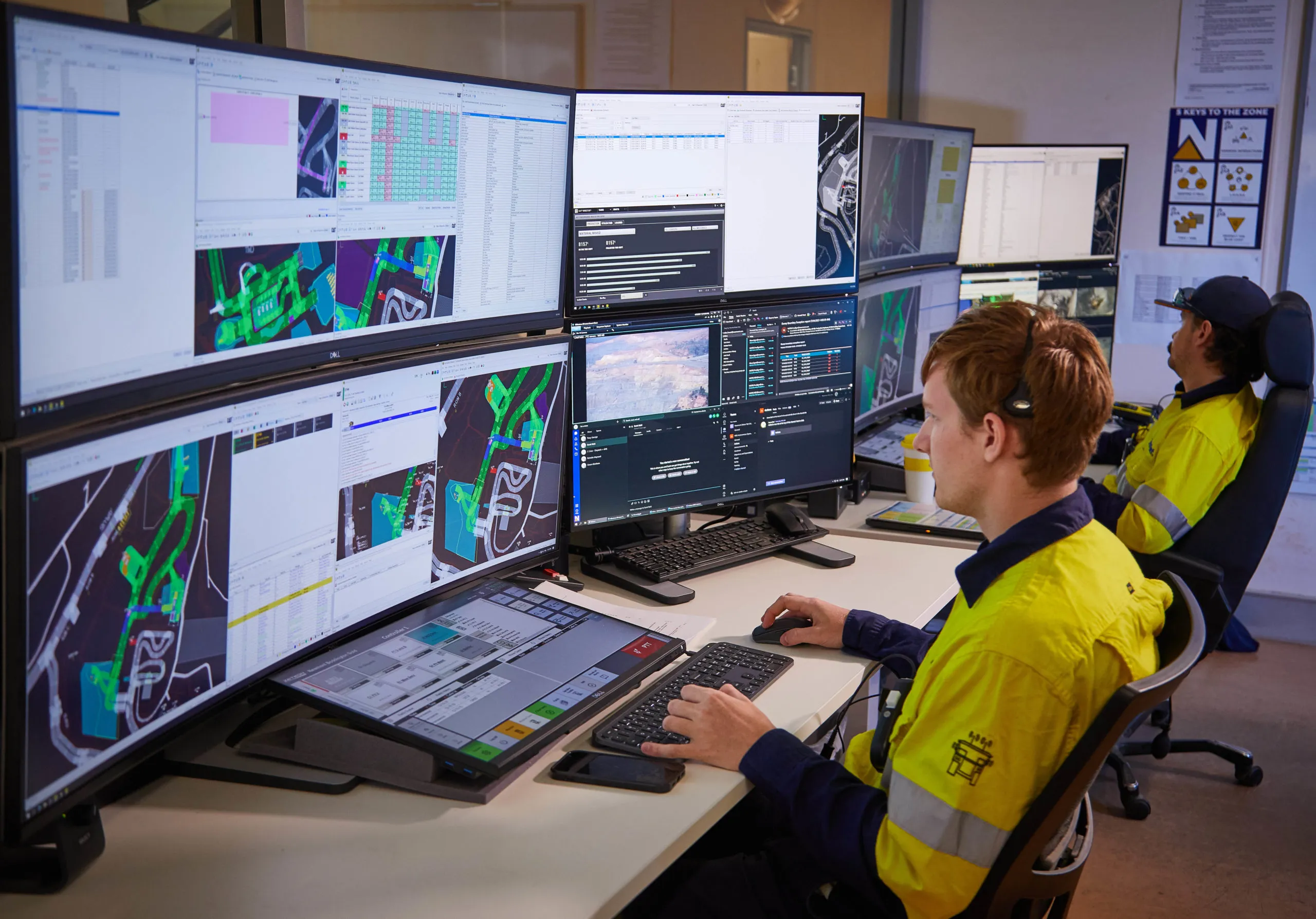
Anatomy of a control room
Built for the worst five minutes.
Auto-cycles every two seconds. Tap a part to jump to it.
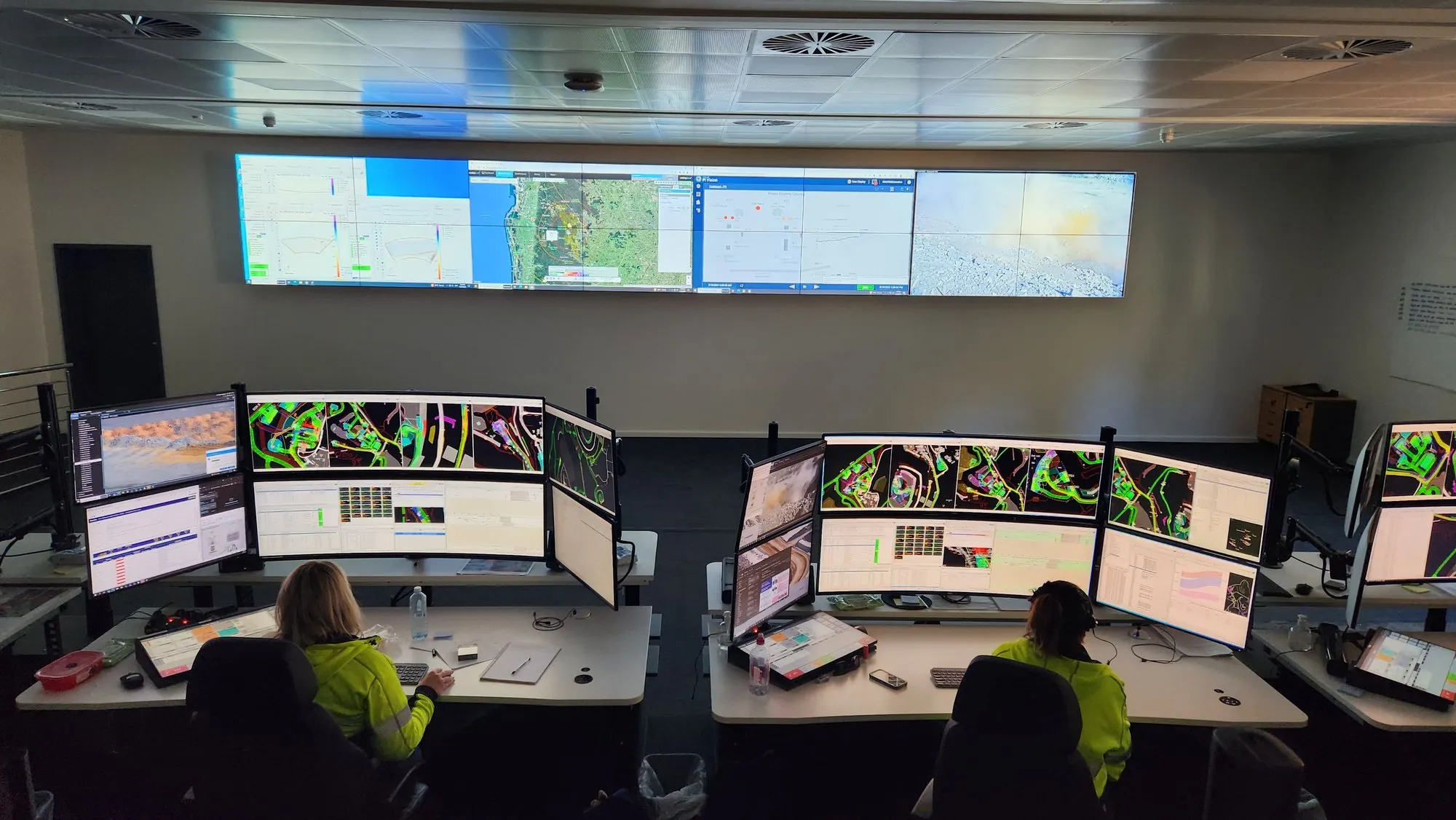
 The whole room
 Mission critical means it
Downtime here isn't an inconvenience.
A control room isn't a big meeting room. It runs 24/7, its operators watch dozens of sources for twelve-hour shifts, and when something fails, the cost is measured in production hours or public safety — not awkward silences.
That changes every specification: video walls rated for continuous duty, redundant signal paths, source management an operator can drive at 3am, consoles built for ergonomics across shifts, and lighting and acoustics that fight fatigue instead of causing it.
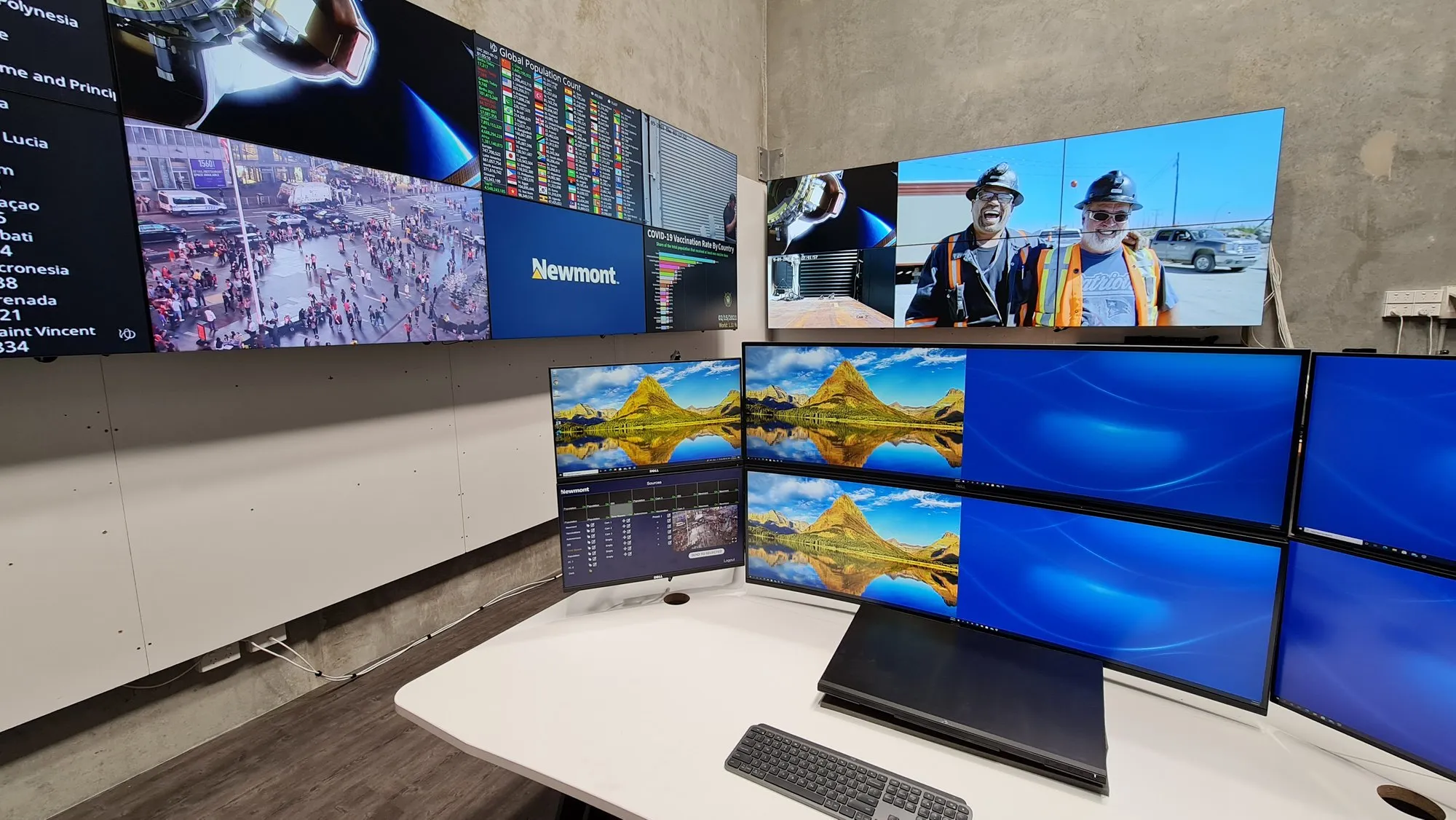
Focus AV has delivered control environments for the resources sector — including Newmont's autonomous haulage operations — built on Datapath Aetria and enterprise-grade wall technology, and supported like the critical infrastructure they are.
The disciplines
What goes into a 24/7 control room.
A working control room is six disciplines designed together: the video wall, operator consoles and ergonomics, KVM and source routing, redundancy, the room environment, and the rack room behind it all. Get any one wrong and operators feel it every shift — get them right together and the room disappears into the job.
The video wall
Sized from real viewing distances and operator sight-lines, not from what fits the budget line. Continuous-duty LCD or direct-view LED, calibrated for 24/7 brightness, with a processor that treats the whole wall as one canvas.
Operator consoles & ergonomics
Twelve-hour shifts are an ergonomic specification: height-adjustable consoles, monitor arms at correct eye lines, glare controlled, reach distances measured. Fatigue is an operational risk, and the furniture is part of the safety case.
KVM & source routing
Operator machines live in the rack room; operators keep only screens, keyboard and mouse. KVM-over-IP means any seat can drive any machine, shift handover is a preset, and a failed workstation is swapped without touching a desk.
Redundancy & failover
Everything that can't be allowed to fail gets a second path: dual processors or hot spares, redundant power, spare panels on the shelf. Designed-in graceful degradation, so a single failure costs a tile — never the wall.
Lighting & acoustics for long shifts
Indirect, dimmable lighting that never washes the wall or glares off consoles; acoustic treatment that keeps radio traffic and alarms intelligible without ambient roar. Rooms tuned for vigilance at hour eleven, not just the walkthrough.
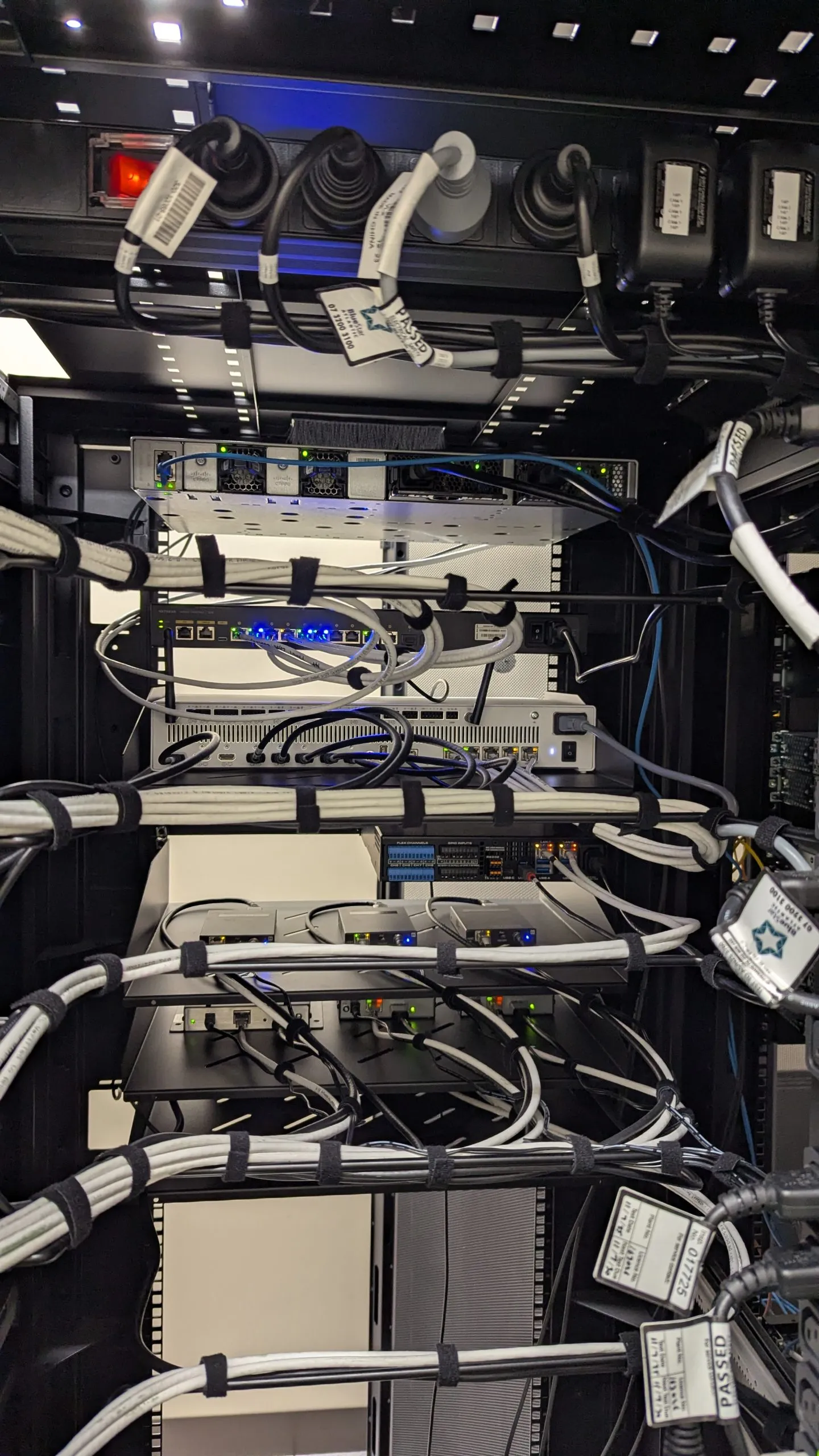
The rack room
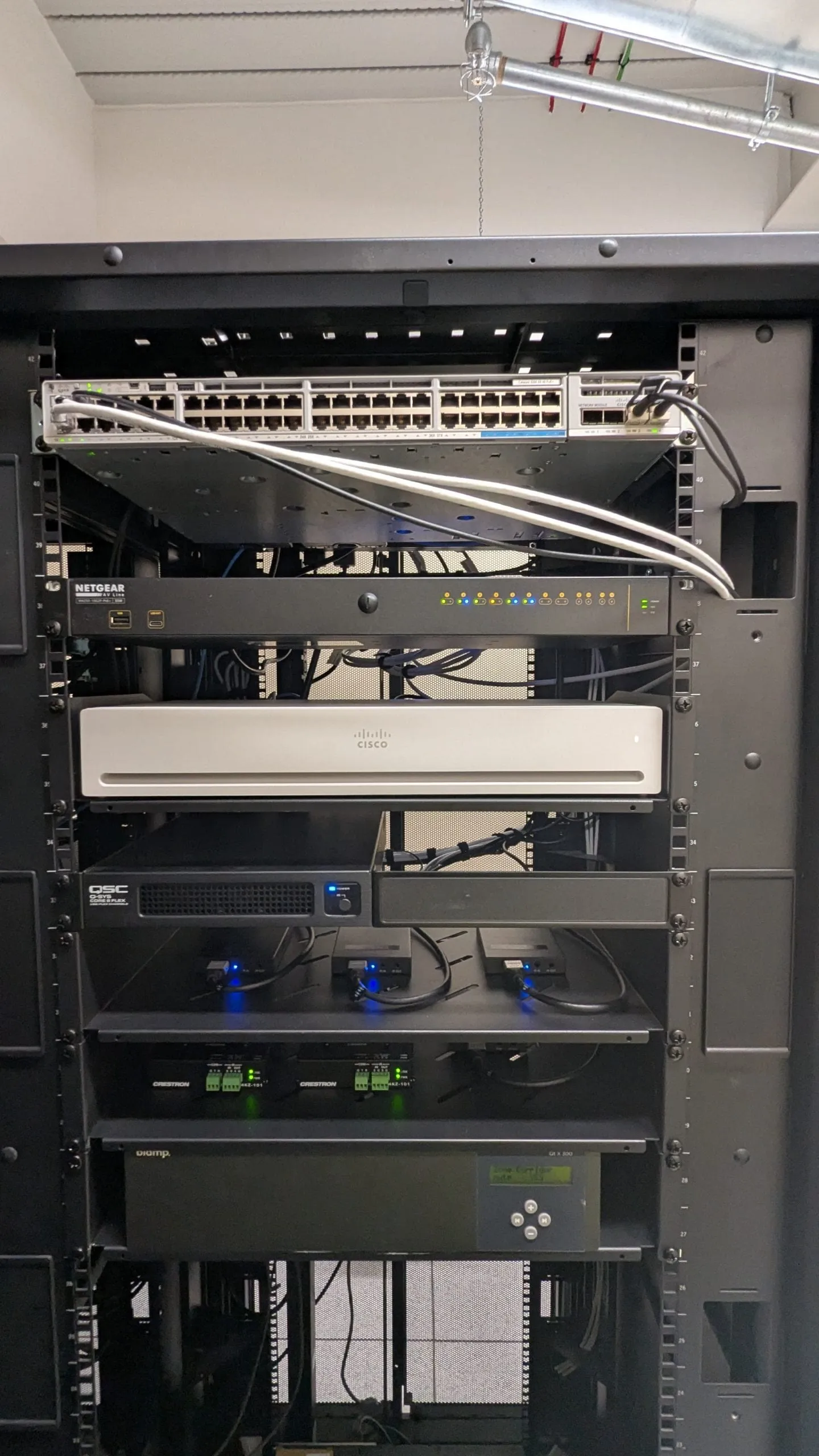
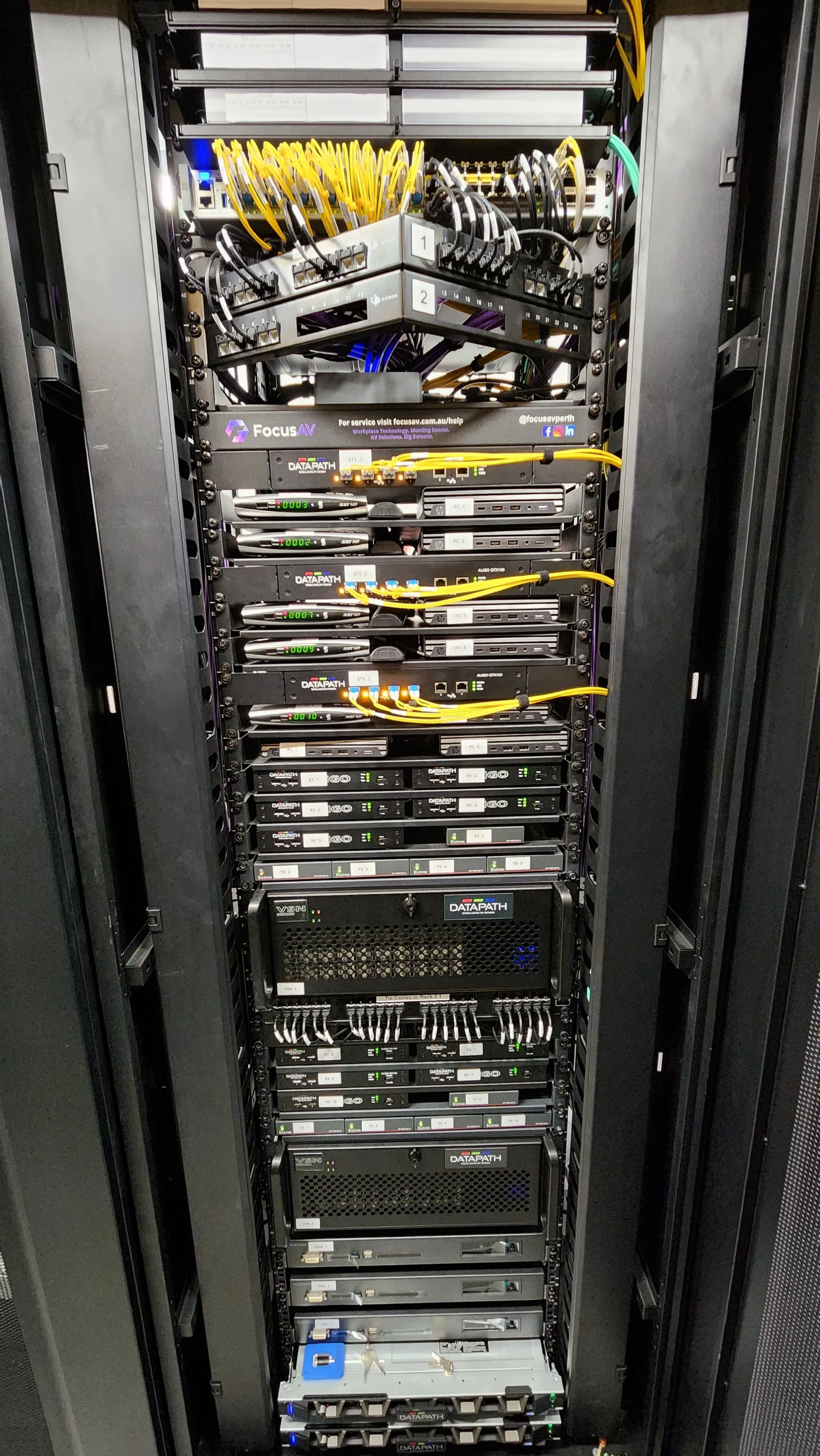
The system's real home: sources, processing, network and redundant power in documented, labelled racks with cooling headroom. When something fails at 3am, the fix starts from drawings — not archaeology.
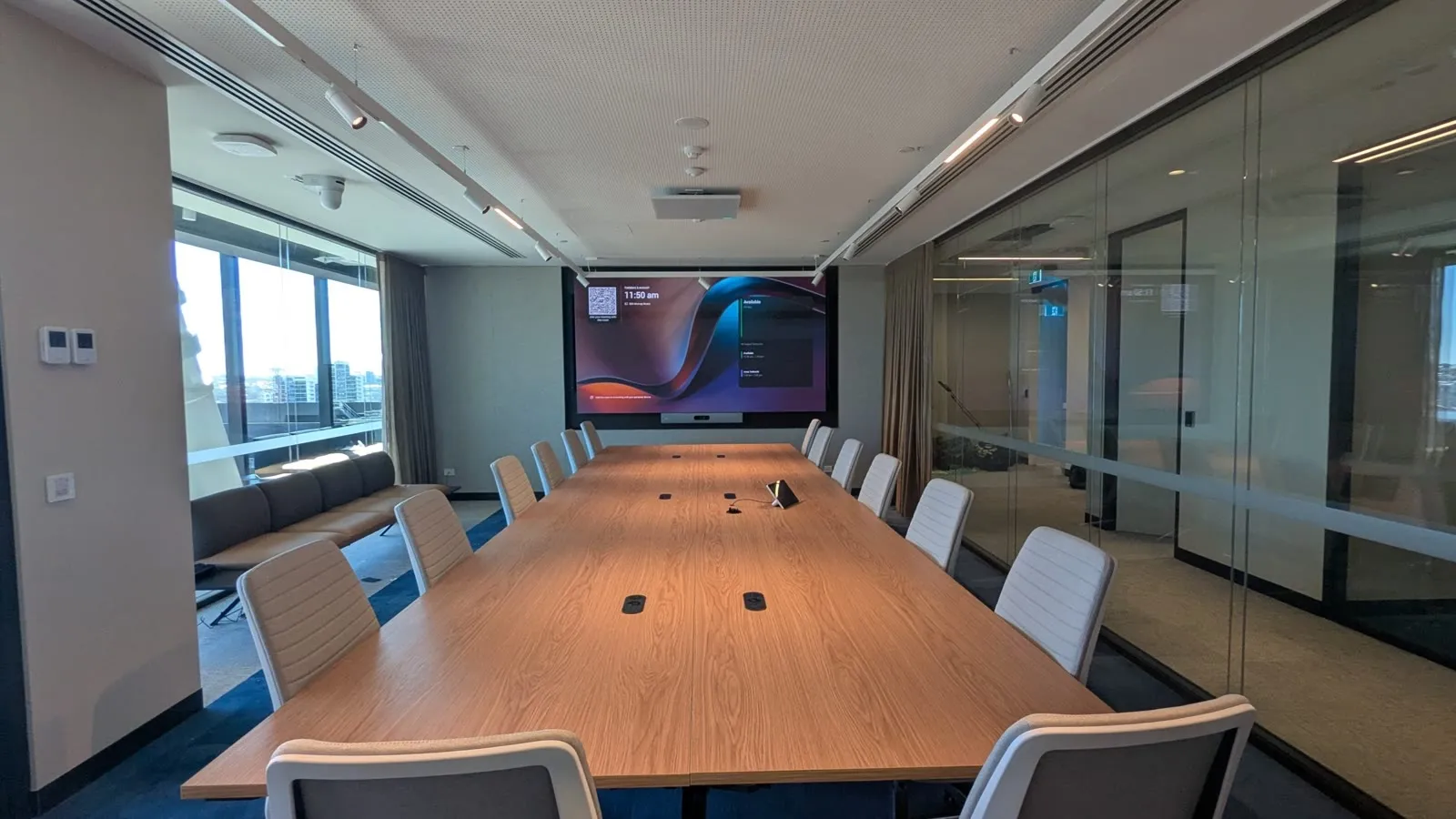
Who runs these rooms
Control rooms we build, sector by sector.
Focus AV builds control rooms for mining and resources operations, utilities, security operations centres, emergency response and transport — from Perth head offices watching remote sites to rooms embedded in the operation itself. The disciplines are shared; the integrations and priorities differ by sector.
Mining & resources operations
Remote operations centres, autonomous haulage oversight and processing control — often watching sites a thousand kilometres away. We built the AV backbone for Newmont's autonomous haulage operations, where the wall is the mine.
Utilities & energy
Network operations and generation control, where the wall aggregates SCADA views, weather, outage maps and field crews. Redundancy requirements here are the strictest we work to — and rightly so.
Security operations centres
Hundreds of camera feeds, access control and alarm systems on one wall, with layouts that snap from patrol view to incident view in a keystroke. Integration with the security platforms is the make-or-break detail.
Emergency & incident response
Rooms that sit quiet until the worst day, then have to perform flawlessly: rapid source sharing, broadcast feeds, agency links and layouts rehearsed in advance. Tested regularly, because the first real activation is the wrong time to learn.
Transport & logistics
Traffic, rail, port and fleet operations — long-duration monitoring of moving assets, where wall layouts follow the operational tempo of the day and handovers happen without a beat dropped.
Duty cycles, honestly
24/7-rated hardware vs consumer screens.
Consumer and standard commercial displays are engineered for eight to sixteen hours a day; control rooms run twenty-four. Put ordinary panels on that duty cycle and they dim unevenly, drift in colour and die early — usually one tile at a time, which looks worse than a clean failure. The rated hardware costs more on day one and less every year after.
| Consumer / standard commercial | 24/7 control-room grade | |
|---|---|---|
| Duty cycle | Designed for 8–16 hours a day with idle time | Engineered for continuous 24/7 operation, year after year |
| Backlight & drive design | Consumer-grade backlights dim and yellow under constant load | Industrial backlights and drive electronics with headroom to spare |
| Brightness stability | Panels age at different rates — the wall goes patchy | Calibrated for uniformity across the wall over years, not months |
| Thermal design | Passive assumptions; heat soak shortens life in a wall array | Managed airflow and thermal margins for densely mounted arrays |
| Warranty | Often void or reduced under continuous commercial use | Warranted explicitly for 24/7 mission-critical duty |
| Serviceability | Whole-unit replacement, model discontinued within a year | Front or rear service access, long supply commitments, spare tiles held |
The real acceptance test
Every control room is designed for 3am.
Not the daytime tour. Not the ribbon cutting. The moment that justifies the room is an operator, six hours into a night shift, seeing the one feed that matters — instantly, without asking the wall for it. Everything we specify works backwards from that moment.
24/7
Duty-rated video walls and panels — hardware certified for years of never being switched off
Every seat
Sightlines mapped operator by operator — no console position ever loses the wall
No single point
Redundant signal paths and spares strategy where a dead input costs more than the hardware
The long game
Refresh cycles and honest futureproofing.
A properly specified control room wall should serve seven to ten years; the processing and software around it moves faster, typically refreshing at four to six. Design for that mismatch and a refresh is a staged, budgeted event — ignore it and year six delivers an everything-at-once capital shock.
Honest futureproofing means buying headroom where change is likely and durability where it isn't. Sources multiply and layouts evolve constantly — so routing capacity, encoder count and software-defined layouts deserve margin. Panels, consoles and the room shell change rarely — so they deserve build quality, not speculative features.
What nobody can honestly sell you is a room that never needs touching. What we can design is a room where every refresh is incremental: tiles swap without replacing the wall, processors upgrade without disturbing the rest of the signal chain, and the operation never stops for any of it — the same staged-cutover discipline we use when upgrading live rooms today. Your lifecycle roadmap states the expected year and scope of each refresh from day one, so finance sees it coming years out.
From the field Rooms that can't go dark.
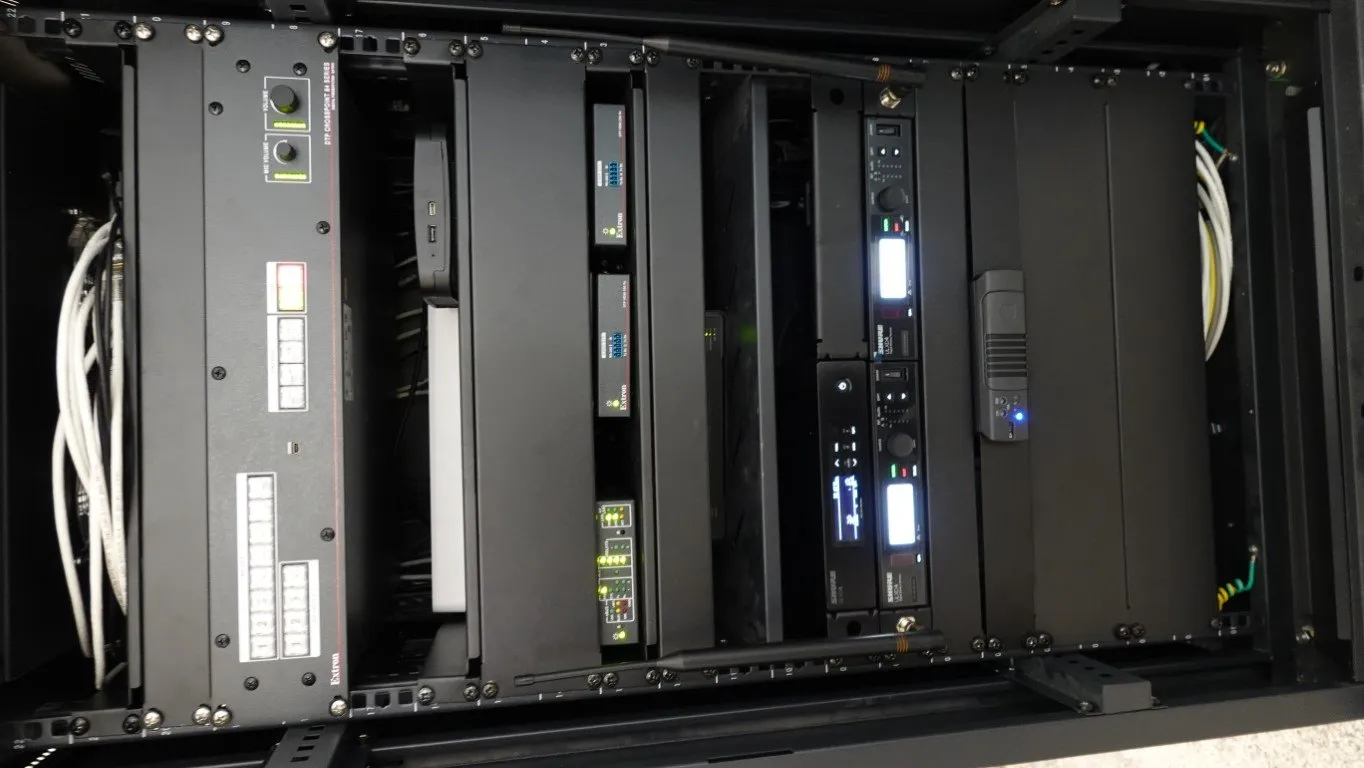
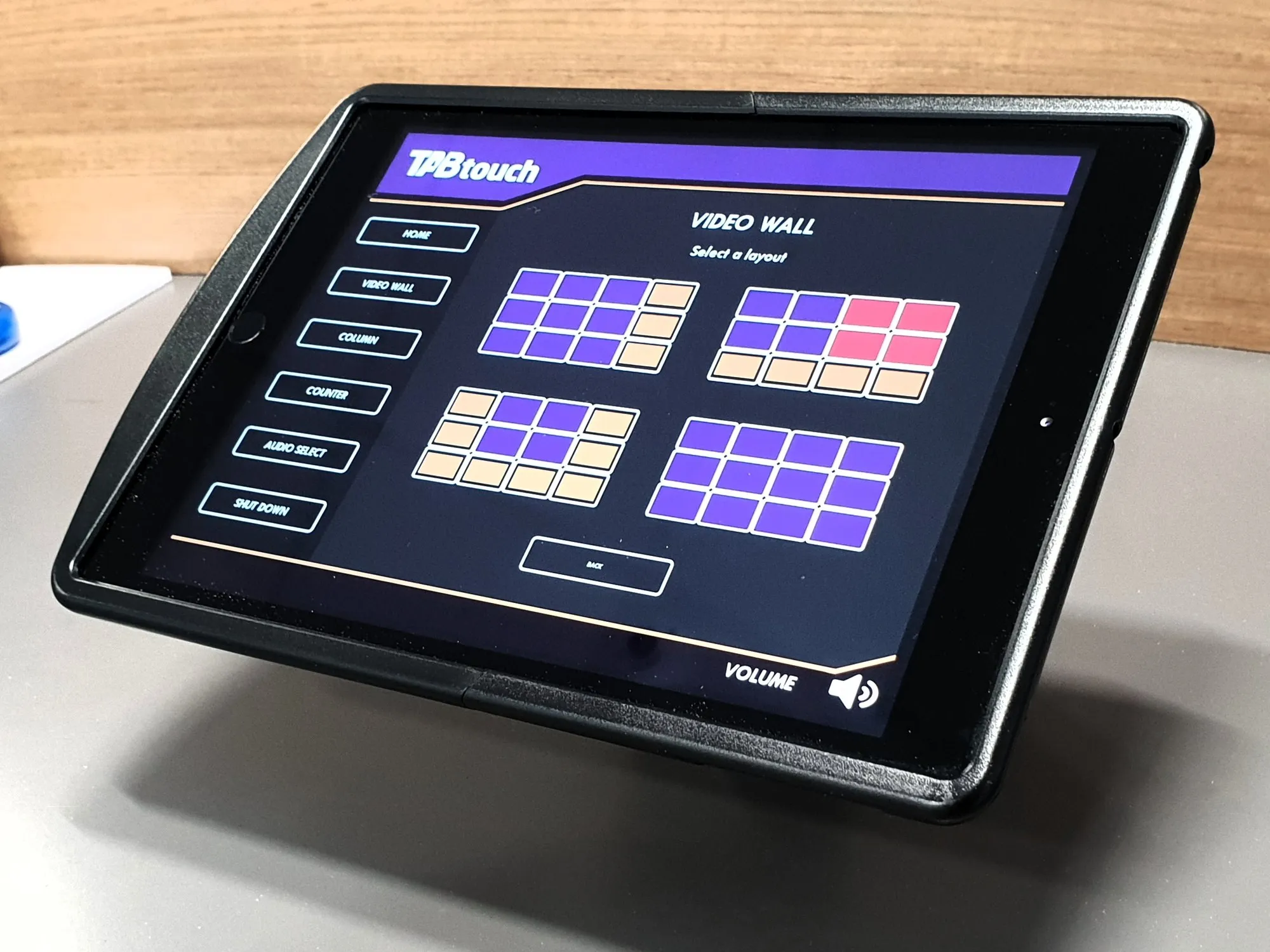
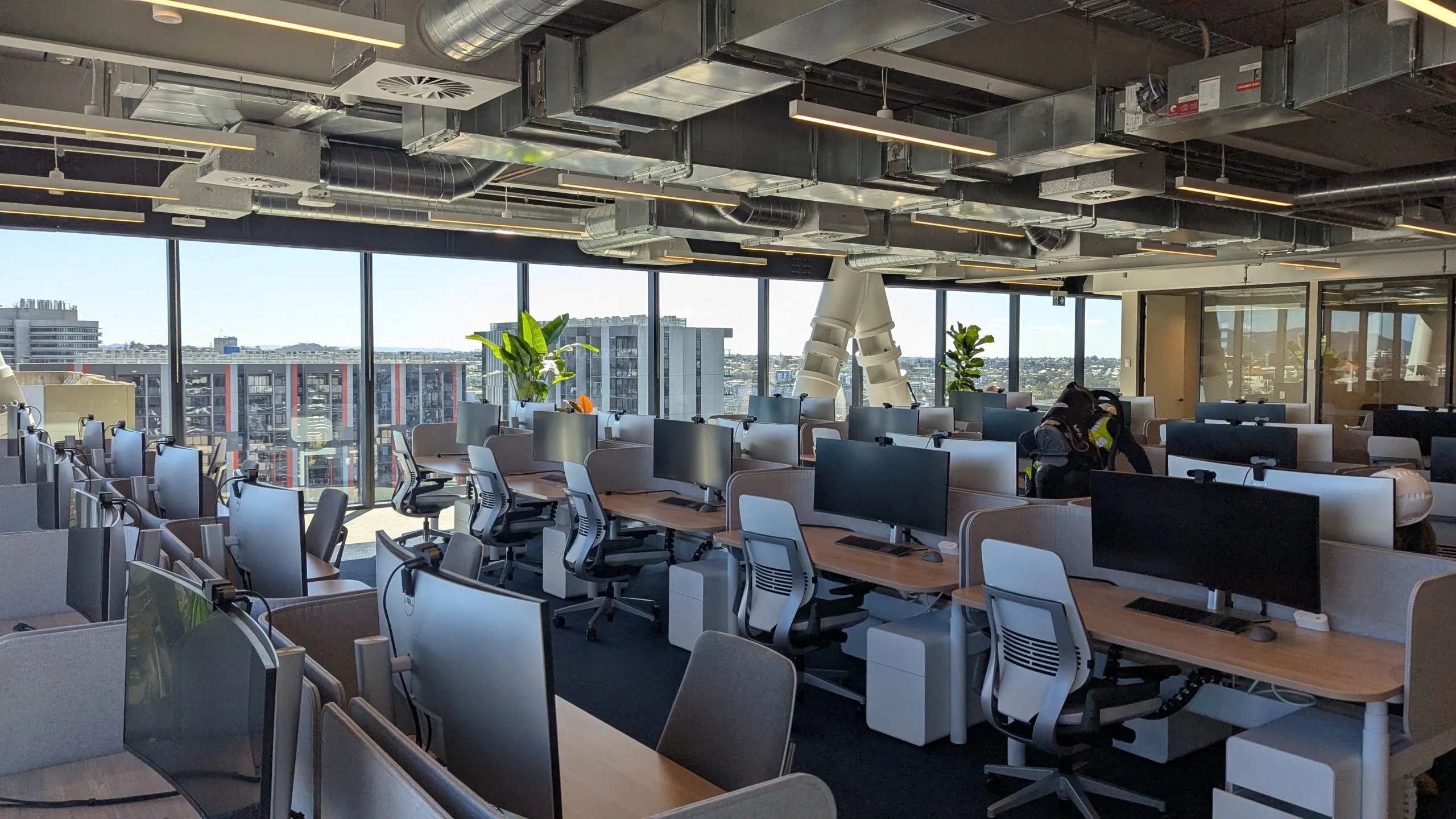
Operations centres we built and support, photographed in service.
Where the money goes
What actually moves the cost.
Control room budgets are driven by six things: wall size and technology, source count and routing, redundancy level, consoles and room works, integration and commissioning, and the support model. Everything here is indicative framing — real numbers come from your source list and uptime target, itemised line by line.
Wall size & technology
The largest single driver. Tiled LCD costs less per square metre; direct-view LED costs more and removes bezels forever. Size honestly from viewing distance and content — oversizing the wall is the most common way to waste money.
Sources & routing
Ten sources and forty are different systems. Source count, formats and how dynamically operators need to re-arrange them set the processing and encoding scope — this is where Aetria-class platforms earn their keep.
Redundancy level
Each nine of availability costs more than the last. A monitored single path, warm spares, or full dual-path failover — we'll price the level your risk actually justifies, not the maximum the budget survives.
Consoles & room works
Purpose-built operator consoles, acoustic treatment and lighting integration are real line items — and the difference between a control room and a big room with screens. Scope them from shift patterns and headcount.
Integration & commissioning
Tying in CCTV, SCADA, alarms and comms, then proving every preset and failover before handover. Under-scoped commissioning is the classic hidden cost — it surfaces as months of niggles after go-live.
The support model
24/7 rooms deserve a support arrangement to match: monitoring, spares on the shelf and agreed response. Budget it from day one — it's cheaper than discovering the gap during an outage.
What we deliver
The whole operations room.
Video walls for continuous duty
LCD and LED walls specified for 24/7 operation with thermal headroom and serviceability — not showroom panels doing overtime.
Source & wall management
Datapath Aetria and enterprise AV-over-IP: any source to any pixel, presets per shift and scenario, operator control that's instant.
Operator consoles & furniture
Height-adjustable consoles engineered for multi-shift ergonomics, cable management and equipment access.
Redundancy & failover
Dual paths for the feeds that matter, spares strategy, and graceful degradation designed in — not discovered during an outage.
Room environment
Acoustics, lighting and layout designed for vigilance across long shifts — the human factors most integrators skip.
Critical support
Documentation, monitoring and response arrangements that treat your control room like the infrastructure it is.
Field proven
Trusted where the stakes are real.
- Mining & autonomous operations
- Utilities & energy
- Security operations centres
- Emergency services
- Transport & logistics
- Datapath Aetria
- 24/7-rated displays
Proof
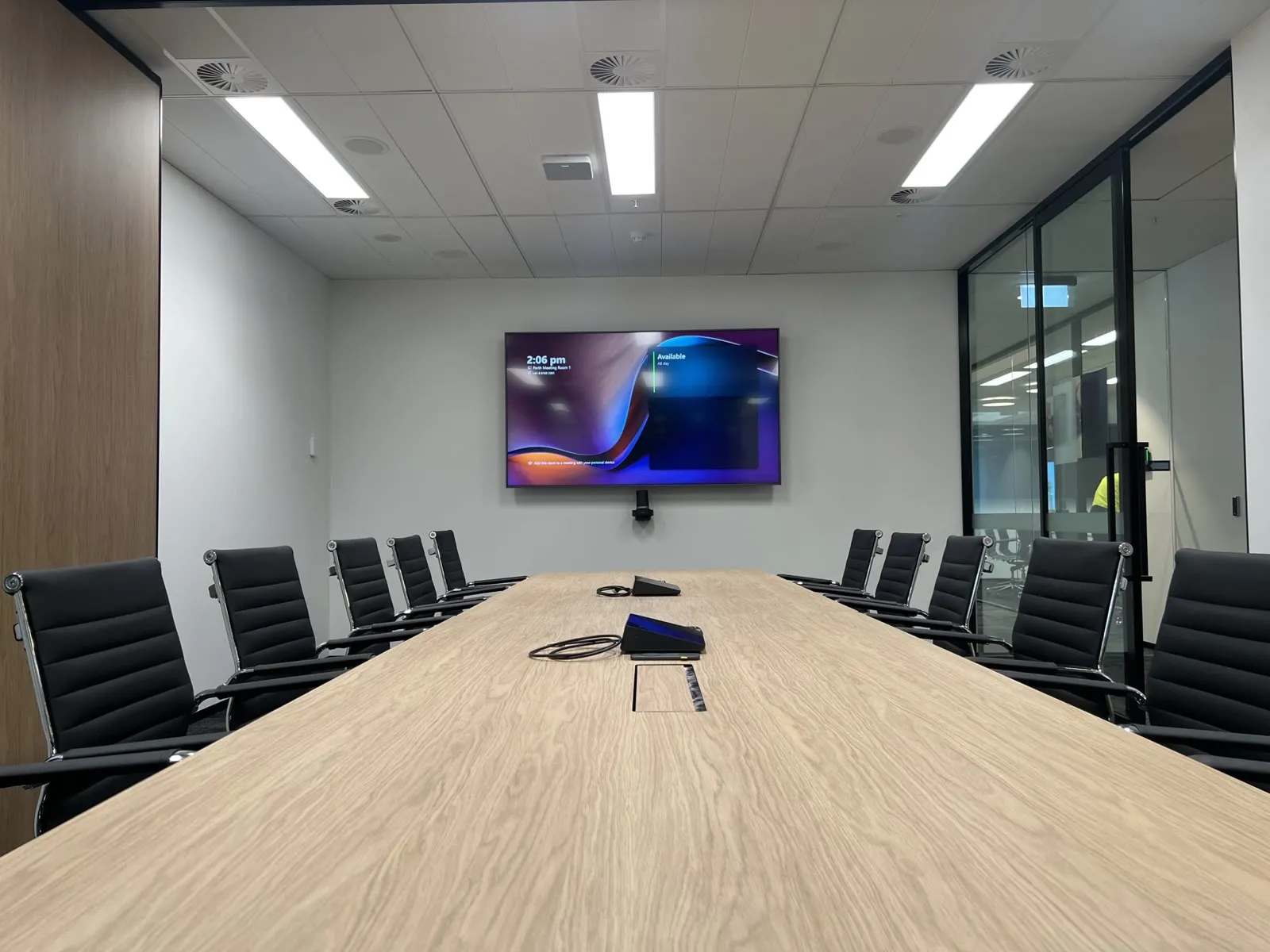
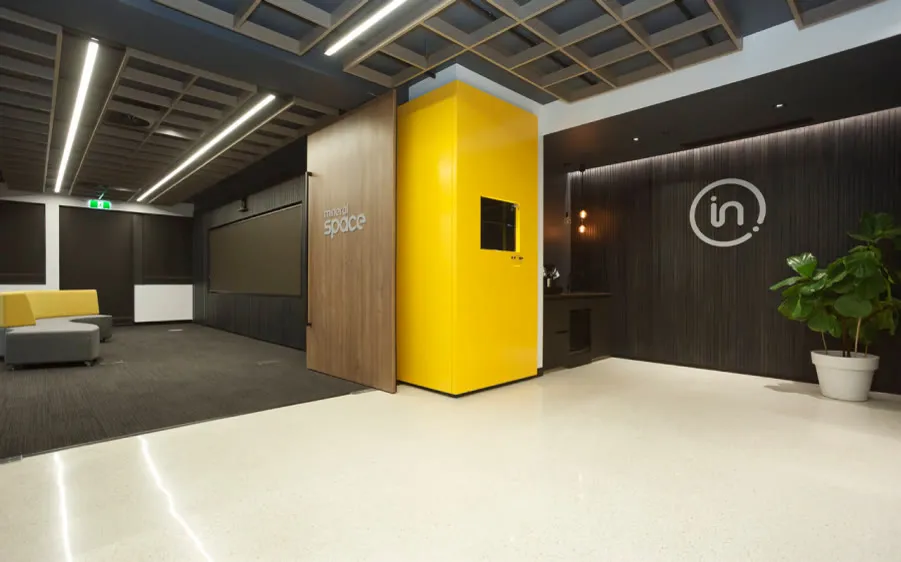
Delivered. Documented.
The whole room
One design. One schedule. One accountable partner.
Straight answers.
What makes a display '24/7-rated'?
Panels engineered for continuous duty: industrial backlights, thermal design with headroom, warranties that don't void at 16 hours a day, and brightness stability over years. Consumer or standard commercial panels fail early and unevenly in control rooms — always the wrong economy.
LED or LCD for a control room video wall?
Tiled LCD delivers very high pixel density for less money, at the cost of thin bezels between panels; direct-view LED is genuinely gap-free with excellent long-term uniformity, at a higher price per square metre. The right answer comes from viewing distance, the detail density of your content and the refresh horizon — we've specified both and will show you the trade-off in your numbers, not a brochure.
How do operators manage dozens of sources?
Through a wall-management platform like Datapath Aetria: sources are arranged in saved layouts per scenario — normal operations, incident, handover — and any operator can switch, move or enlarge a feed in seconds from their desk. No cable swaps, no vendor lock to one video format.
What does a control room video wall cost?
It's driven by wall size and technology, source count, redundancy level and console scope — a compact LCD wall with modest routing sits at a very different figure from a large-format LED wall with dual-path everything. Any early number is indicative only; once we know your sources, sight-lines and uptime target, the quote is itemised line by line.
How long does a control room project take?
Typically a few weeks of design and engineering, then a build programmed around your operations — for new rooms, install and commissioning usually run a matter of weeks; for live-room upgrades the cutover is staged so operations never stop. Long-lead hardware like LED walls and consoles sets the calendar, so we order early and sequence around it.
Can you upgrade a live control room without stopping operations?
Yes — staged cutovers are standard for us: parallel-run the new wall, migrate sources in windows, keep the old path warm until sign-off. We plan the sequence with your operations team before anything moves.
Do you handle the consoles and room, or just the wall?
The whole room — consoles, acoustics, lighting integration and the wall as one design. That's the Focus AV difference: a control room that works as an environment, not a screen with furniture near it.
Planning a control room? Bring us the hard requirements.
Uptime targets, source counts, shift patterns — we'll design to the numbers and show you proof it's been done before.