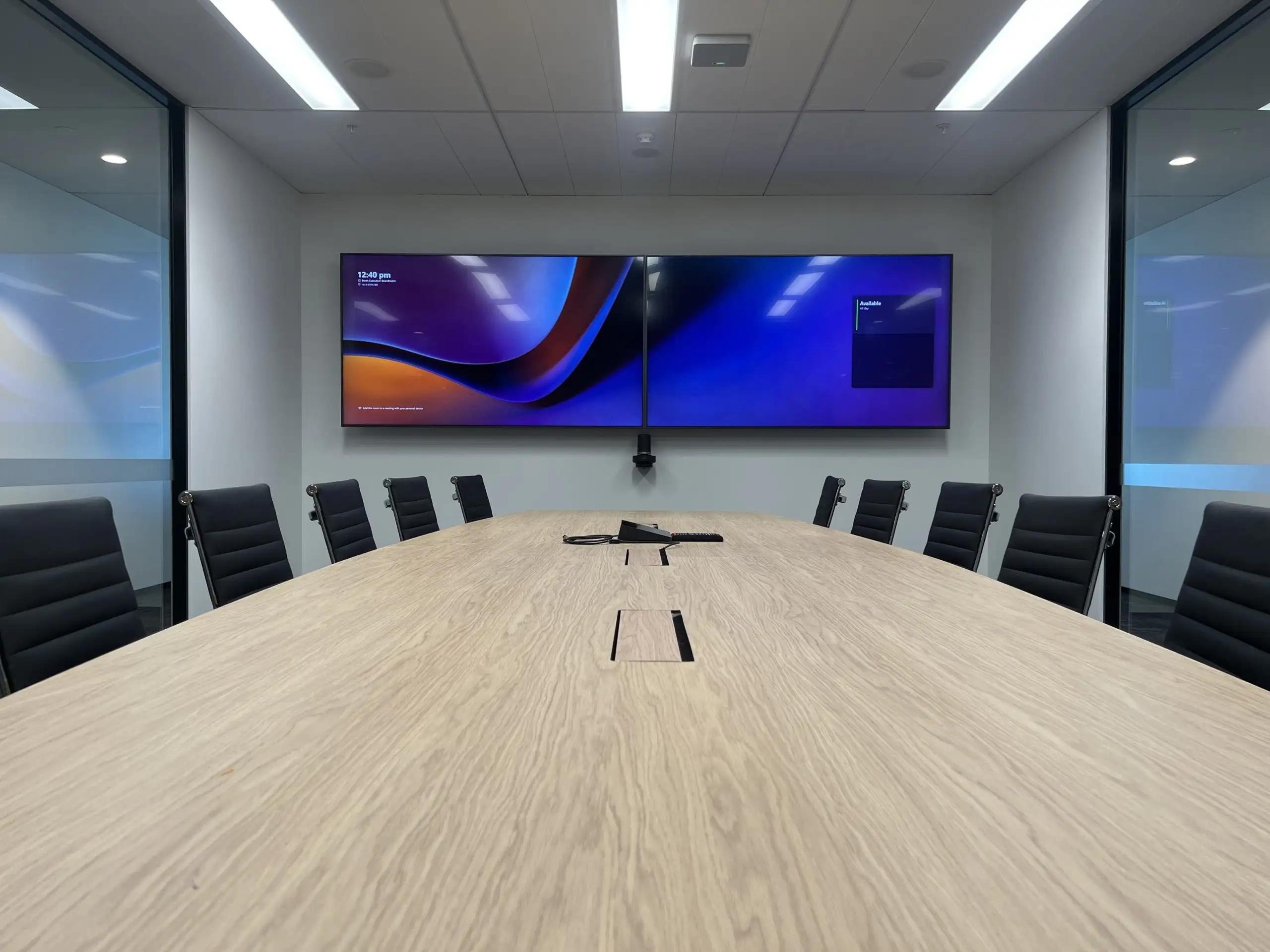
Microsoft Teams Rooms
One touch. Every meeting.
A certified Microsoft Teams Room turns the meeting room into an appliance: walk in, tap once, you're in the call. Focus AV designs, deploys and supports MTR across Perth — and we've been doing it longer than anyone here.
What a Teams Room actually is
It behaves like an appliance.
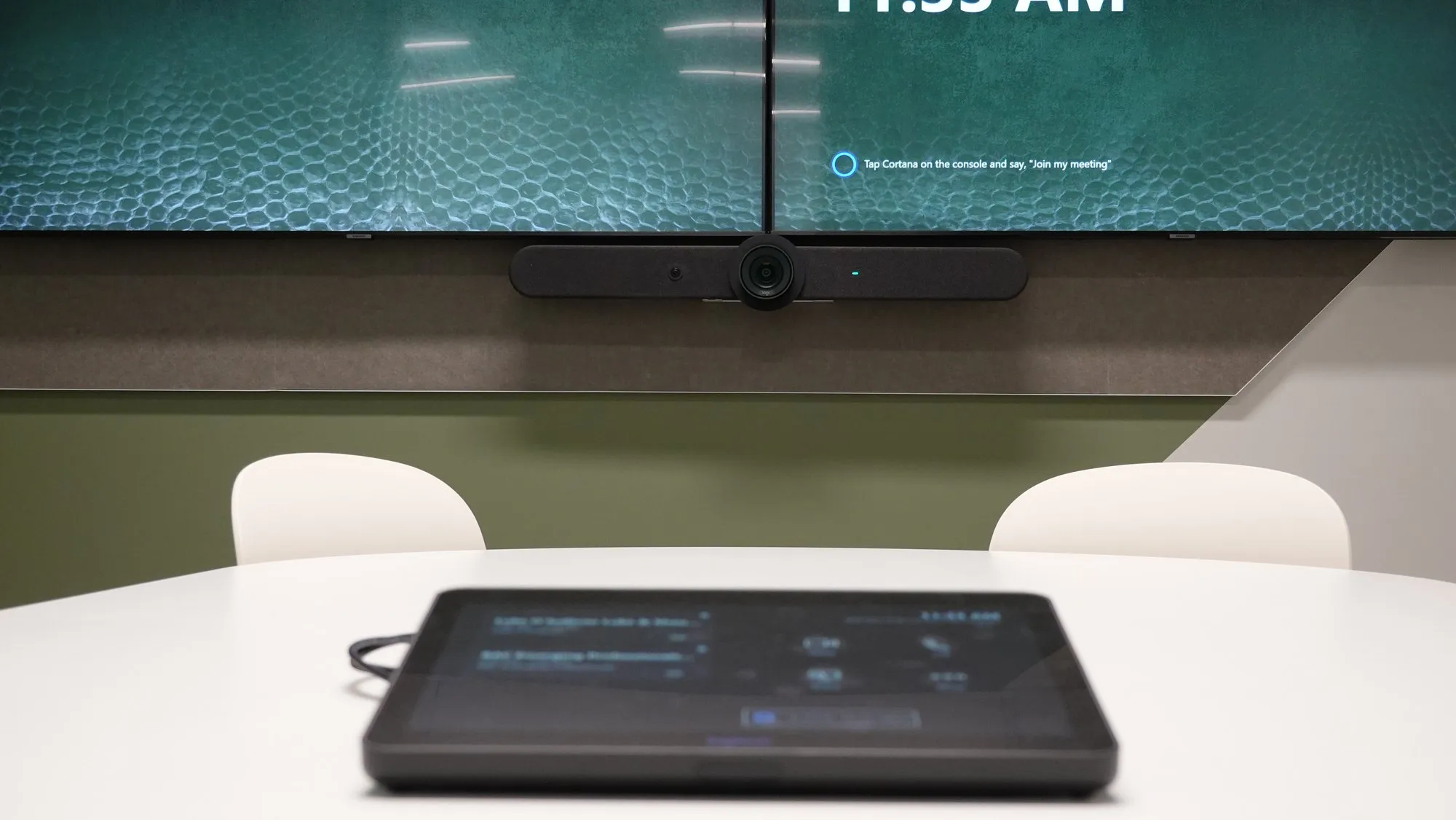
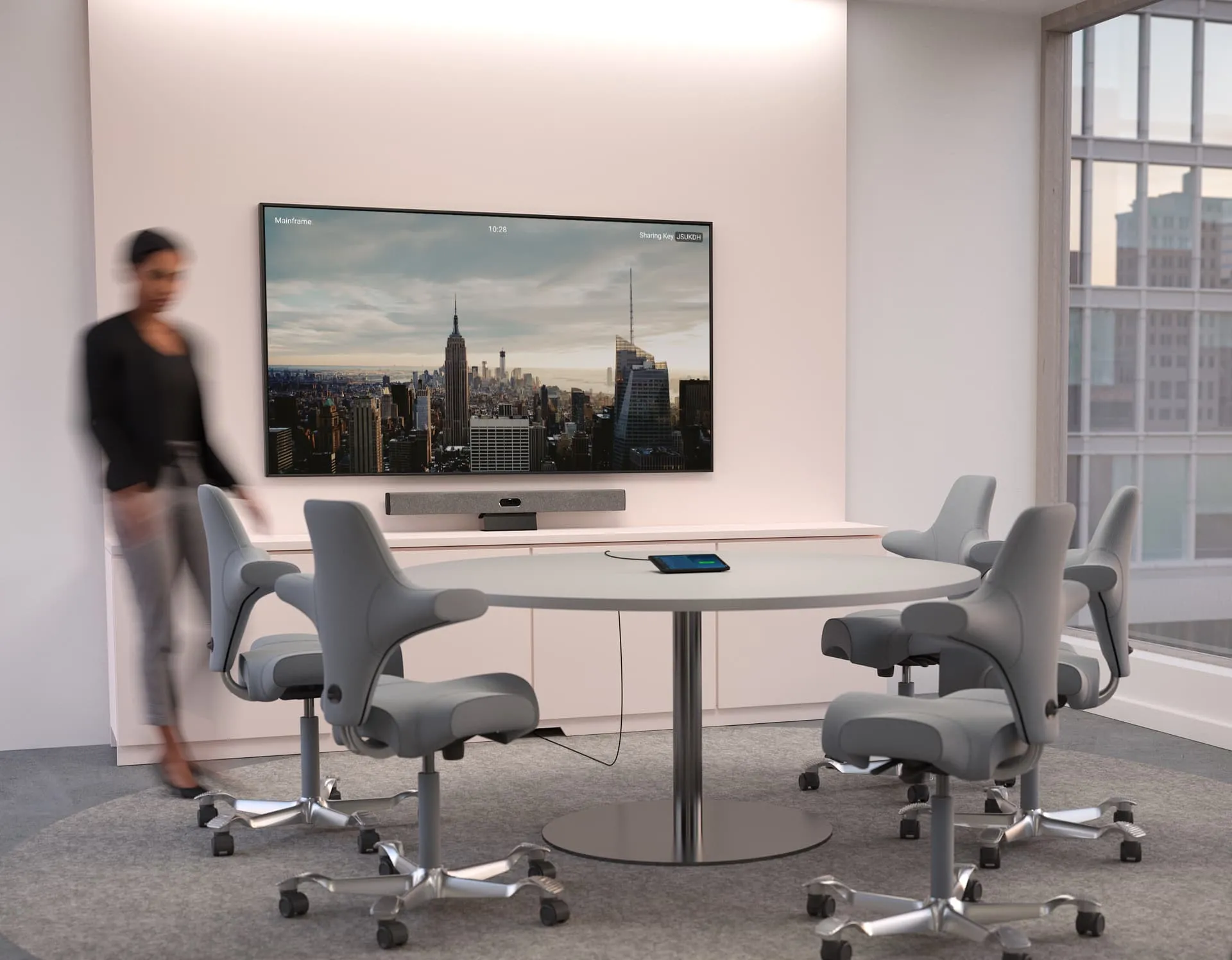
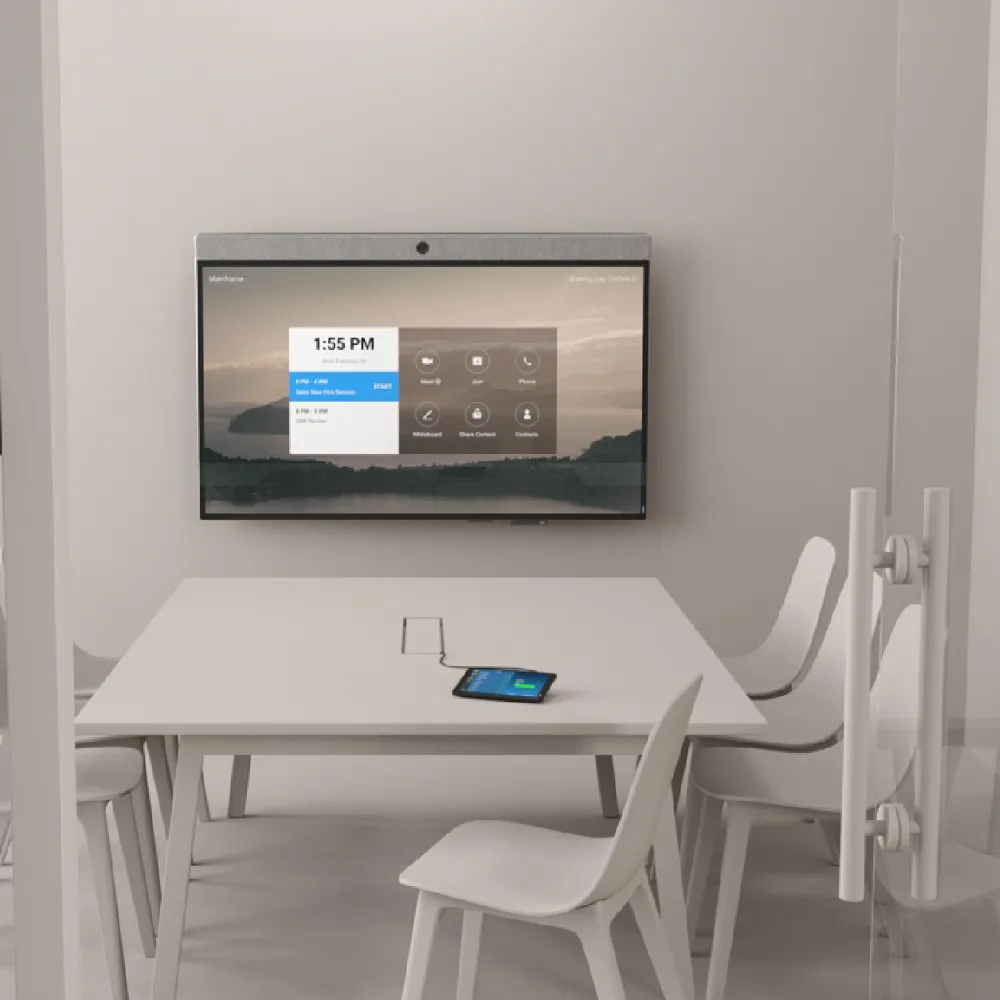
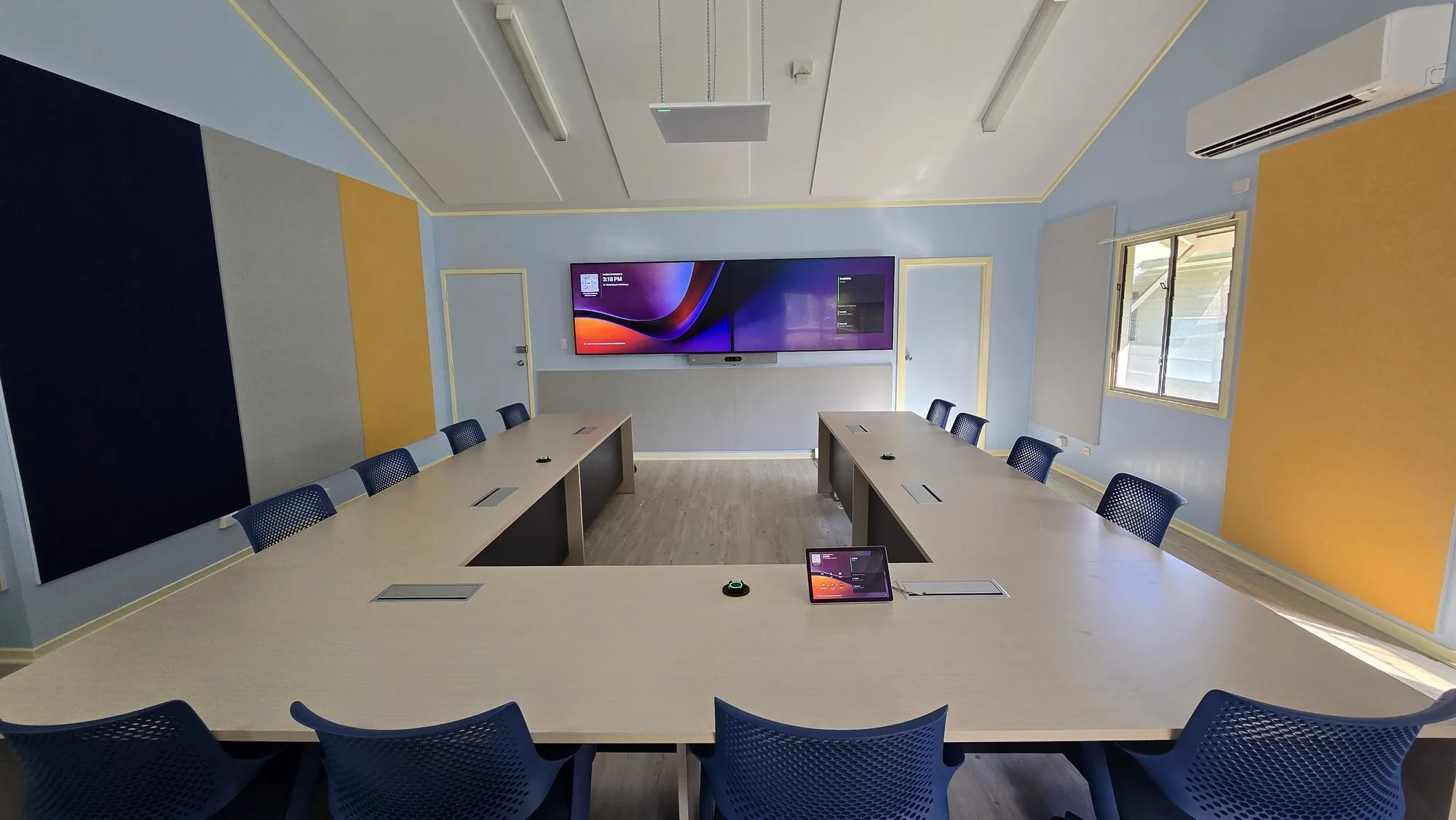
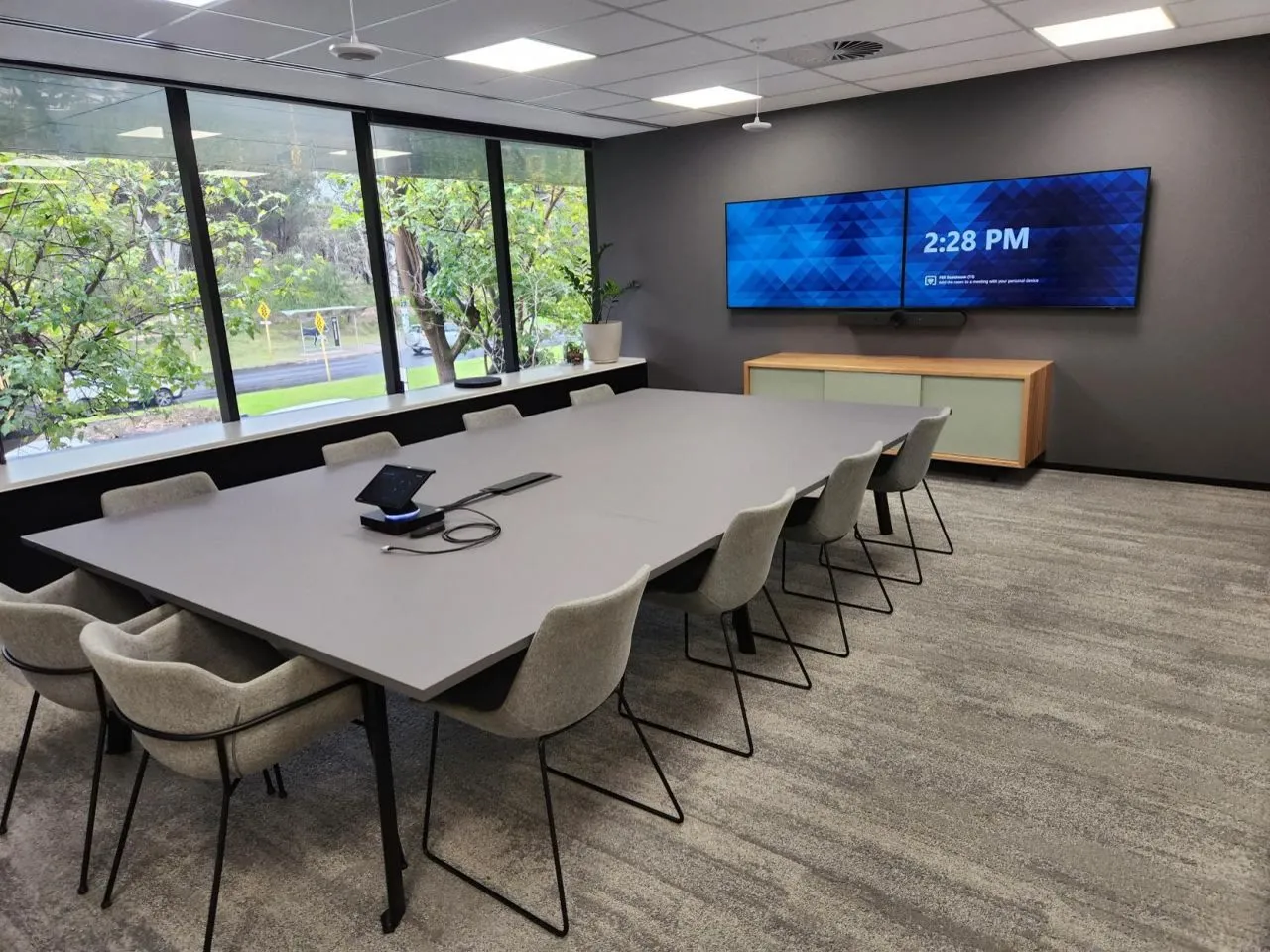
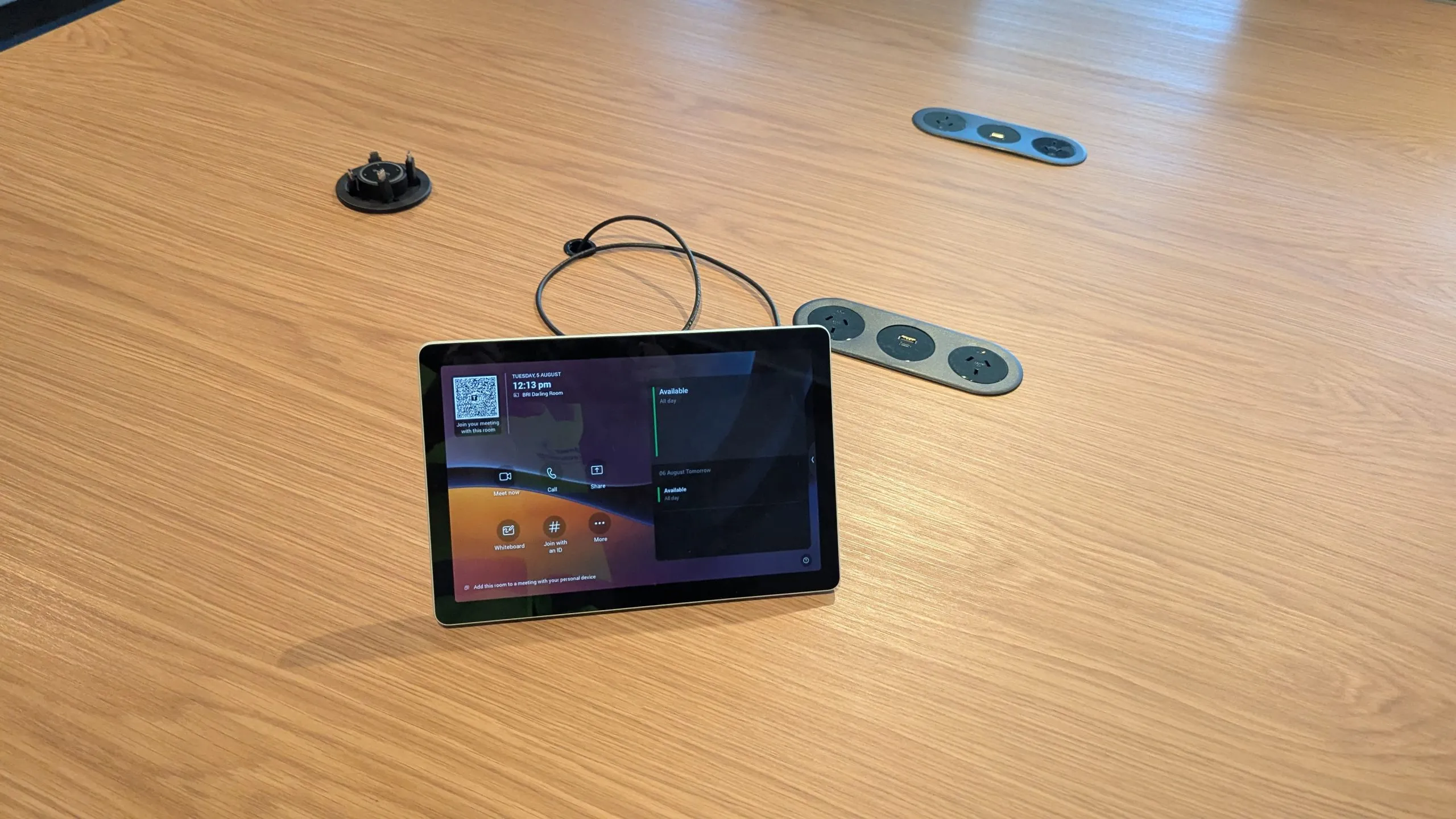
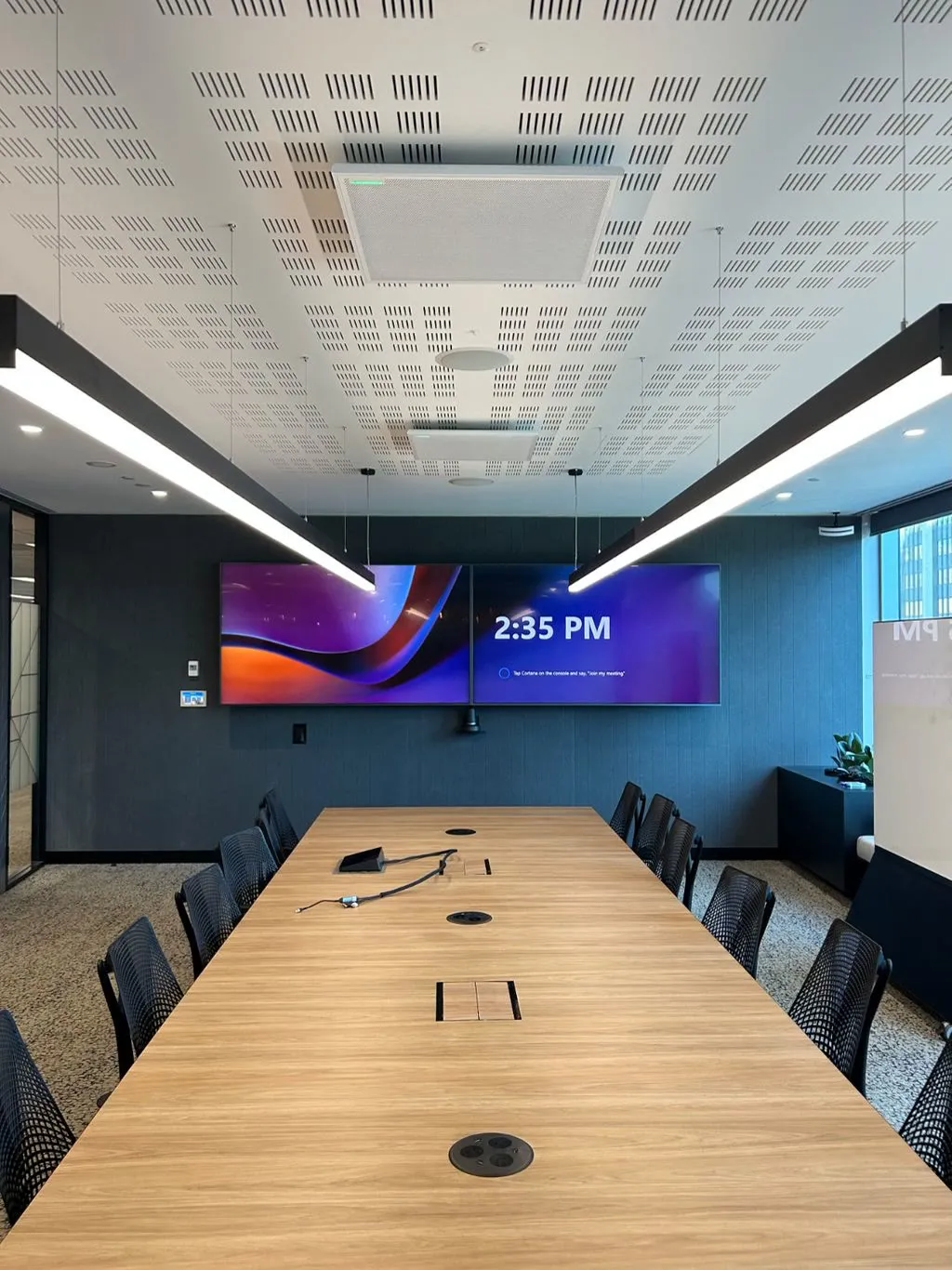
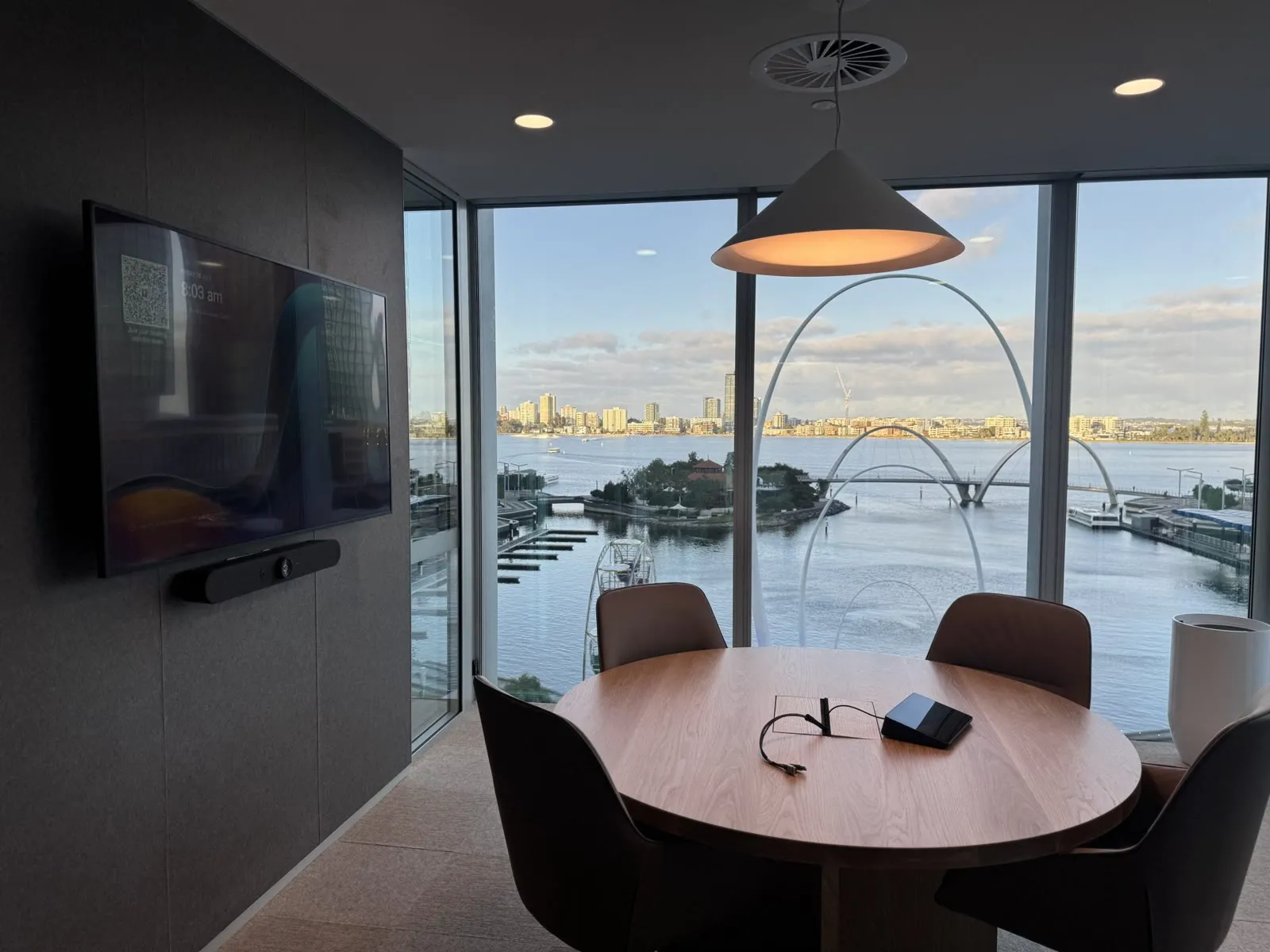
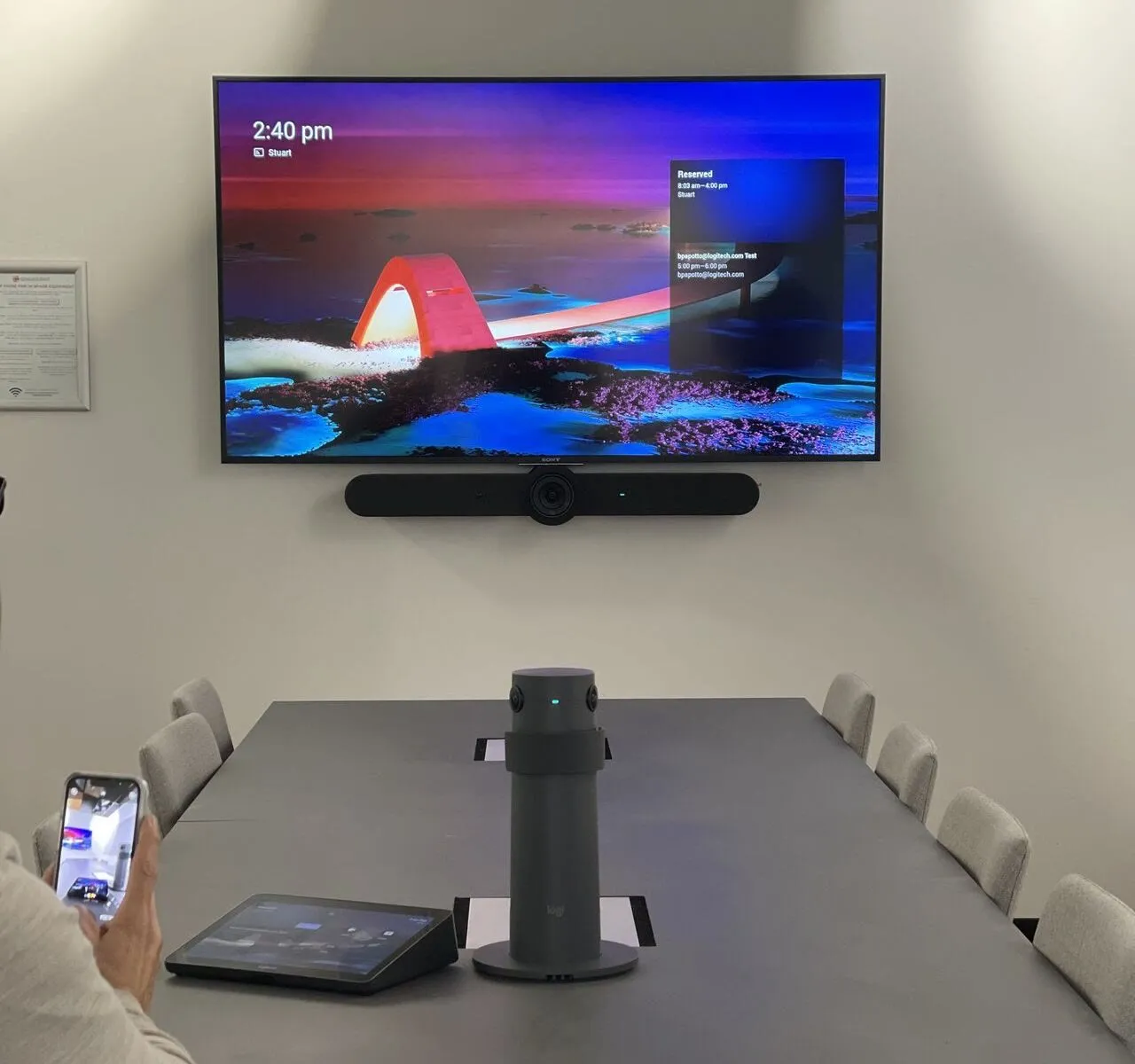
A Microsoft Teams Room isn't a laptop plugged into a TV. It's dedicated, Microsoft-certified hardware that runs Teams natively — a touch console on the table, a camera bar that frames whoever's speaking, microphones tuned to the room, and a display that shows the calendar at the door. Walk in, tap once, and you're in the call.
Because the computer lives in the room, there's nothing to set up and nothing to forget. No cable hunt, no "can you see my screen?", no laptop dying halfway through. The room wakes itself for the booking, joins the meeting and keeps the people in frame — every time, in every room, the same way.
That sameness is the point. Standardise the same certified kit across ten rooms or a hundred and your people walk into any of them already knowing how it works — while IT supports one design instead of twenty improvisations.
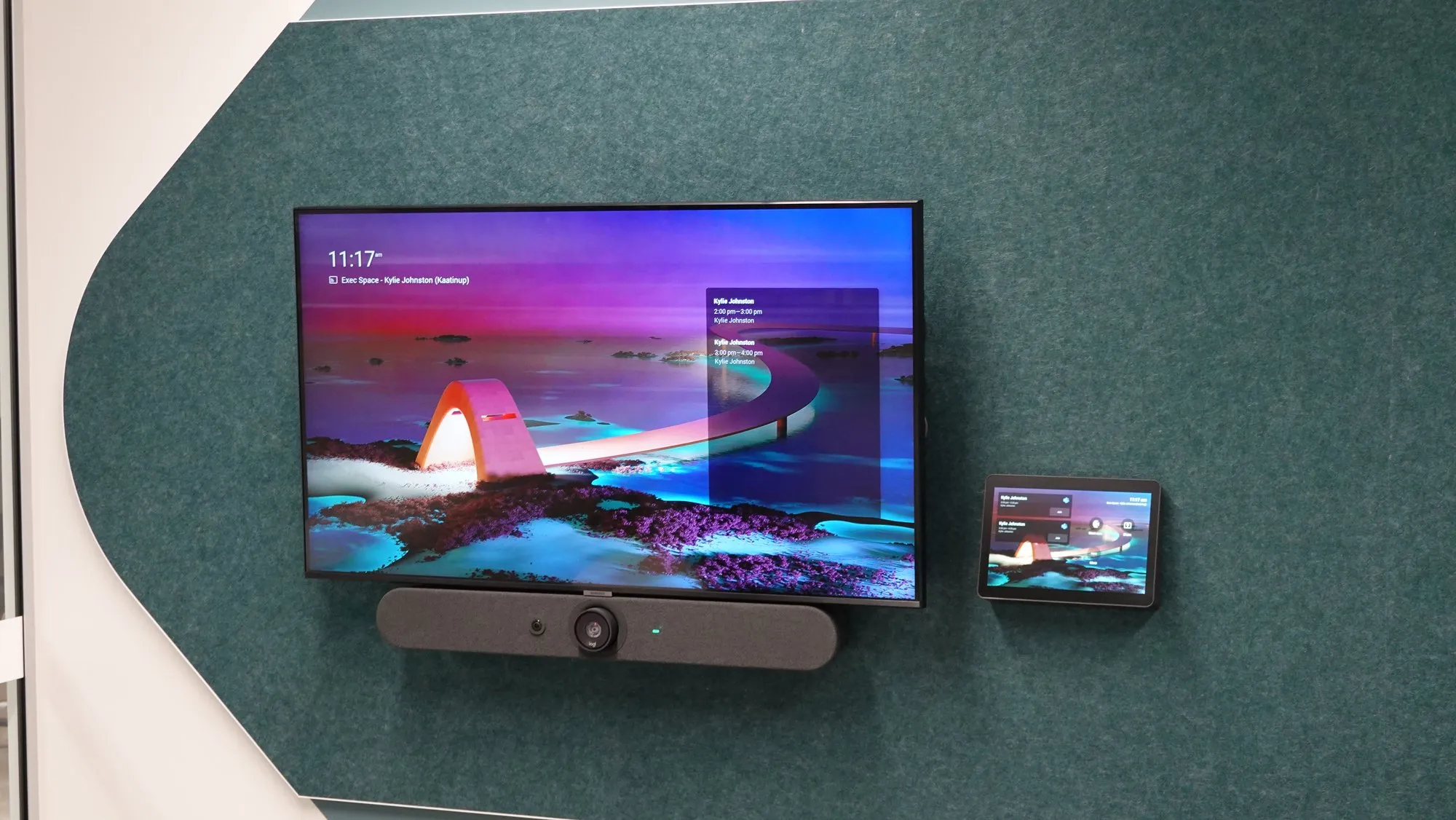
Anatomy of a Teams Room
Five parts, one certified system.
Auto-cycles every two seconds. Tap a part to jump to it.
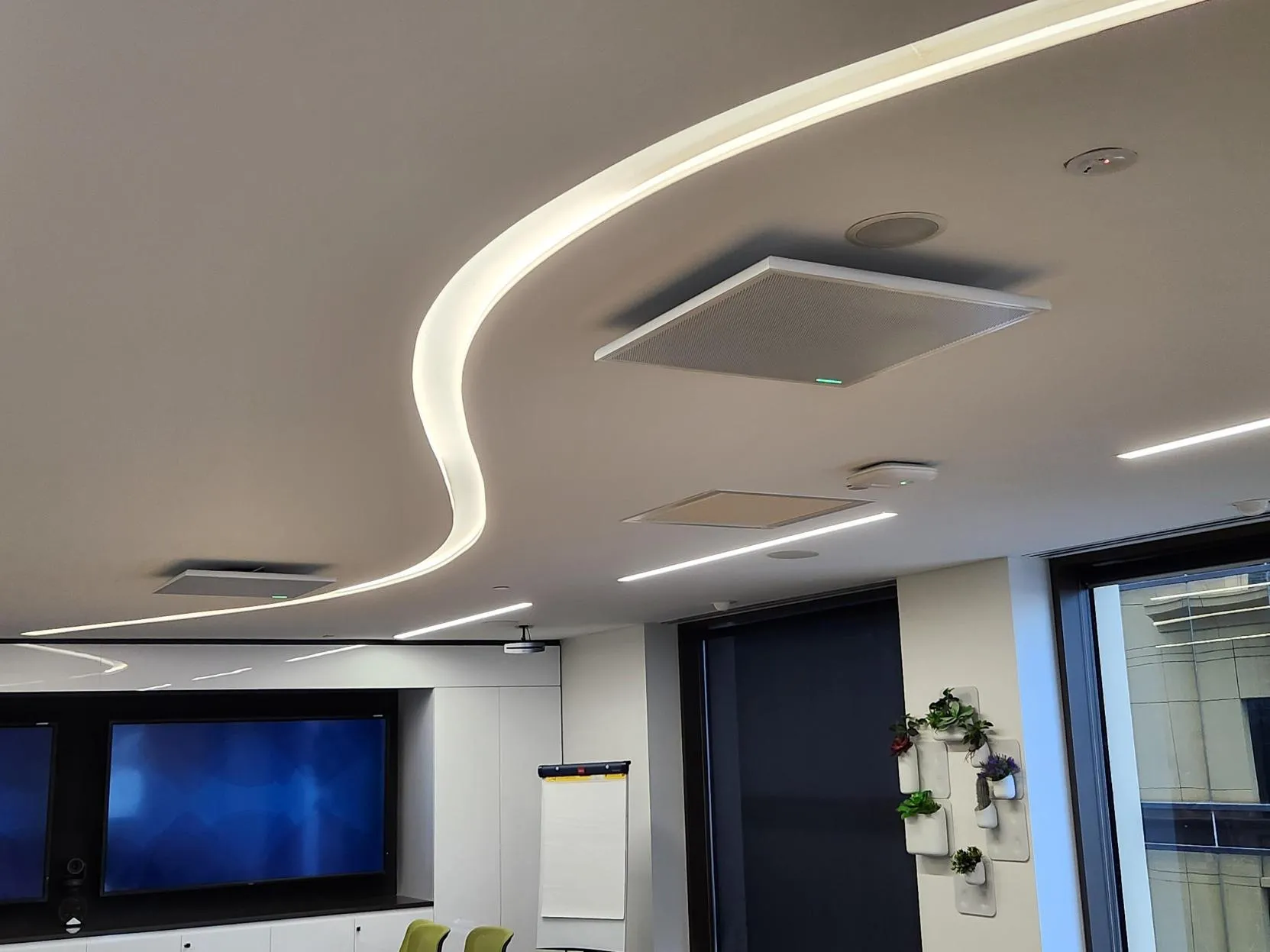
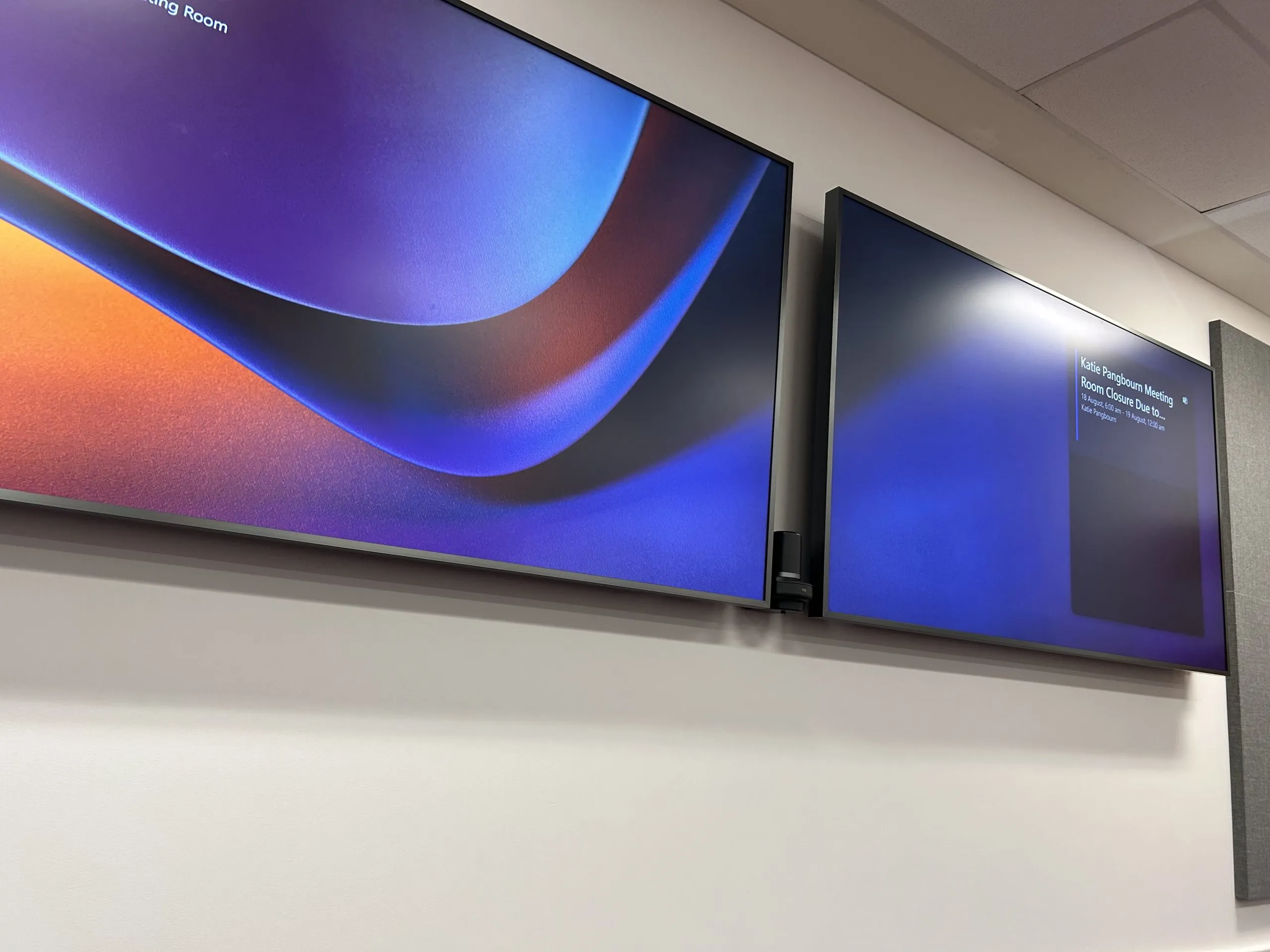
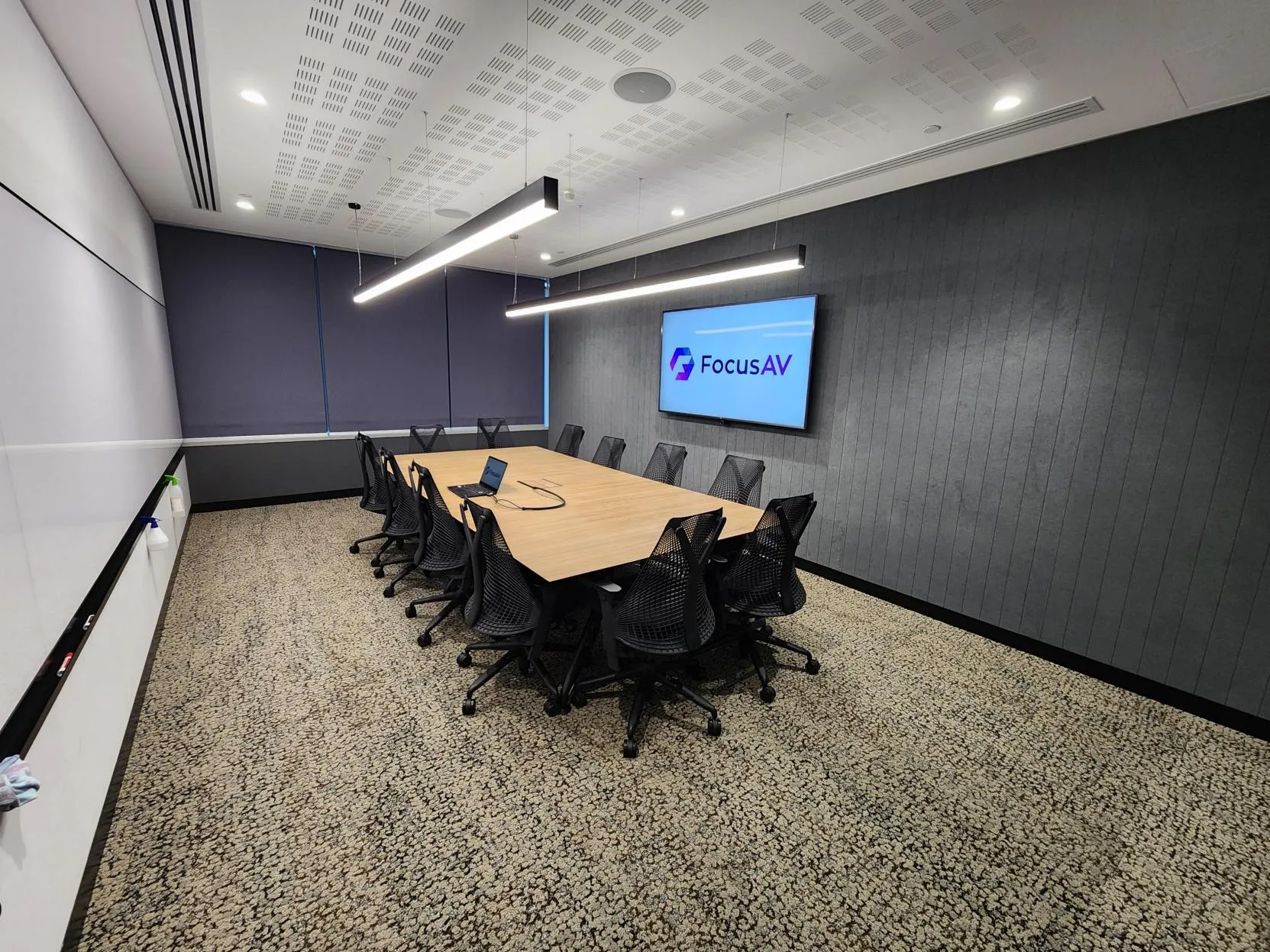
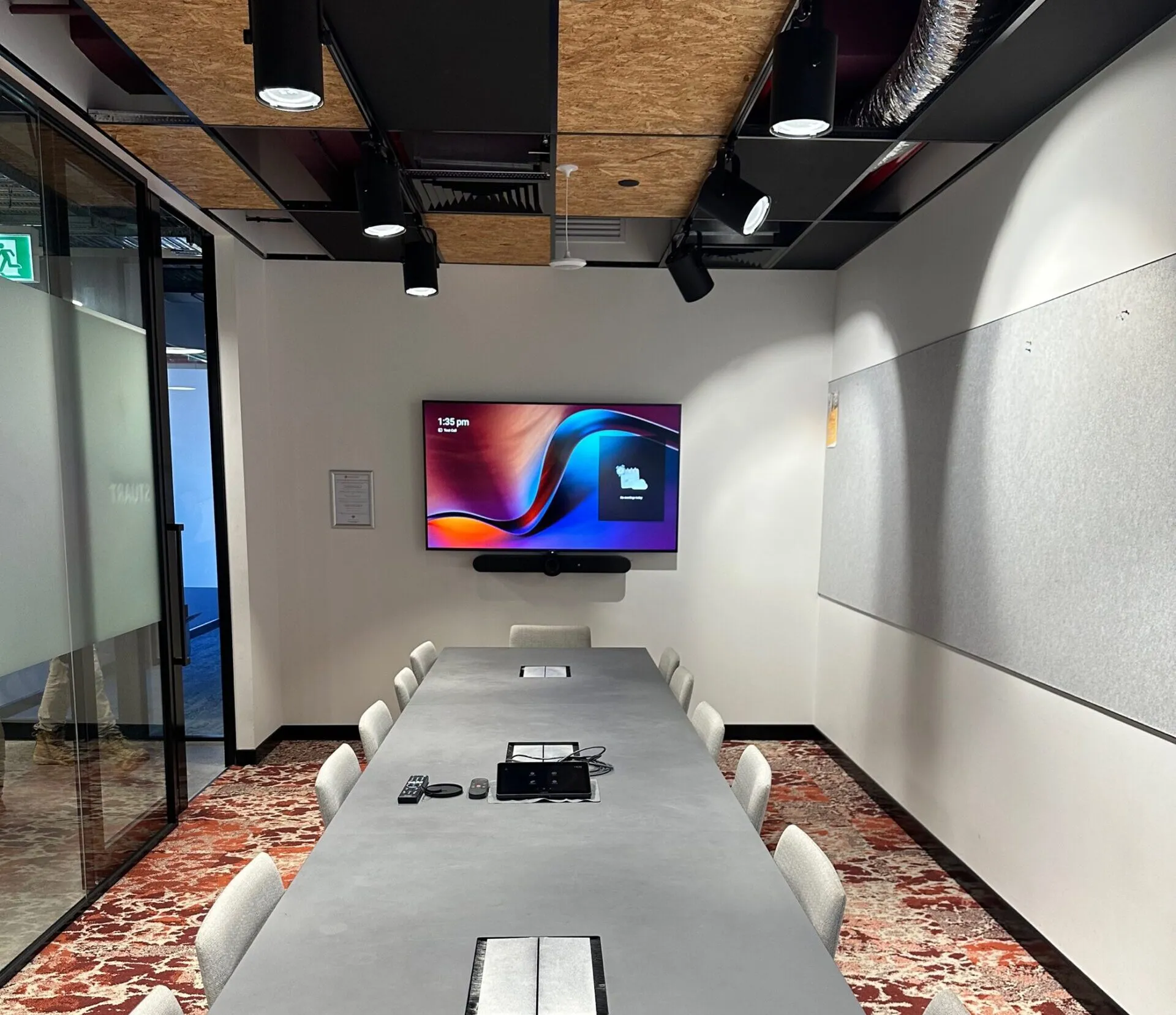 The whole room
 The hybrid problem
Laptops on trolleys aren't a strategy.
Every organisation went hybrid; most meeting rooms didn't. The result is the daily ritual — the cable hunt, the echo, the remote colleague squinting at a laptop across the table. It costs minutes of every meeting and credibility in every client call.
A native Microsoft Teams Room fixes it structurally: certified hardware running Teams itself, a touch controller on the table, calendar on the door behaviour, cameras that frame people and microphones that reach the whole room. No laptop required, nothing to figure out.
Focus AV builds MTR the certified way — hardware matched to the room's real size and acoustics, deployed with your IT team, standardised across every site so room ten behaves exactly like room one.
Meeting room builder
Build your Teams room. See the real kit.
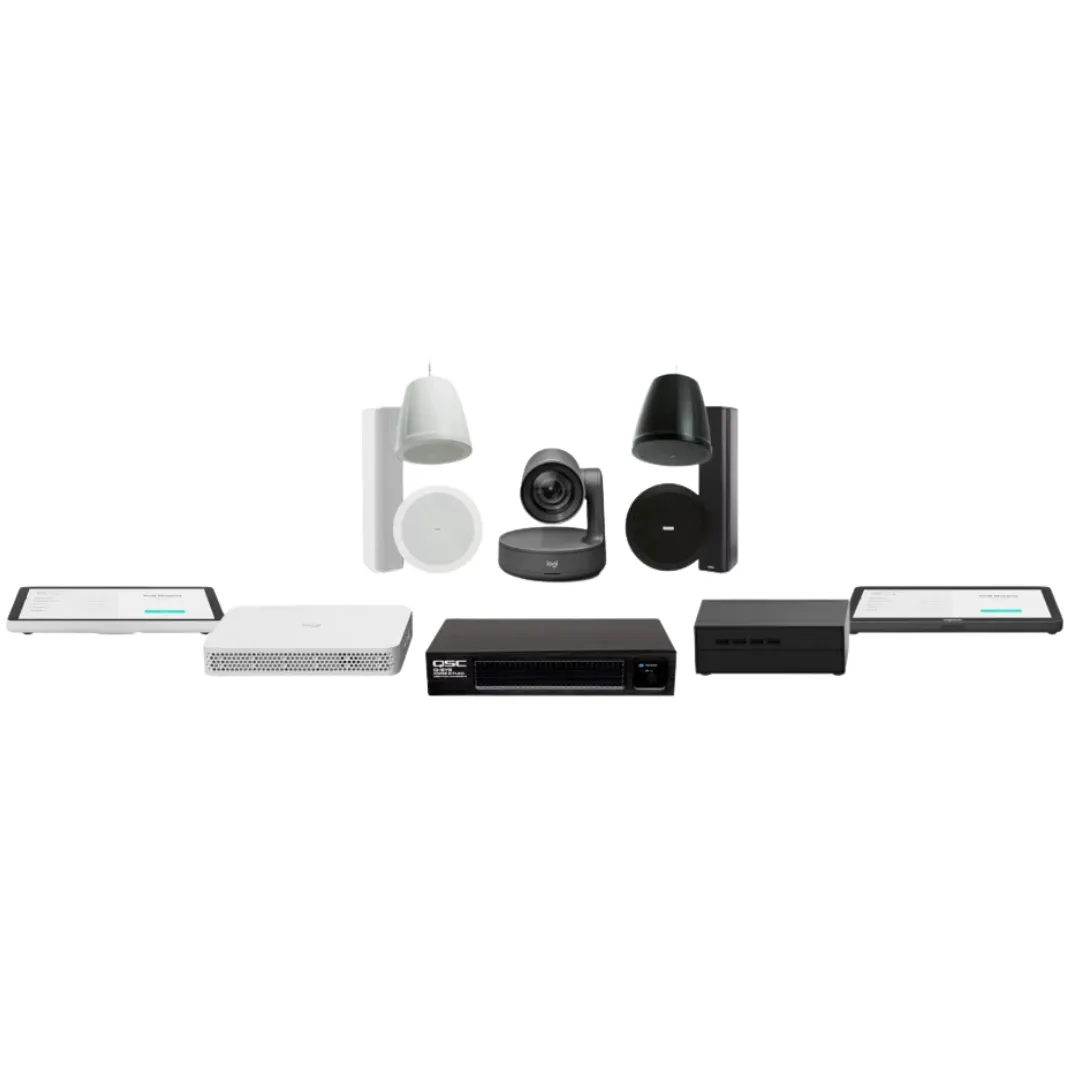
Pick a room size and we'll show the certified kit that goes in it — the exact components we design, install and support.
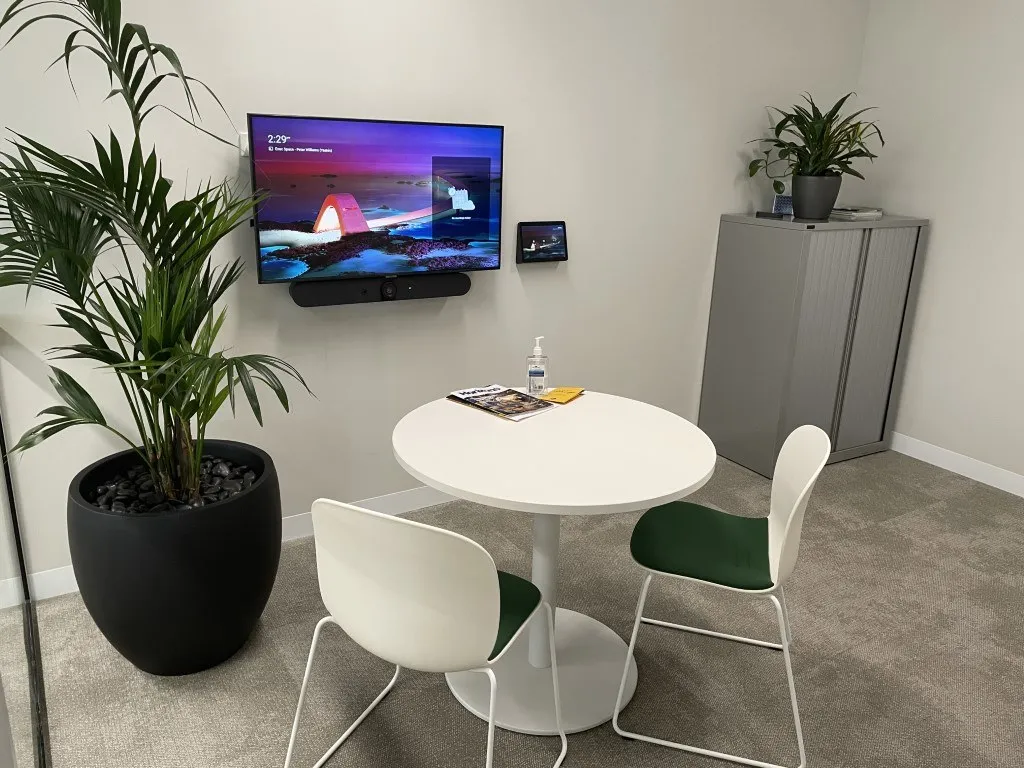 Huddle · 2–4 seats
 Quick stand-ups and one-on-ones — an all-in-one bar does the camera, mics and speakers, with nothing to plug in.
- Single display
- All-in-one bar
- One-tap join
Certified kit — mix and match
6 products
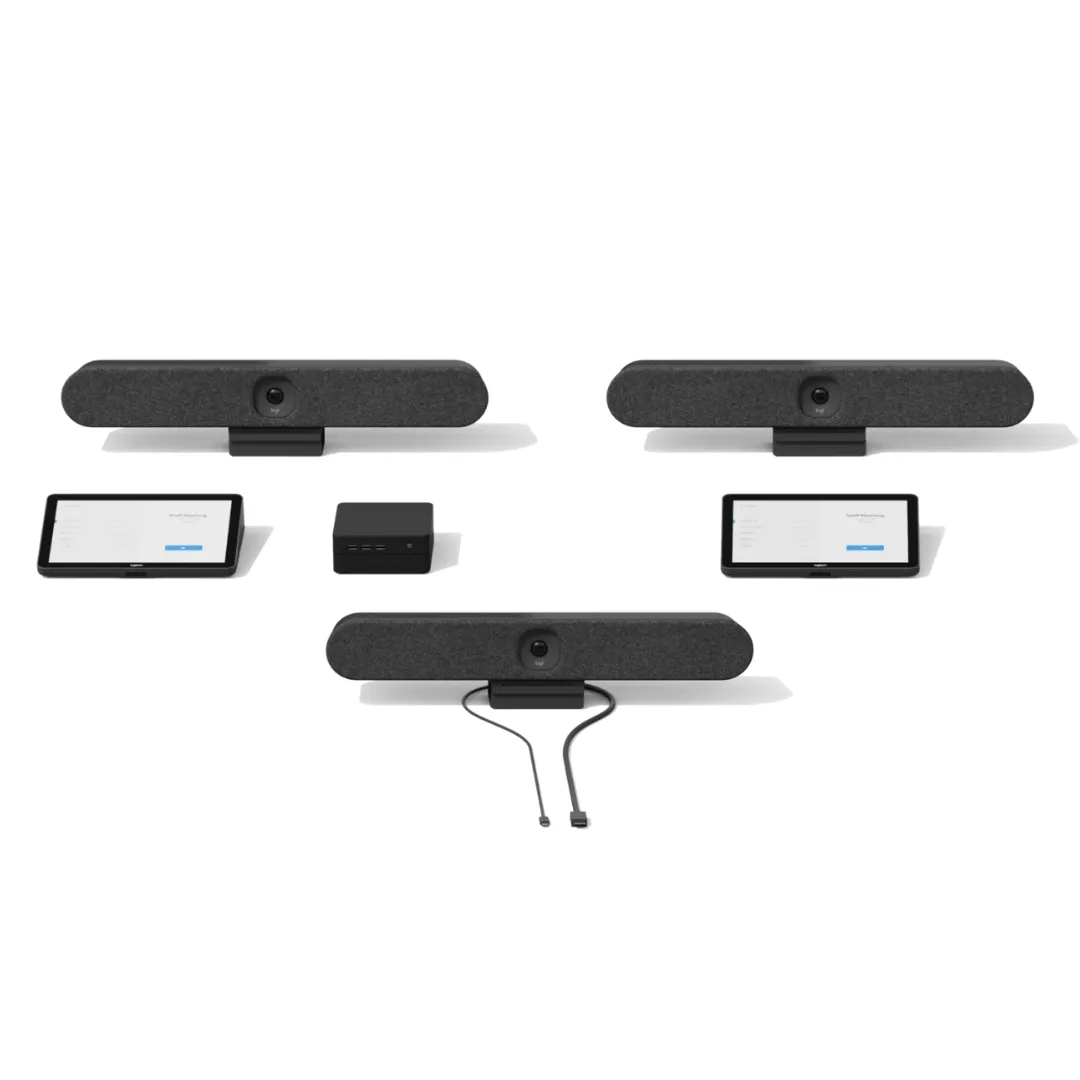
Logitech
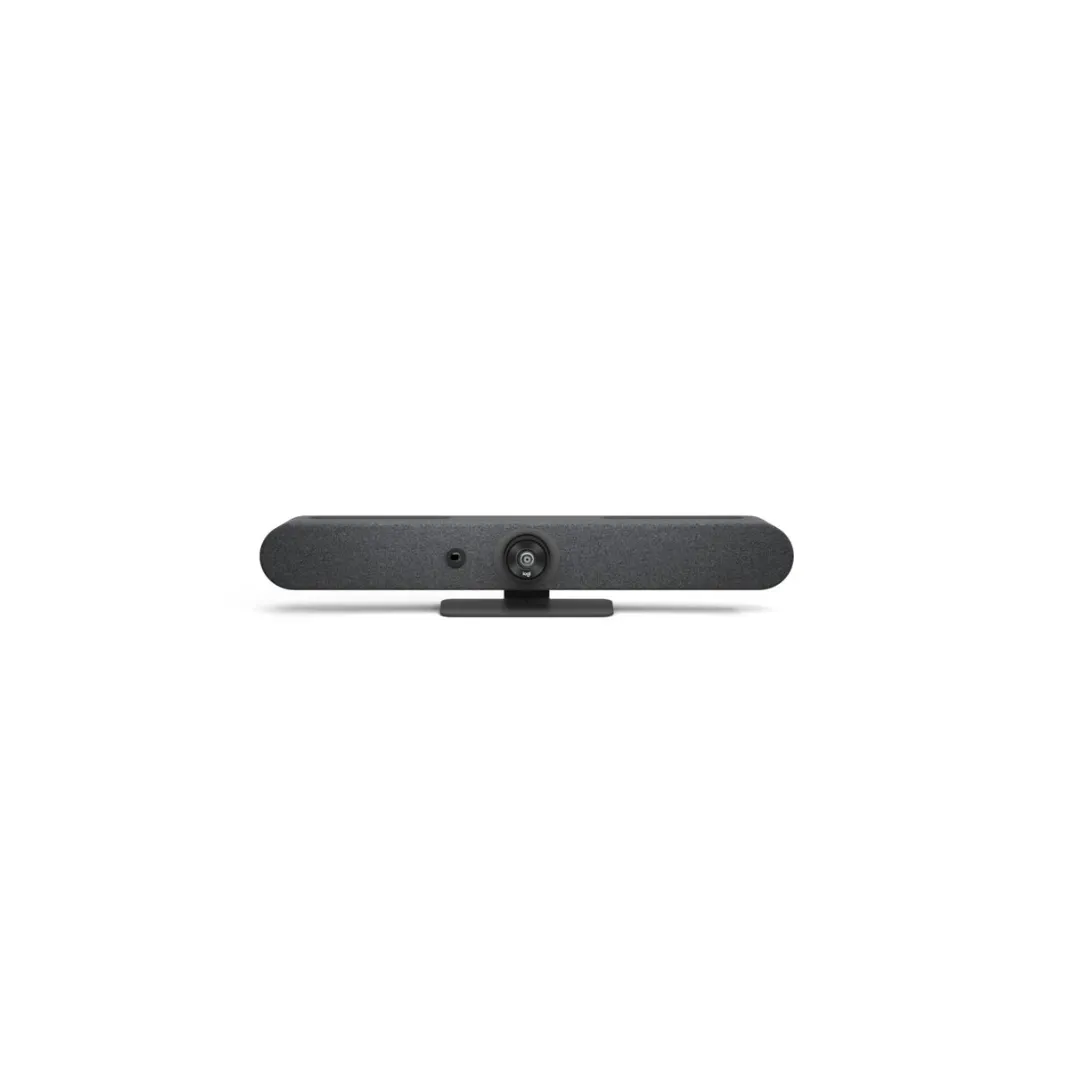
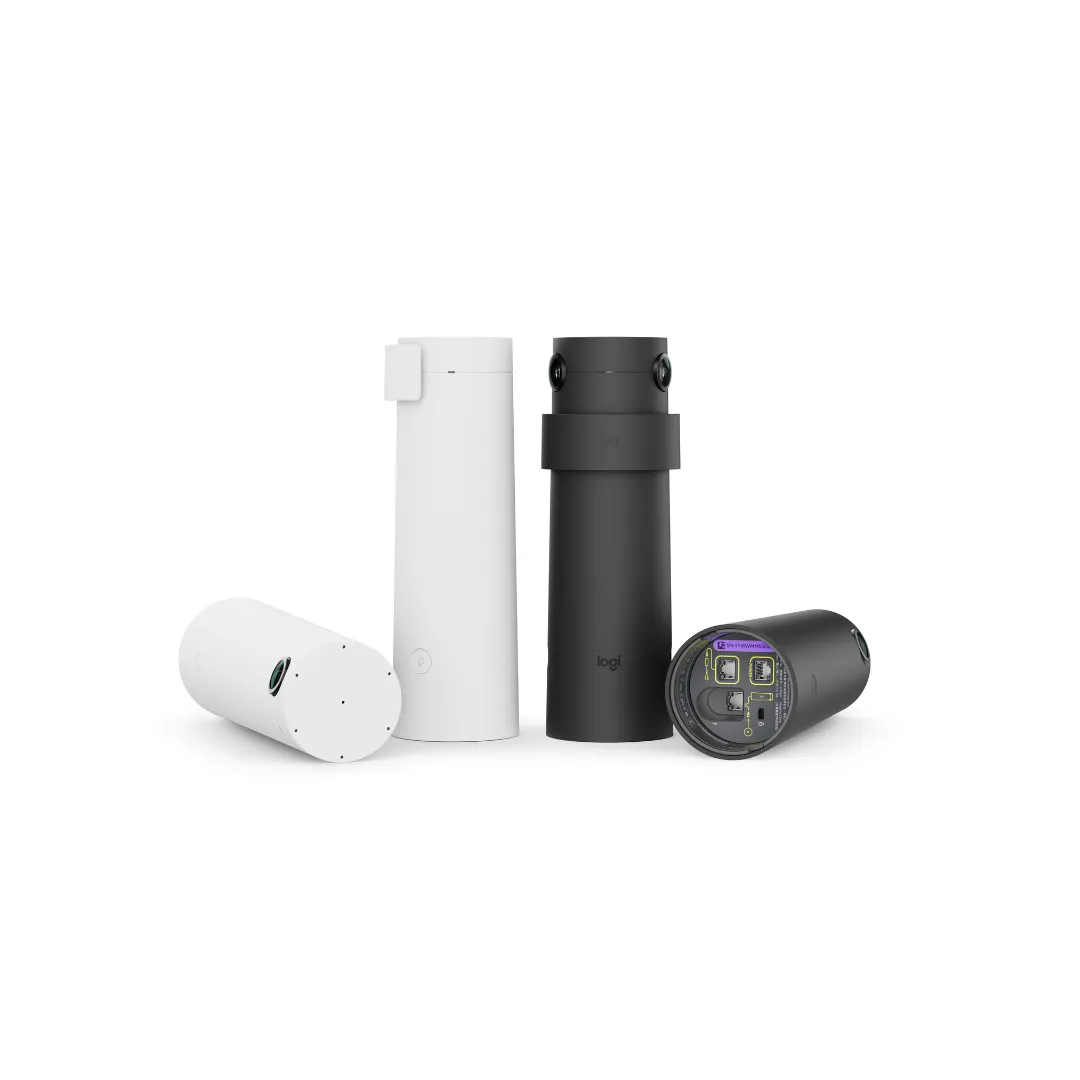
Rally Bar Huddle
Camera, mics and speakers in one unit
View product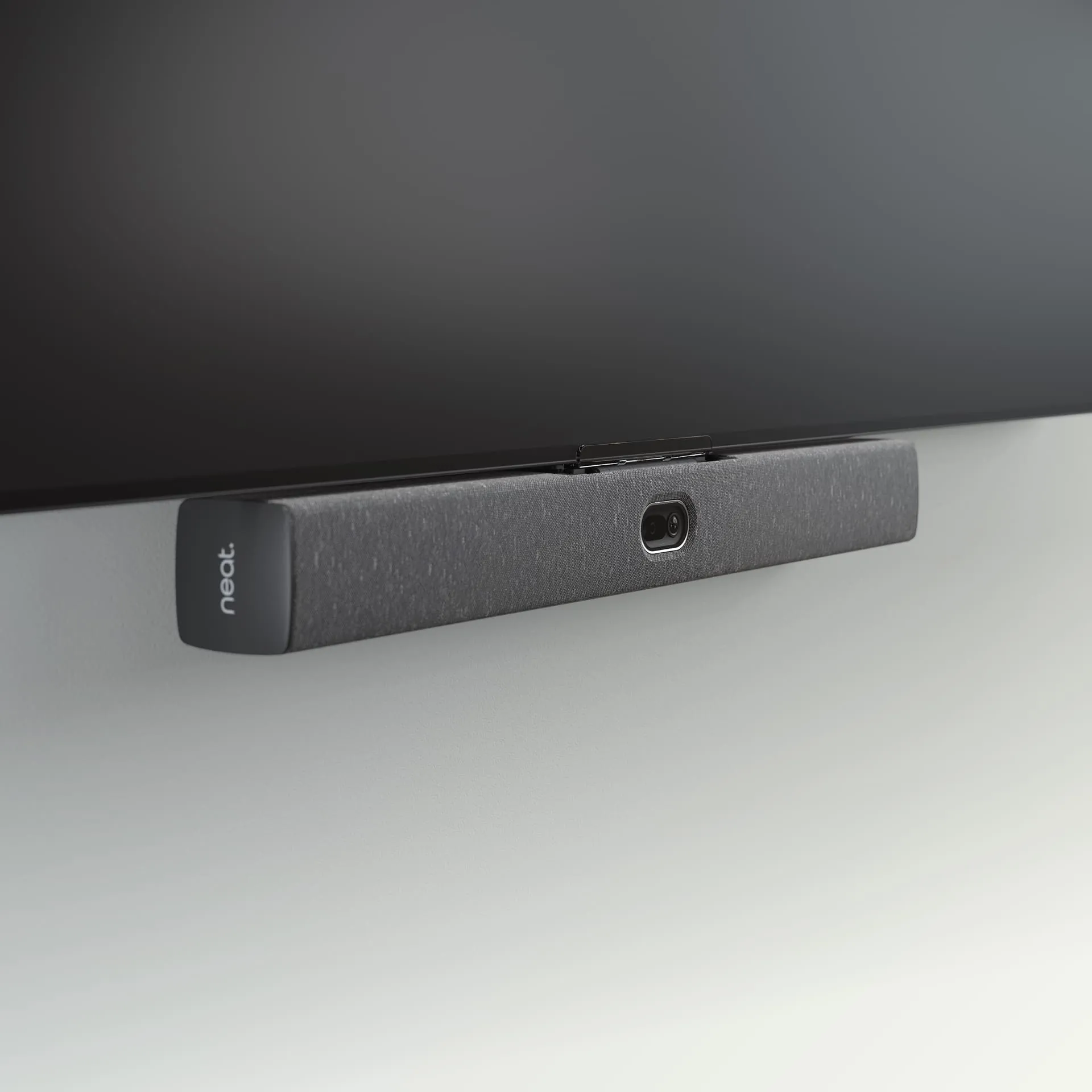
Neat
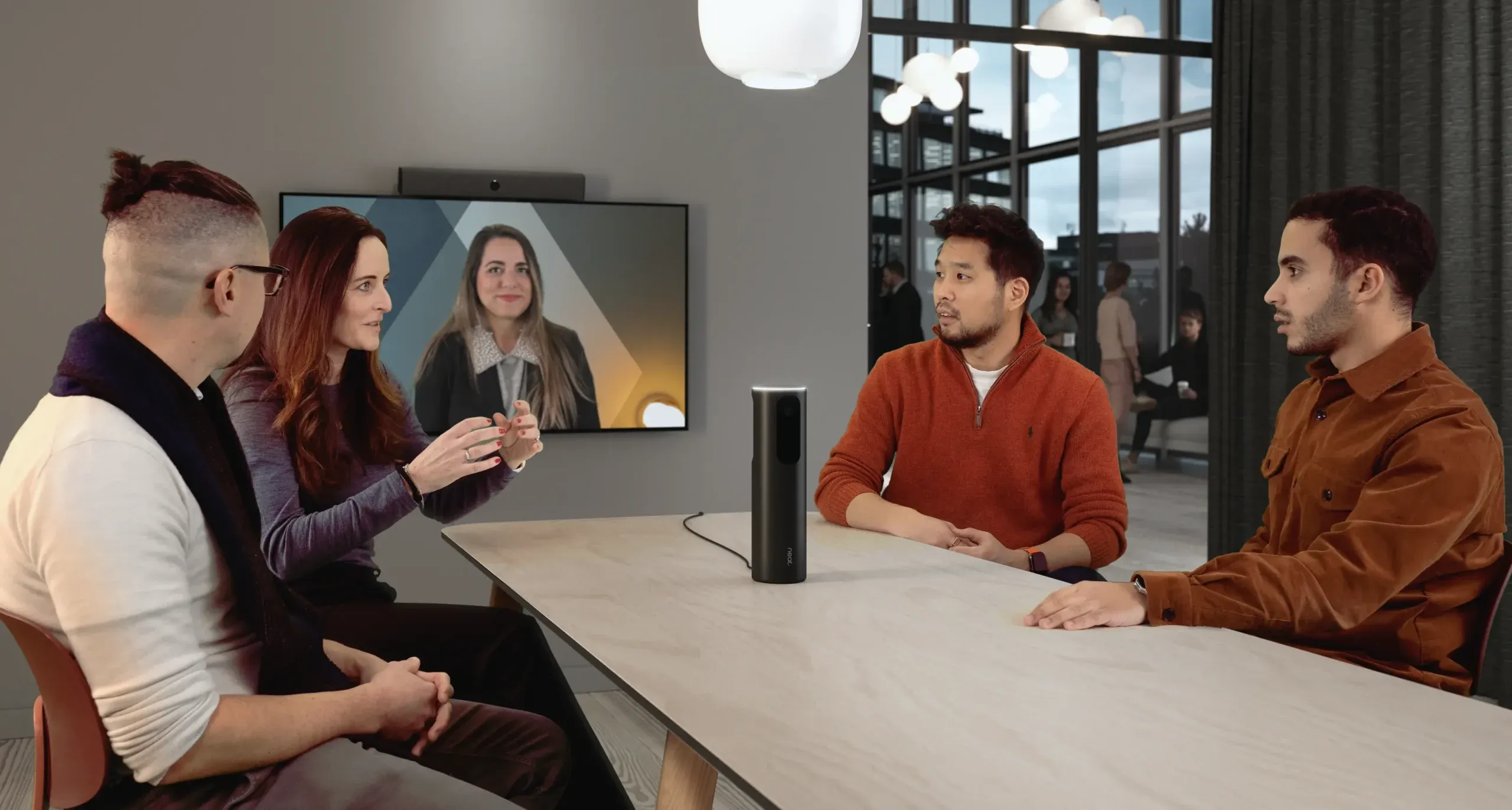
Neat Bar
Compact all-in-one video bar
View product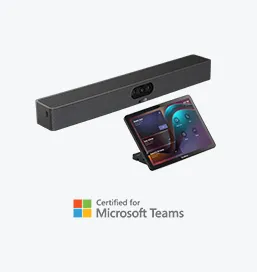
Yealink
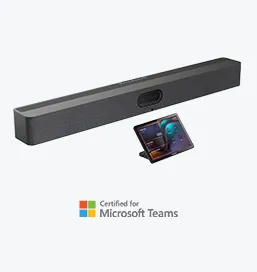
MeetingBar A25
Ultra-wide 151° camera bar
View product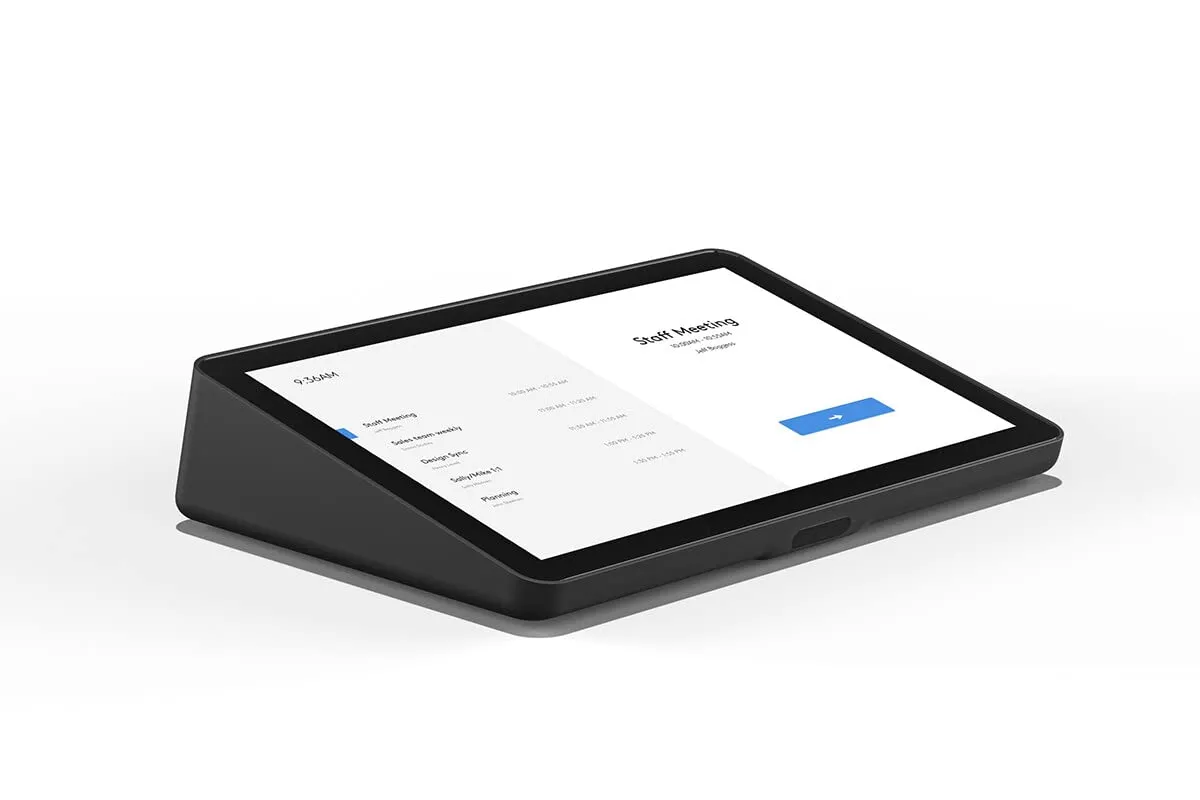
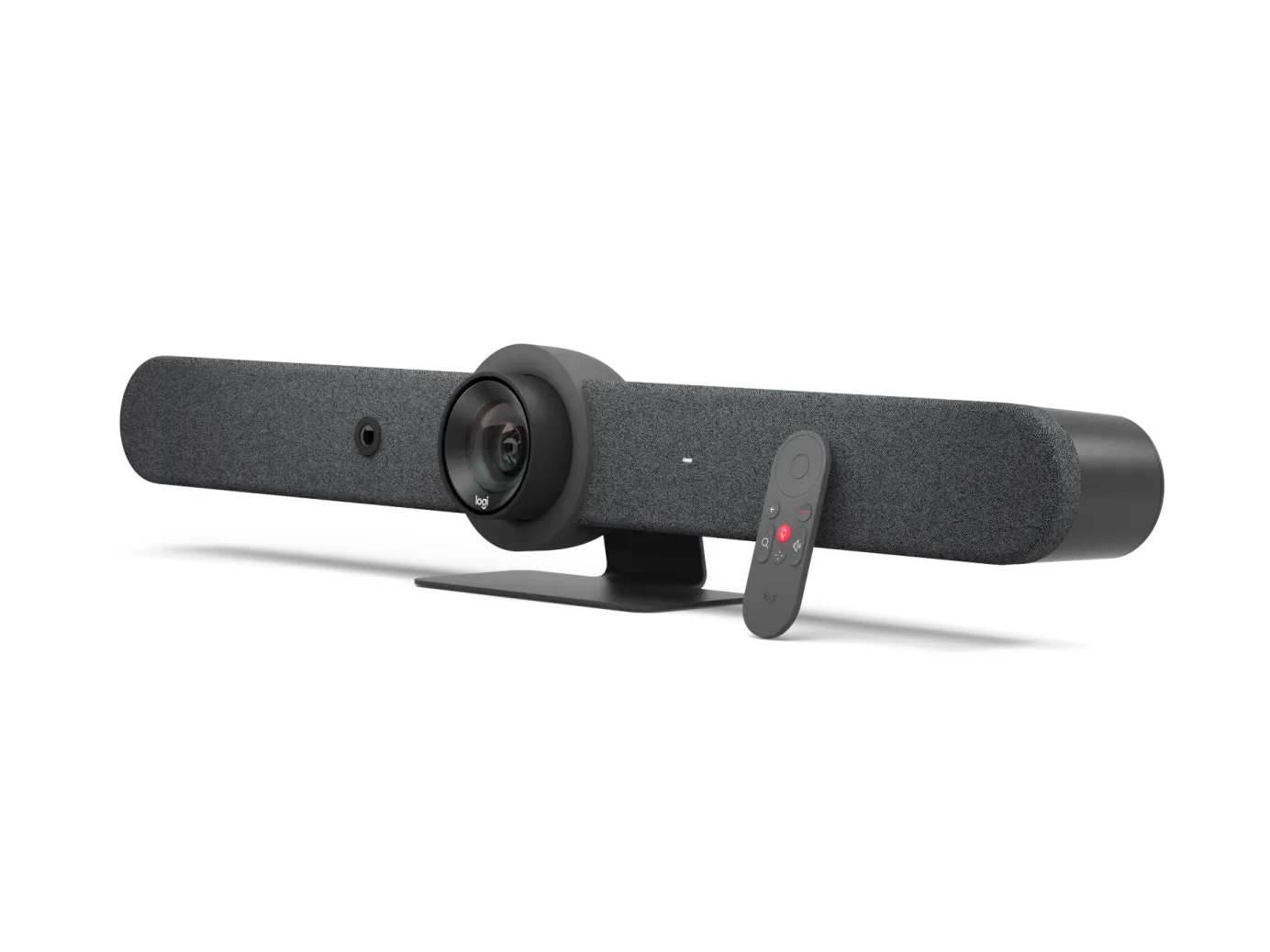
Logitech
Tap IP
One-tap touch controller
View product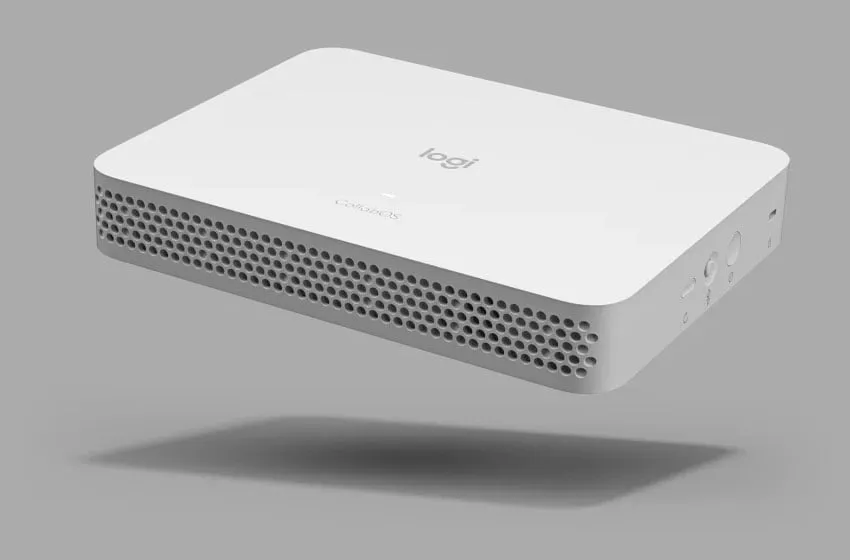
Logitech
RoomMate
Certified compute that runs Teams
View product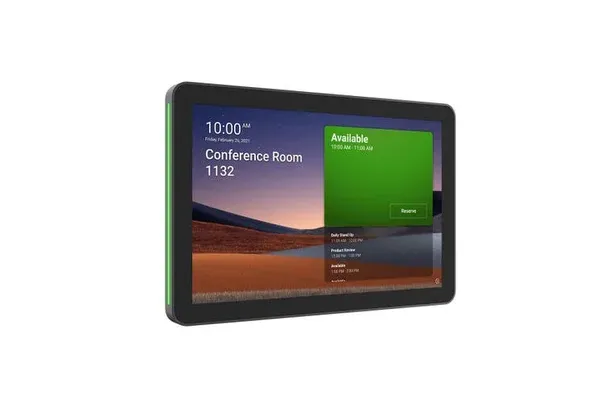
Logitech
Tap Scheduler
Booking panel at the door
View product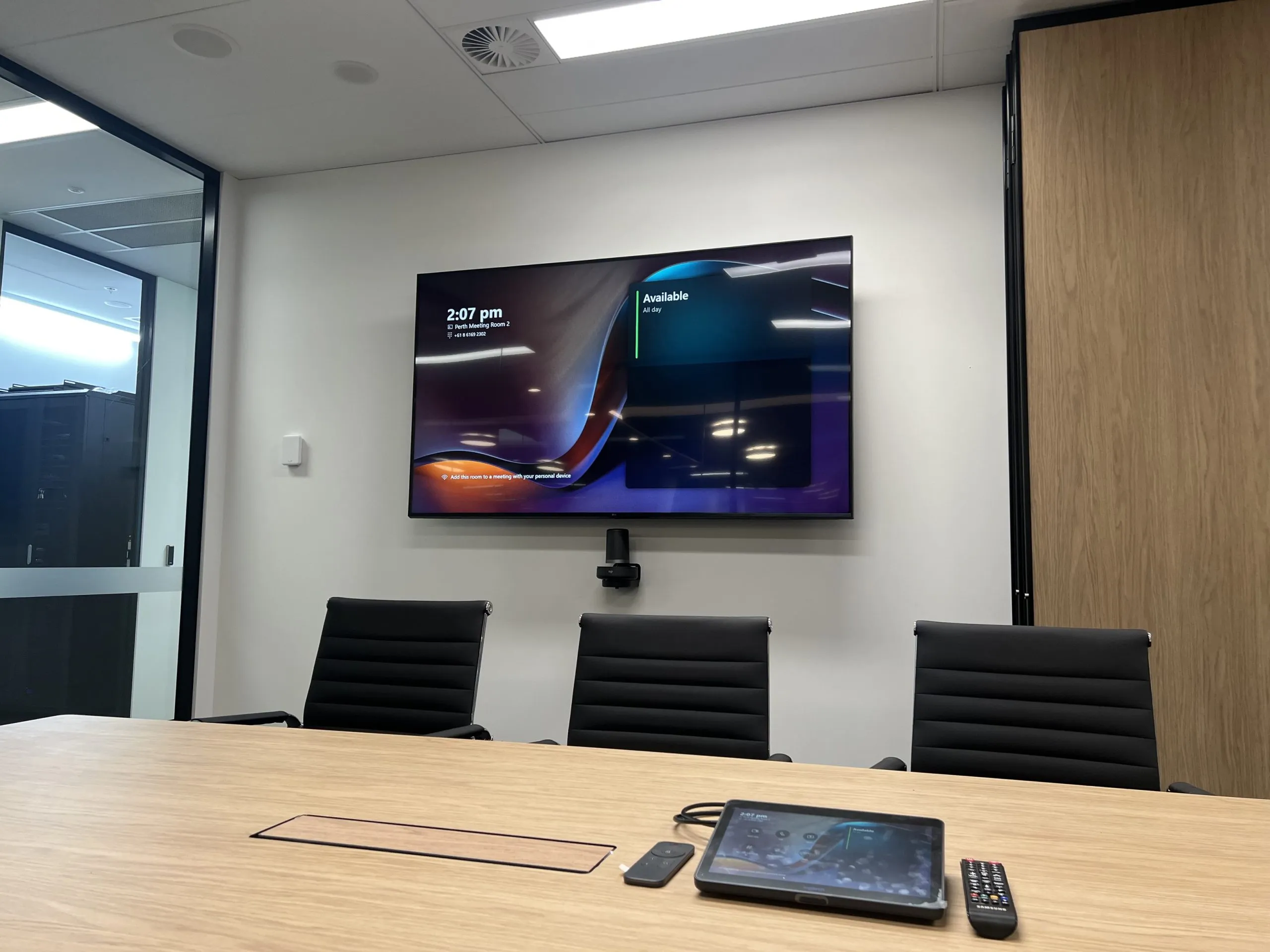

Choosing certified hardware
Logitech, Neat, Poly, Yealink — when we pick which.
All four build Microsoft-certified Teams Rooms hardware, so the choice is about fit, not quality: Logitech for standardised fleets and the widest range, Neat for design-led rooms, Poly for audio pedigree in noisy environments, Yealink for budget-disciplined rollouts. Here's how we call it.
Logitech
The default for standardised fleets
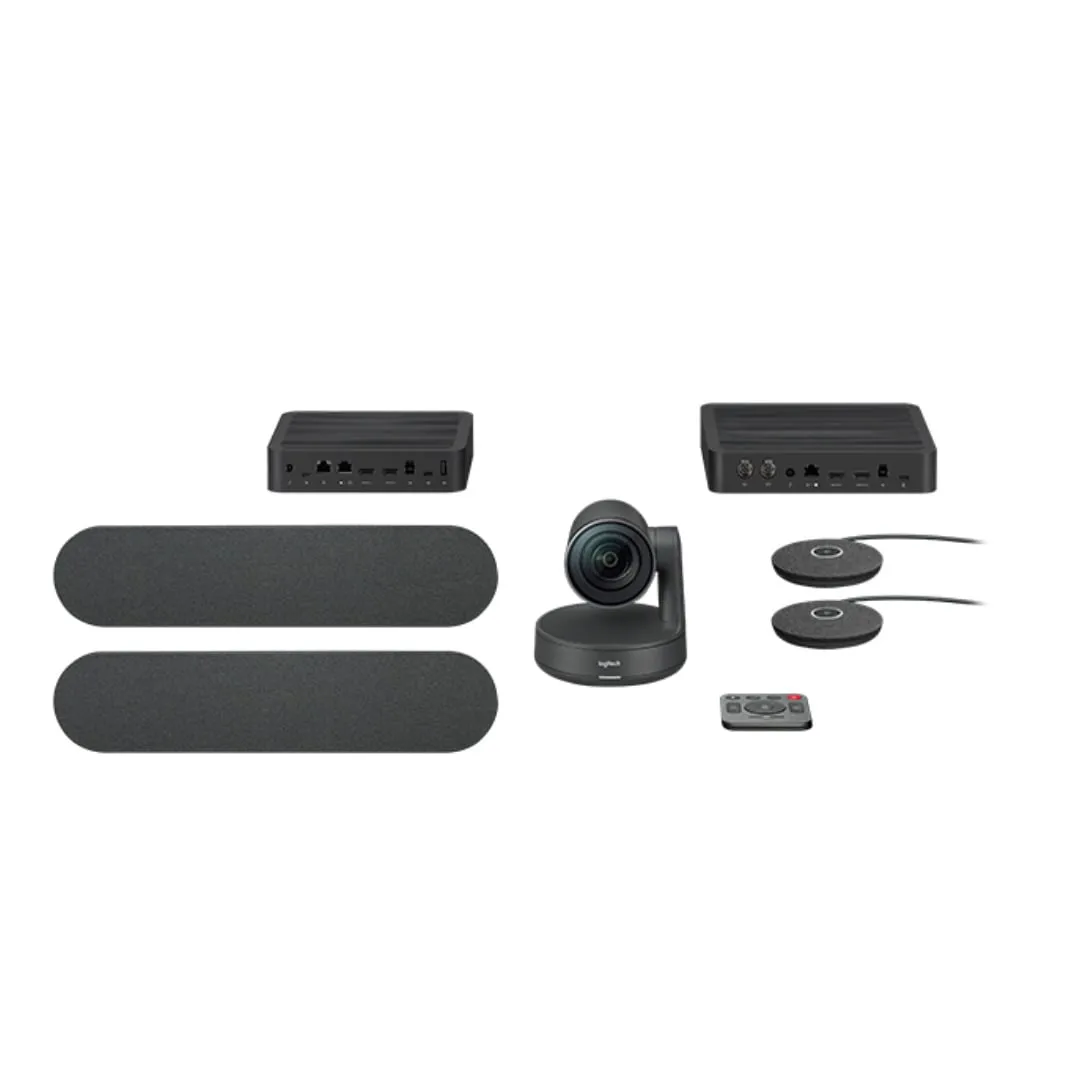
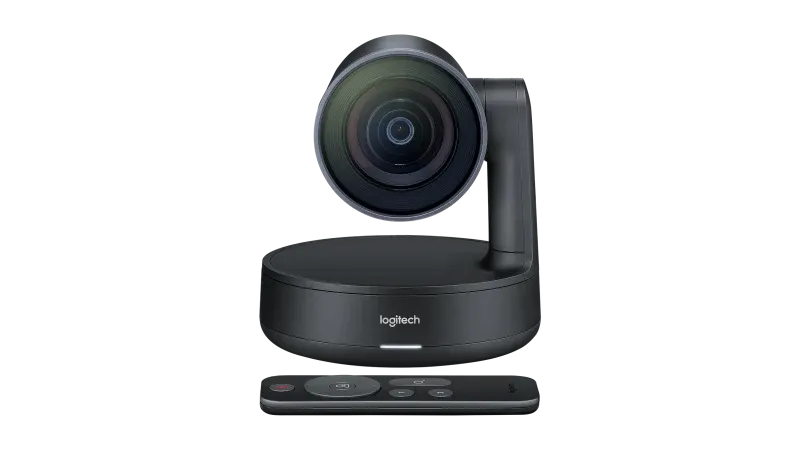
The widest certified line-up in the programme — Rally Bar Huddle through Rally Bar to modular Rally Plus — with RightSight auto-framing, Sight for centre-of-table equality and Sync for fleet management. When one design has to repeat across twenty rooms, Logitech is usually how we do it. It's the brand behind most of our installed base.
Neat
For design-led rooms
A short, disciplined range — Bar, Bar Pro, Board, Center — that looks like it belongs in an architect's fit-out and behaves like an appliance. Built-in air-quality and occupancy sensors feed workplace analytics. We reach for Neat in client-facing rooms where the hardware is allowed to be seen.
Poly
For acoustically hostile rooms
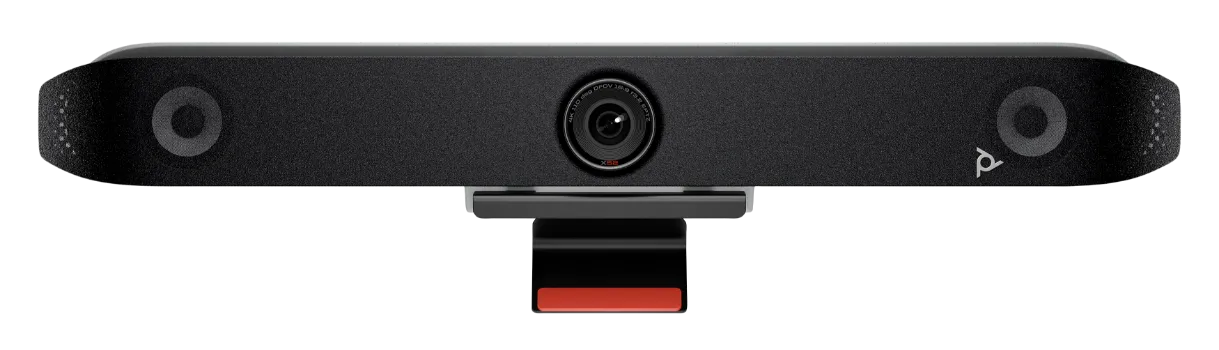
Decades of conferencing audio DNA, now HP-owned. The Studio X52 and Studio X72 carry NoiseBlockAI and Acoustic Fence — genuinely useful where the room next door is a kitchen, a workshop or an open plan floor. When the acoustic environment is the enemy, Poly earns its place.
Yealink
For budget-disciplined rollouts
Strong value without leaving the certified programme: the MeetingBar A25, A40 and A50 cover huddle to large rooms, with dual-display support arriving earlier in the range than most competitors. When the fleet is big and the budget is real, Yealink stretches it furthest.
| Room size | Our first picks |
|---|---|
| Huddle (2–4) | Rally Bar Huddle · Neat Bar · Yealink A25 |
| Meeting room (5–8) | Rally Bar · Studio X52 · Yealink A40 |
| Boardroom (10–16) | Rally Plus + Sight · Neat Bar Pro + Center · Yealink A50 |
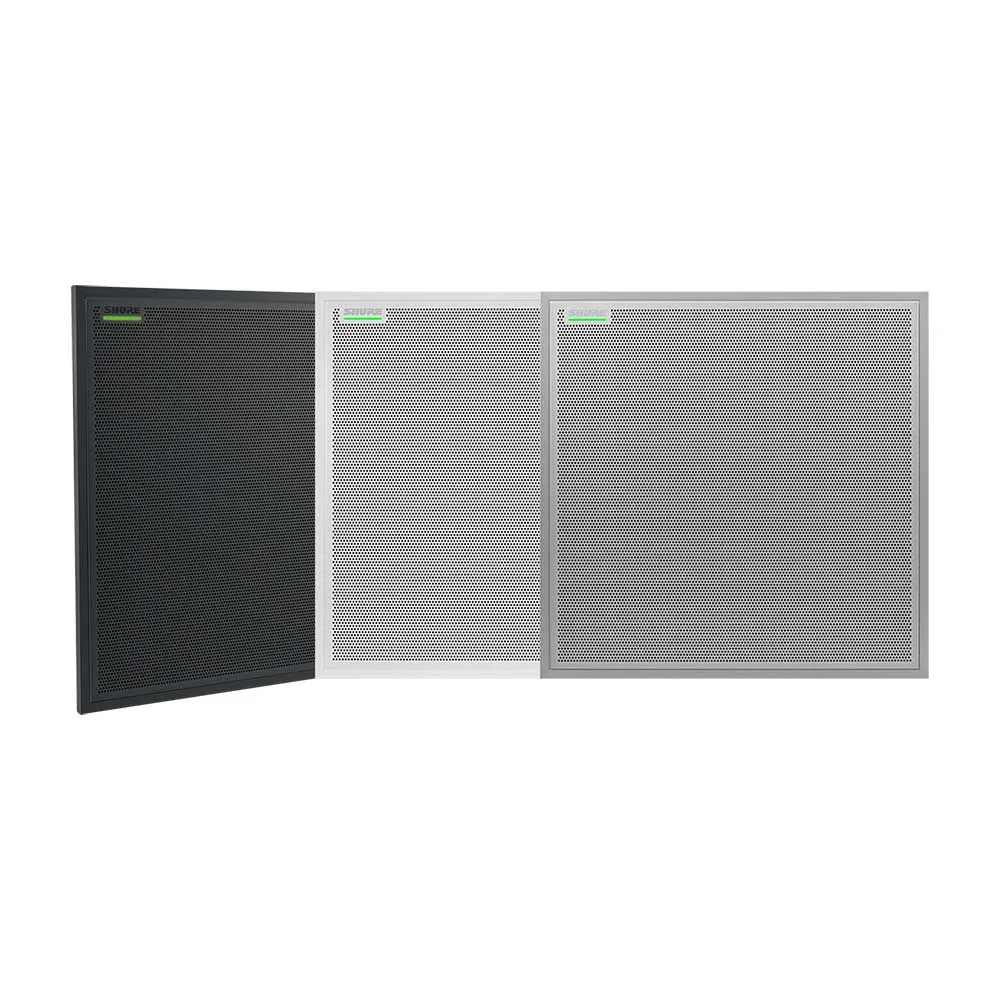
| Training / all-hands (20+) | Rally Plus multi-camera + Shure or Q-SYS ceiling audio |
Android or Windows
MTR on Android vs MTR on Windows.
Both deliver the identical one-touch Teams experience; the difference is under the hood. MTR on Android runs Teams on the appliance itself — fewer boxes, lower cost, faster deployment. MTR on Windows runs on a dedicated room PC — more headroom, new features first, and the pick for complex rooms.
| MTR on Android | MTR on Windows | |
|---|---|---|
| Runs on | The video bar or appliance itself — no separate PC | A dedicated, certified room PC (with the bar as camera and audio) |
| Best for | Huddle and mid-size rooms; large fleets that value simplicity | Boardrooms and complex rooms — multiple cameras, displays and sources |
| New Teams features | Arrive after Windows, once ported and certified | First in line — Microsoft develops for Windows first |
| Peripheral flexibility | The certified bundle, largely as-is | Broad — ceiling arrays, DSPs, PTZ cameras, HDMI ingest |
| Cost & complexity | Fewer boxes, lower cost, faster to deploy | More capable, more components, more to manage |
| Typical Focus AV build | Rally Bar or MeetingBar + Tap IP | Room PC + Rally Plus or Q-SYS audio + Tap |
What "Microsoft-certified" actually means
Certification is a testing programme, not a sticker. In practice it buys you four things:
- Microsoft tests the exact hardware + firmware combination end to end — join reliability, echo cancellation, camera behaviour.
- Updates arrive managed through the Teams admin centre, on Microsoft's schedule, with rollback paths.
- Feature support is committed for the device's published lifecycle — not until a vendor loses interest.
- Uncertified kit can run Teams — right up until an update lands and it doesn't. On certified hardware, that risk is Microsoft's problem.
Rollouts & fleet management
Ten rooms or a hundred — deployed as one standard.
A multi-room Teams deployment succeeds on standards, not heroics: one certified design per room size, accounts and calendars prepared before hardware arrives, a pilot room signed off, then a staged rollout with every room commissioned against the same checklist.
Audit & tiering
Every room measured and mapped to a tier — huddle, medium, large — so the fleet needs three designs, not thirty.
Standards design
One certified bill of materials per tier, signed off once. Room ten will behave exactly like room one because it is room one.
Accounts & prep
Resource accounts, calendars and Teams admin policies built with your IT before hardware arrives — the step that decides whether one-touch join actually works.
Pilot & sign-off
One room built first and proven with your people. Every objection gets fixed in the standard, not repeated across the fleet.
Staged rollout
Rooms deployed floor by floor, each commissioned against the same checklist and live test calls — you never lose a whole floor at once.
Managed with Teams Rooms Pro
Every room reports into the Teams Rooms Pro Management portal: health status, peripheral faults, update scheduling and remote restarts from one dashboard. Teams Rooms Basic is free for up to 25 rooms and covers join and share; Pro is a per-room subscription that adds the management portal, intelligent camera features and multi-display support. Most fleets we run are on Pro — and behind the portal sits our own Focus Care support, so "the room is down" emails go extinct.
The whole room, one design
The certified kit is only half the room. The other half is the environment it works in: acoustic treatment so the microphones send speech instead of reverb, tables and joinery that put people where the camera needs them, and sound masking outside the door when the meeting shouldn't leave the room. Designing both halves together is the difference you can hear. For the full room-by-room specification, see our meeting room & boardroom AV guide — or the Zoom Rooms equivalent of this page.
The 8:59 test
The 9:00 meeting, before and after.
Every organisation knows the before. The after is what a certified Teams Room is actually for — and it's repeatable, in every room, every morning.
Before — any laptop-and-cable room
- 8:52The hunt for the right dongle begins. The one that works is in another room.
- 8:56"Can everyone see my screen?" Everyone cannot.
- 8:58Someone joins from a laptop as backup. Now the room has echo.
- 9:07IT arrives. The meeting starts a quarter late, flustered, with the client watching.
After — a certified Teams Room
- 8:59Walk in. The meeting is already waiting on the touch panel.
- 9:00One tap. Cameras frame the table, microphones wake, the far end sees faces.
- 9:01Content up — no cables, no guessing, no laptop in the loop.
- 9:30The room ends the call and releases itself. The next meeting inherits a working room.
The after isn't luck — it's certification, commissioning against live calls, and a fleet watched from one dashboard. That's the standard we hand over.
Budget, honestly
What a Teams Room costs in Perth.
Indicative Perth ranges, installed and commissioned: a huddle-room MTR typically lands between $5,000 and $10,000, a mid-size room $10,000–$22,000, and a boardroom-grade build $25,000–$60,000. Every room differs — treat these as brackets, not quotes.
Huddle MTR · 2–4 people
$5k–$10k
All-in-one certified bar, display, Tap controller — installed and commissioned.
Mid-size MTR · 5–8 people
$10k–$22k
Auto-framing bar, extension mics, dual displays, scheduler at the door.
Boardroom MTR · 10–16 people
$25k–$60k
MTR on Windows, ceiling mic arrays, DSP, tracking cameras, integrated joinery.
Town hall · 20+ people
Project-priced
Multi-camera, zoned audio, voice lift and operator control — priced as a venue.
Ranges are indicative, exclude GST and licensing, and move with site conditions. What actually moves the number is on the right — and a walkthrough pins it down per room, free.
- Audio architecture — bar built-ins vs ceiling arrays and DSP is the single biggest swing
- Android vs Windows compute, and the camera count that decision unlocks
- Display count, size and commercial duty rating
- Room conditions: glass, ceiling type, mounting and how far signals travel
- Teams Rooms Pro licensing and management tooling across the fleet
- Acoustic treatment where the room needs help to sound professional
From the field Certified rooms, standing up in the field.
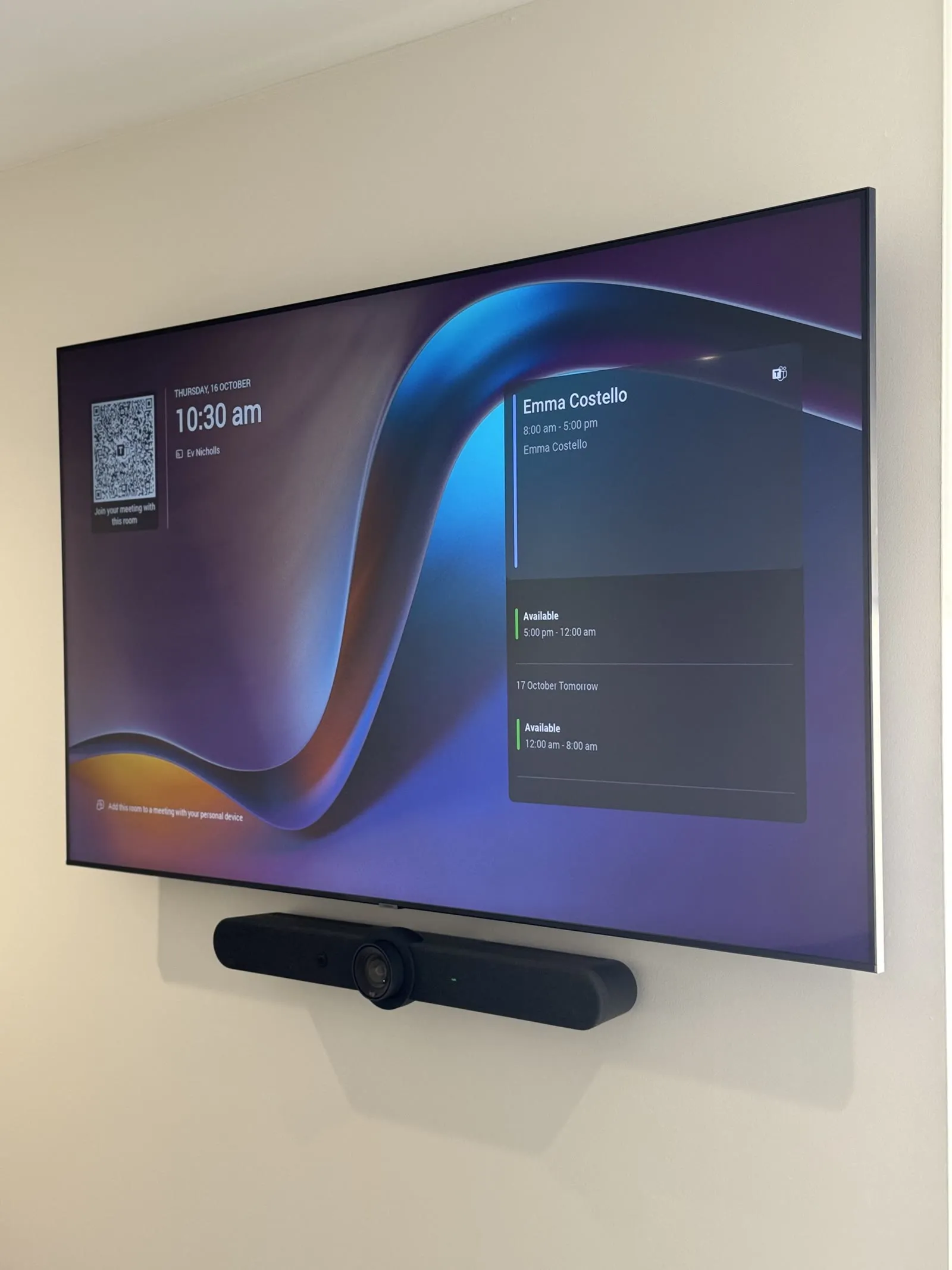
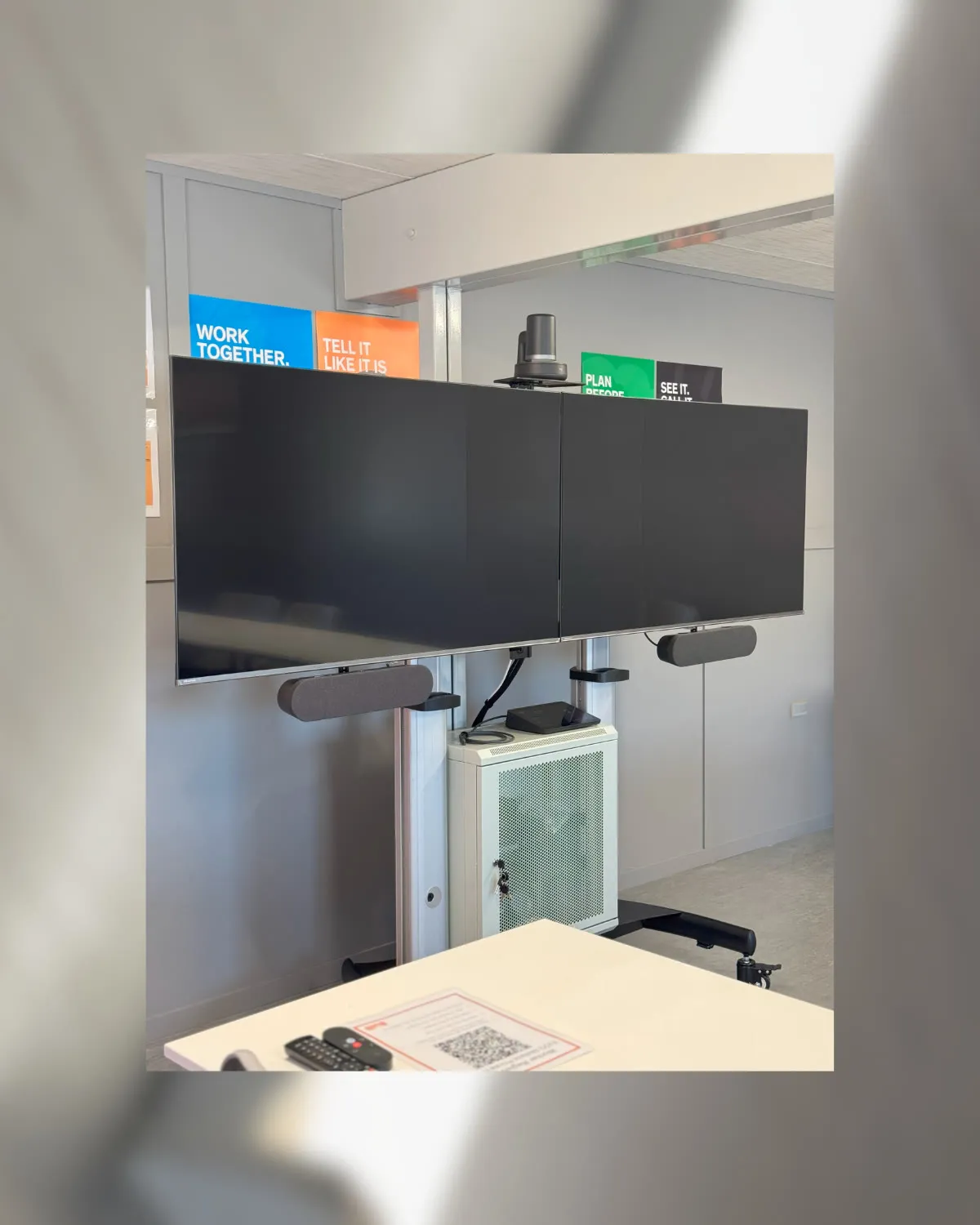
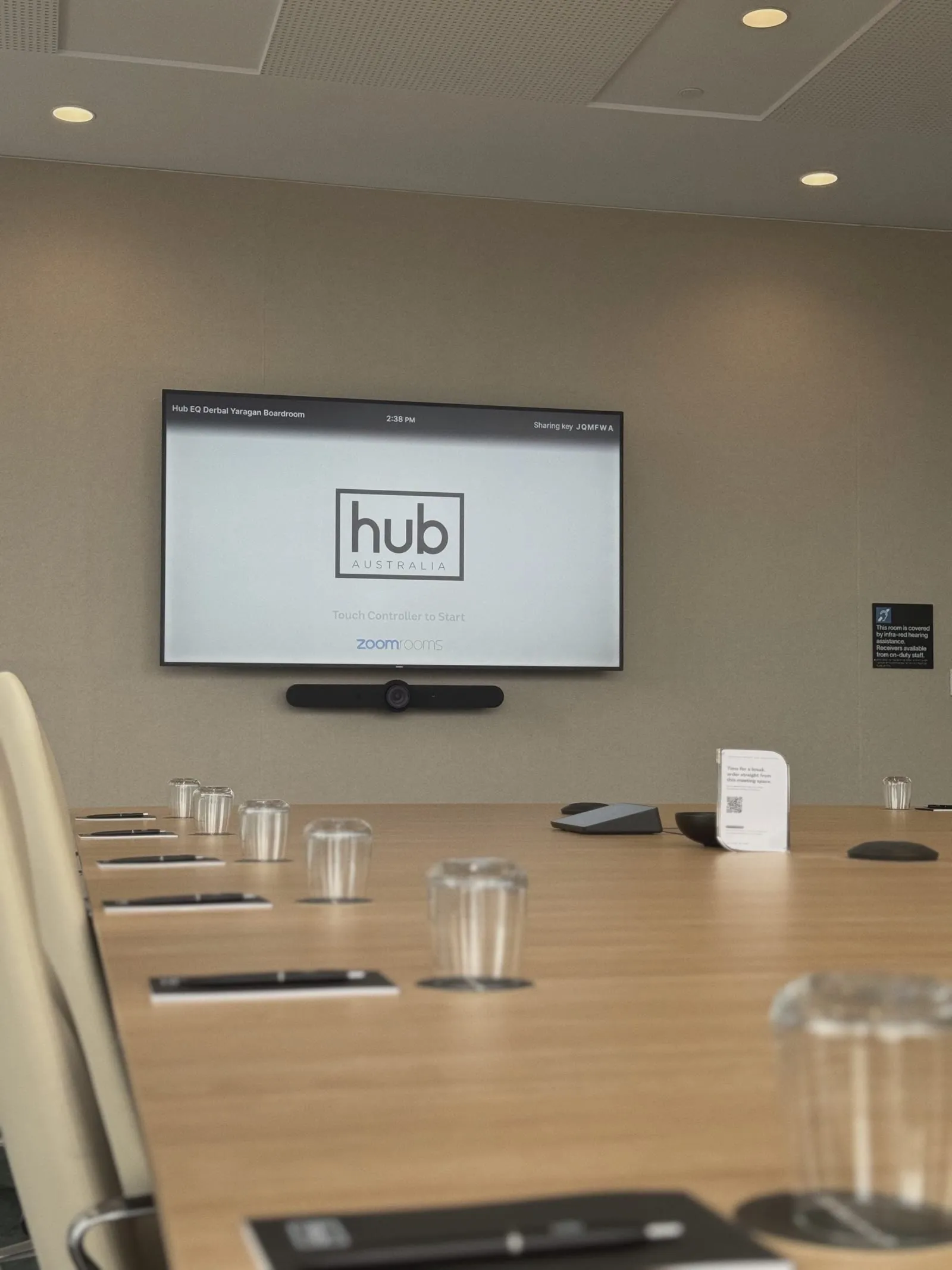
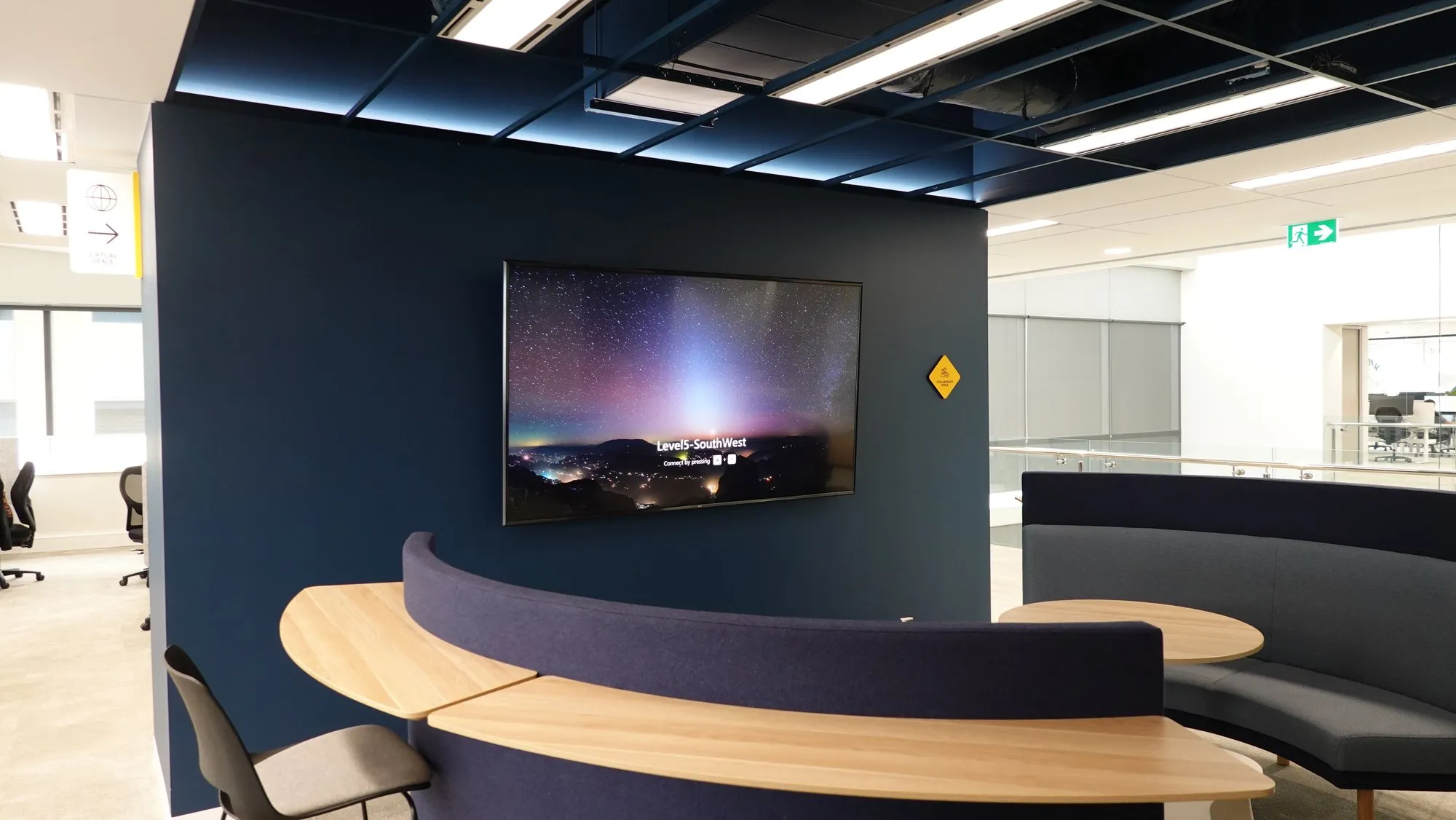
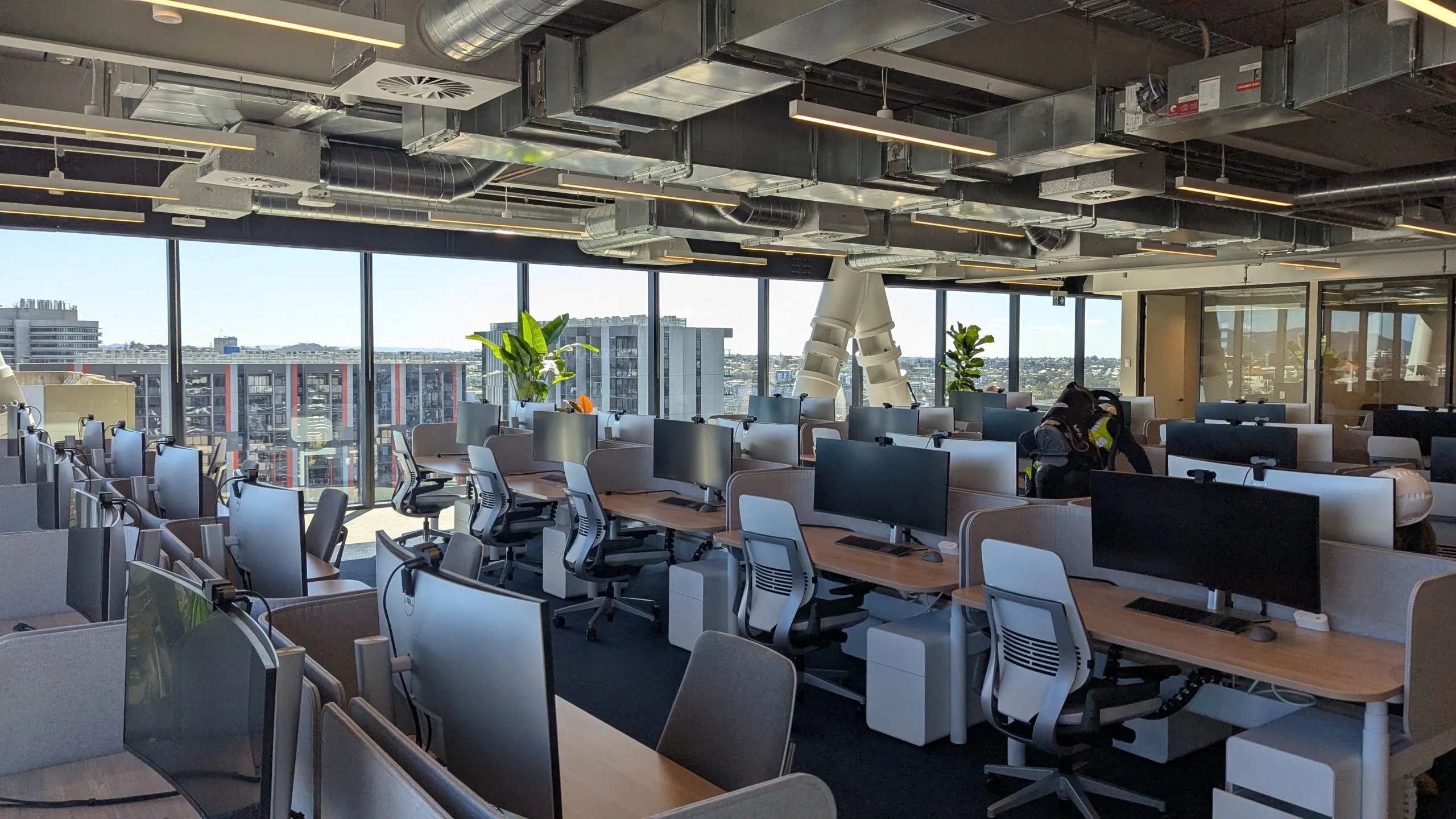
Teams Rooms we deployed, including a regional site where the nearest technician is a flight away.
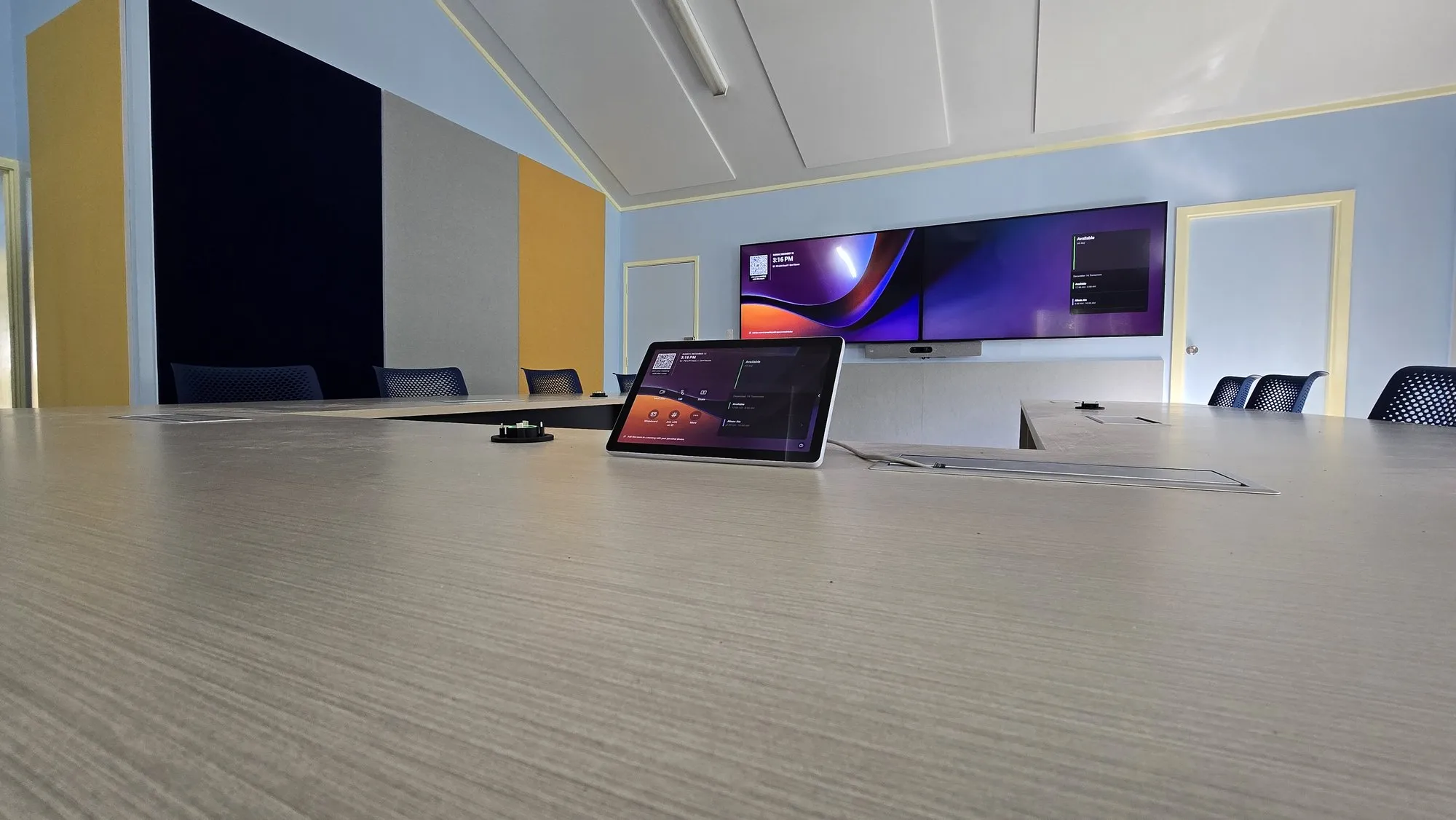
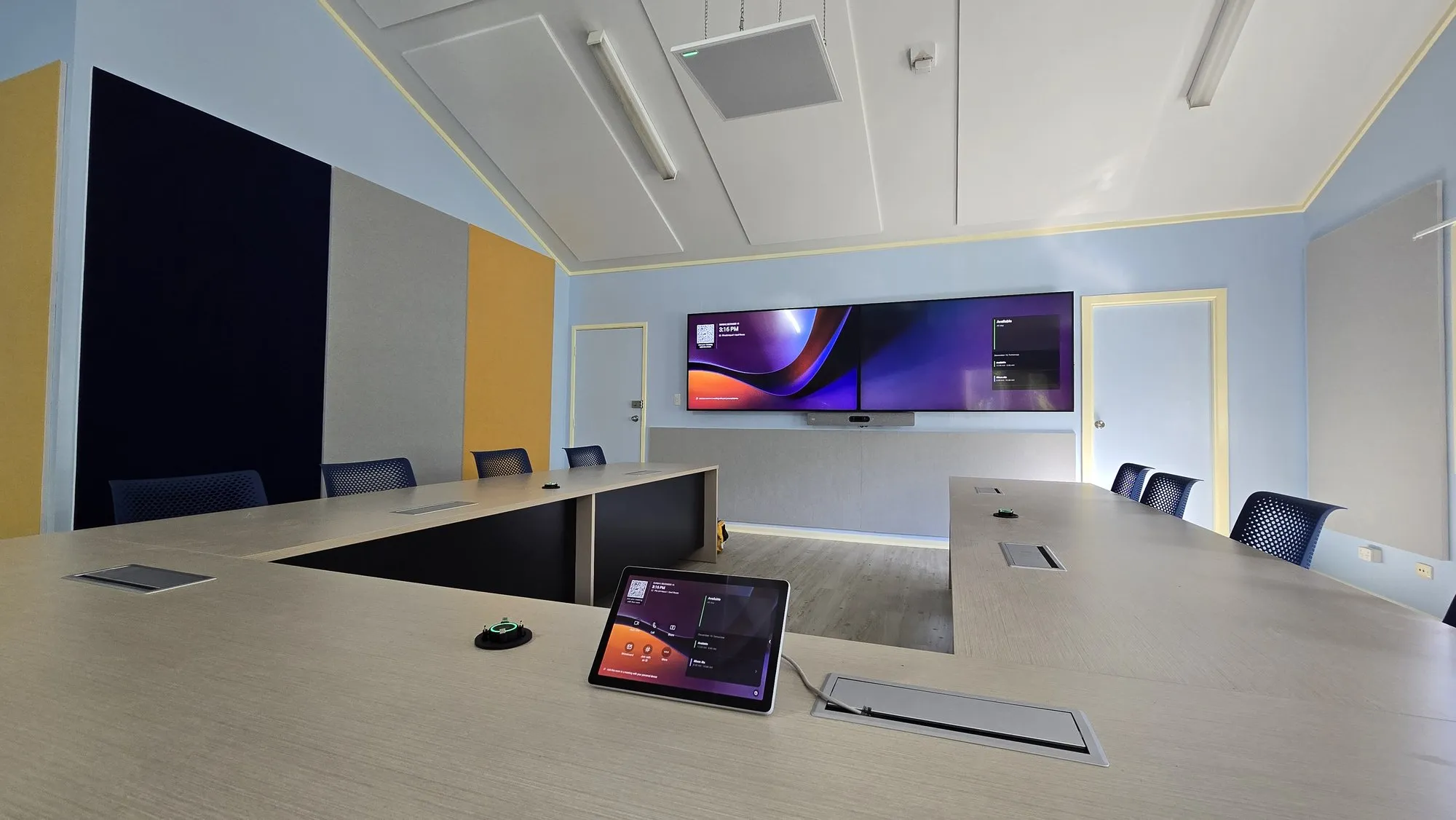
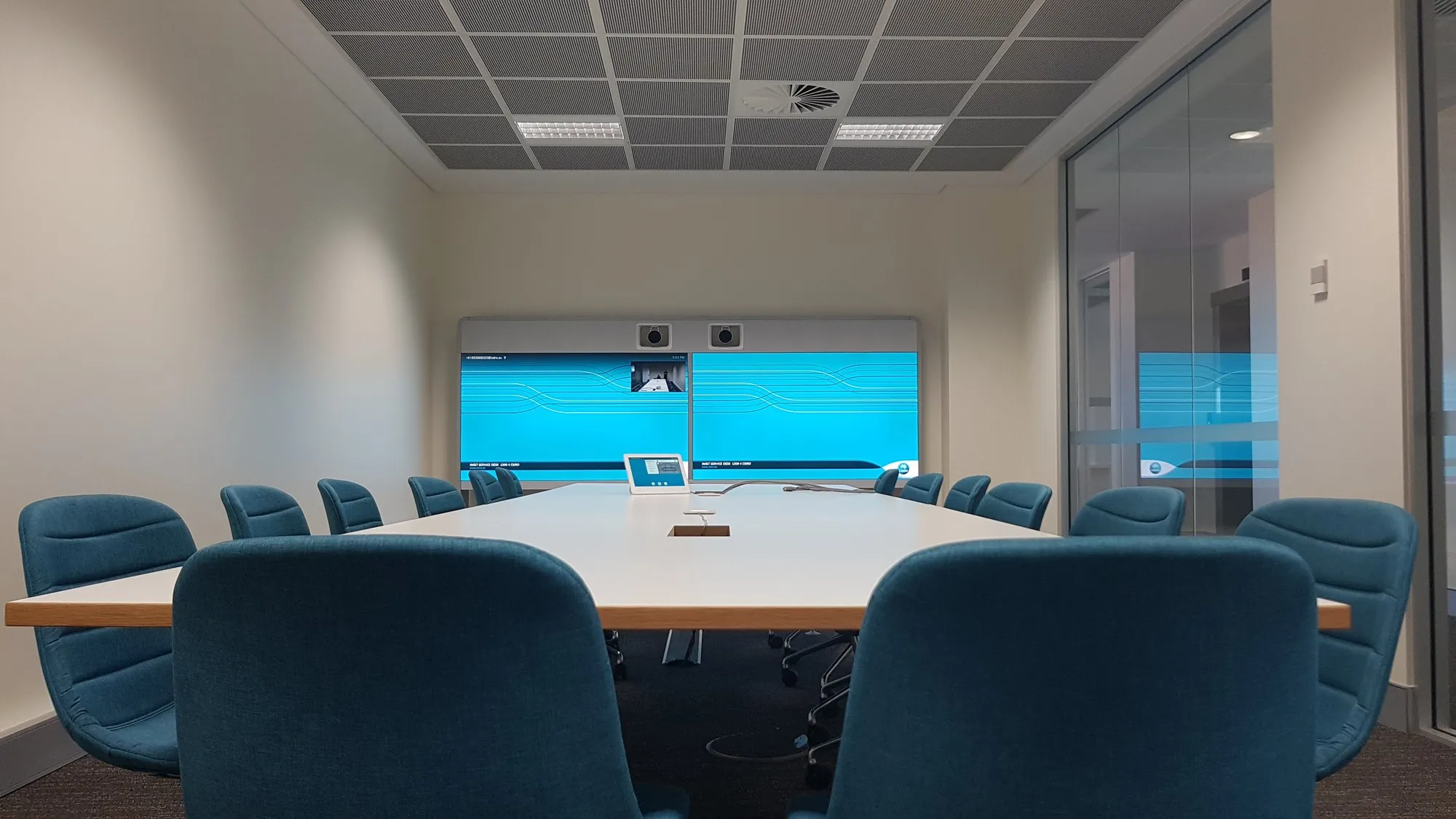
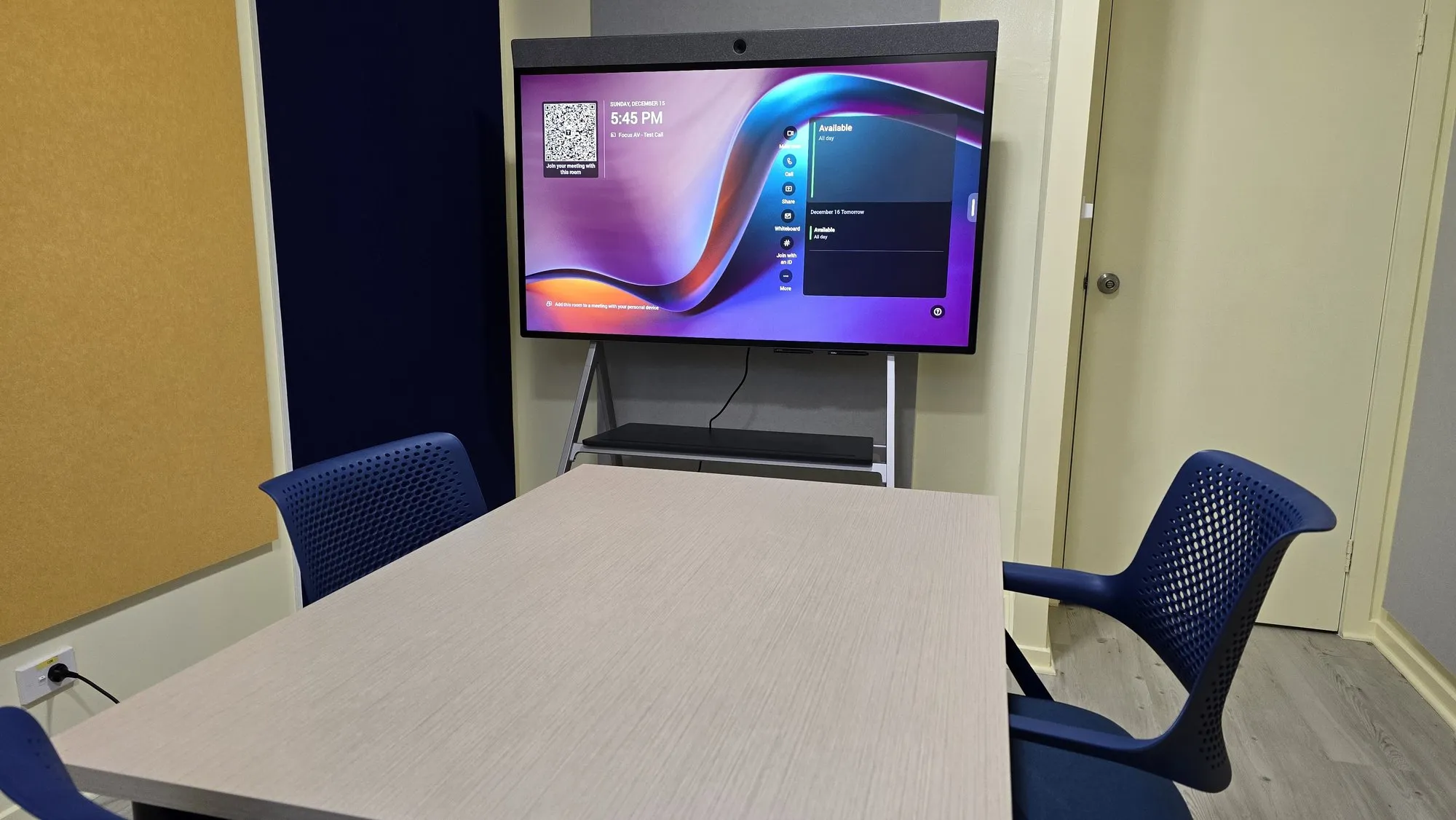
Teams Rooms in the wild.
The ecosystem
Current platforms. Certified kit.
We build on what Microsoft certifies today — not what was current three platform generations ago.





Proof
Delivered. Documented.
The whole room
One design. One schedule. One accountable partner.
Straight answers.
What's the difference between a Teams Room and Teams on a laptop?
A Teams Room is dedicated, certified hardware running Teams natively: it joins meetings in one touch, uses room-scale cameras and microphones, shows the calendar at the door and never depends on whoever forgot their charger. Laptops are for desks; rooms deserve room systems.
Which room kit do we actually need?
It depends on the room, not the brochure. A huddle space suits an all-in-one bar; a boardroom needs modular cameras, mic coverage and often DSP audio. Our walkthrough maps every room to the right certified tier — small, medium, large — so you never pay for the wrong one.
Can you standardise rooms across multiple sites?
That's our favourite kind of project: one design standard per room size, deployed identically everywhere, managed through Teams admin. Staff walk into any office and already know how the room works — and IT supports one standard instead of twenty snowflakes.
We already bought hardware — can you deploy it?
Usually yes. We'll audit what you have against Microsoft certification and the rooms it's destined for, deploy what's right, and be straight with you about anything that will never work well.
What about Zoom?
We build certified Zoom Rooms too, and Teams Rooms can join Zoom calls with interop for the days your clients choose differently. Tell us how your organisation actually meets and we'll match the platform mix.
How much does a Microsoft Teams Room cost in Perth?
Indicative Perth ranges, installed and commissioned: a huddle-room MTR typically lands between $5,000 and $10,000; a mid-size room $10,000–$22,000; a boardroom-grade room with ceiling audio and DSP $25,000–$60,000. Audio architecture is the biggest lever, then display count and camera sophistication. Every room differs — a walkthrough turns these brackets into a real per-room number.
What's the difference between MTR on Android and MTR on Windows?
Both deliver the same one-touch Teams experience. MTR on Android runs Teams on the video bar itself — fewer boxes, lower cost, faster deployment, ideal for huddle and mid-size rooms. MTR on Windows runs on a dedicated room PC — more processing headroom, new Teams features first, and better support for complex rooms with multiple cameras, displays and content sources. We deploy both and pick per room, not per fashion.
Do Microsoft Teams Rooms need a licence?
Yes — every room needs a Teams Rooms licence on its resource account. Teams Rooms Basic is free for up to 25 rooms and covers one-touch join and content sharing. Teams Rooms Pro is a paid per-room subscription that adds the Pro Management portal, advanced health monitoring, intelligent camera features and multi-display support. Most multi-room fleets end up on Pro; we'll advise room by room.
What does Microsoft certification actually cover?
Certification means Microsoft has tested that exact hardware and firmware combination end to end: guaranteed one-touch join, echo cancellation that meets spec, updates delivered and managed through the Teams admin centre, and committed feature support over the device's life. Uncertified kit can run Teams — until an update lands and it doesn't. On certified hardware, that risk is Microsoft's problem, not yours.
Logitech Rally Bar, Neat Bar or Yealink — which should we buy?
All are certified, so it's fit rather than quality: Logitech for the widest range and multi-room standardisation, Neat for design-led rooms and radical simplicity, Poly for audio pedigree in acoustically hostile spaces, Yealink for disciplined budgets across large fleets. The room size and audio conditions usually make the choice for you — which is exactly what our walkthrough establishes.
Can a Teams Room join Zoom or Google Meet meetings?
Yes. Direct guest join lets a certified Teams Room join Zoom and Google Meet meetings straight from the touch console, with the meeting link pulled from the calendar invitation. You get sensible camera and audio behaviour, though the richest features always live on the room's native platform — which is why we match the native platform to where your organisation actually meets.
Ready for one-touch meetings? Start with one room.
Pick your worst meeting room. We'll walk it, design the fix, and turn it into the standard every other room follows.