Zoom Rooms
Walk in. Tap. Meet.
A native Zoom Room makes meetings start themselves: certified hardware, a controller on the table, calendar at the door. Focus AV designs, installs and supports them across Perth.
What a Zoom Room actually is
The meeting starts before you sit down.
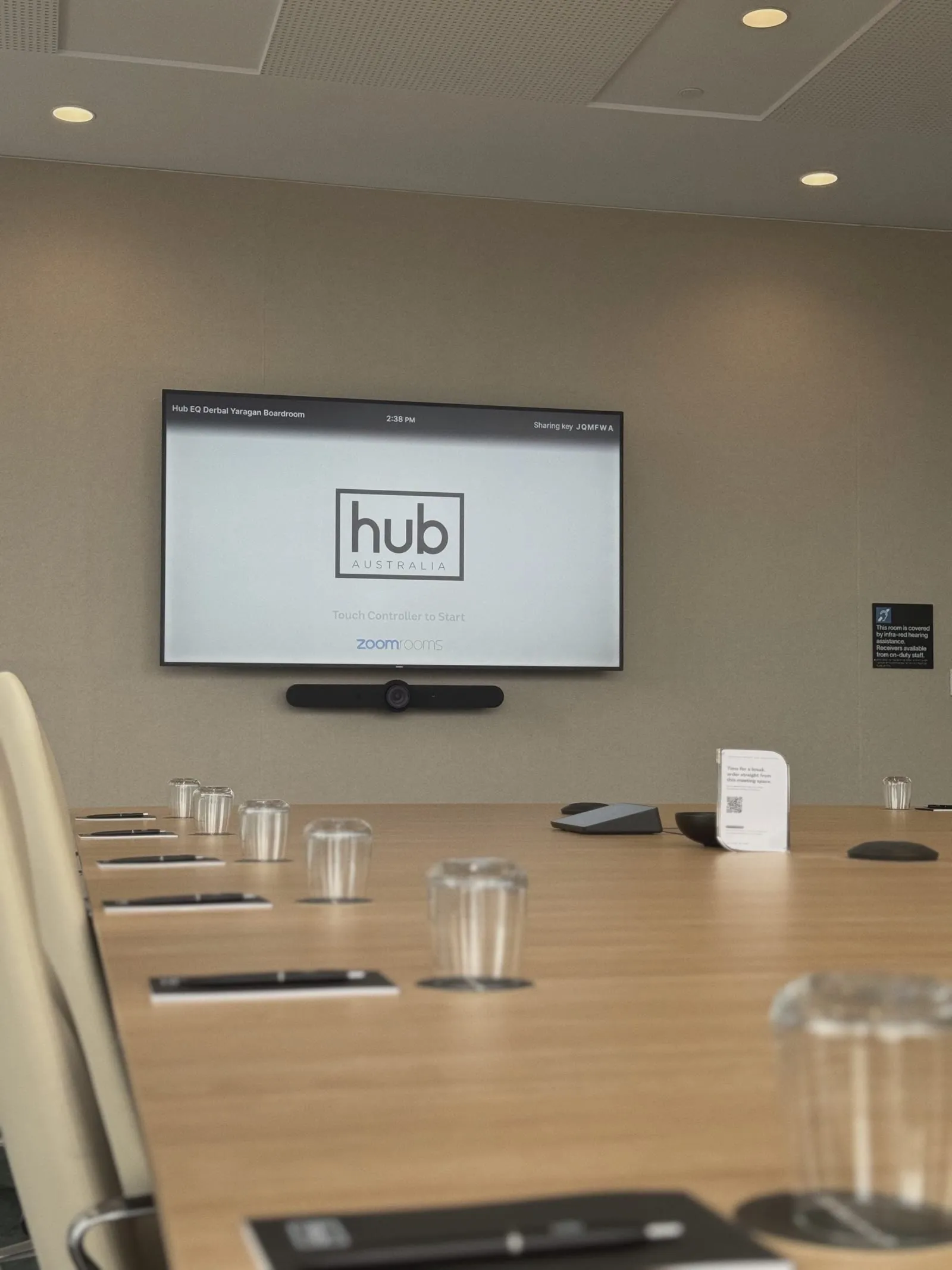
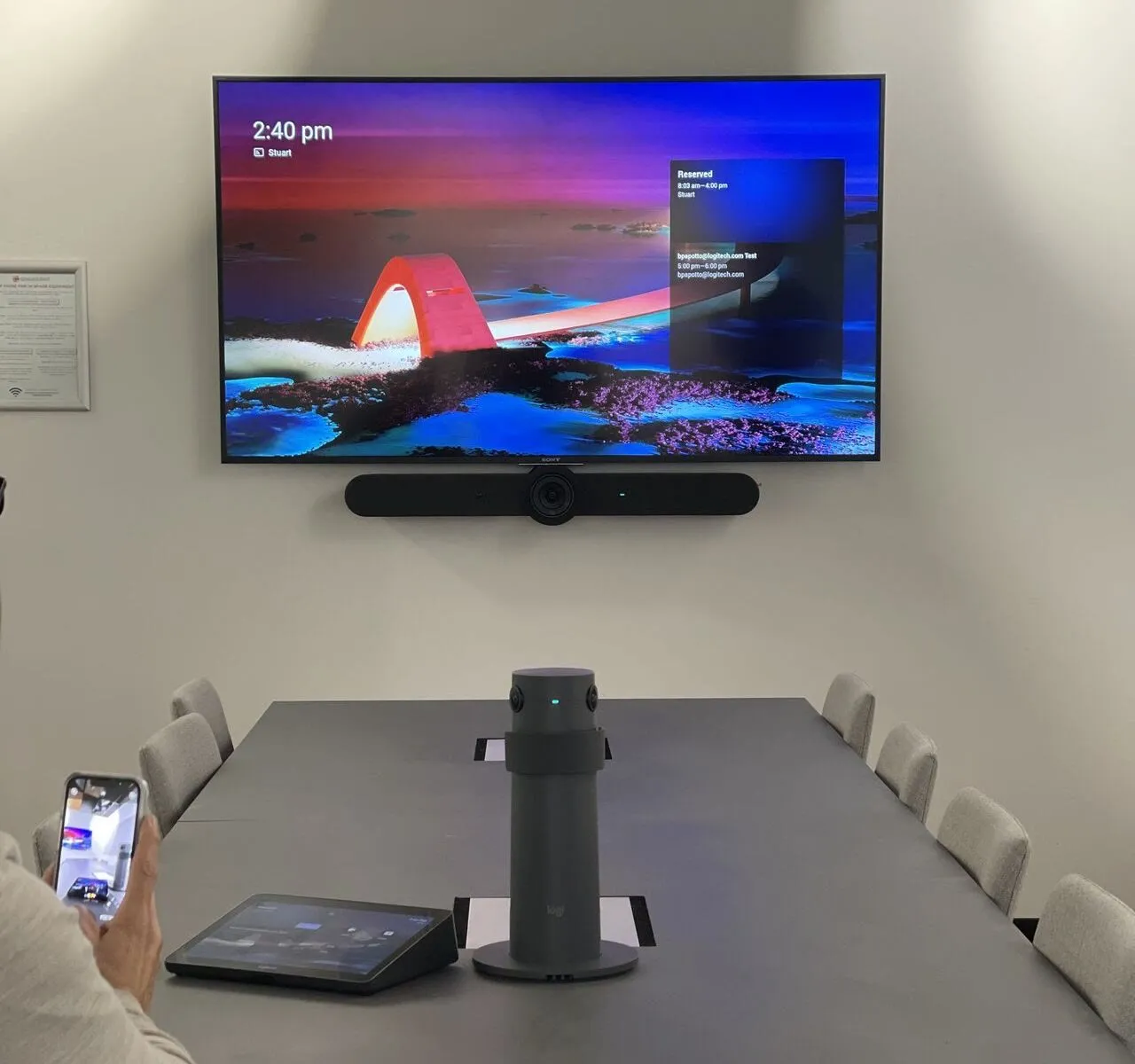
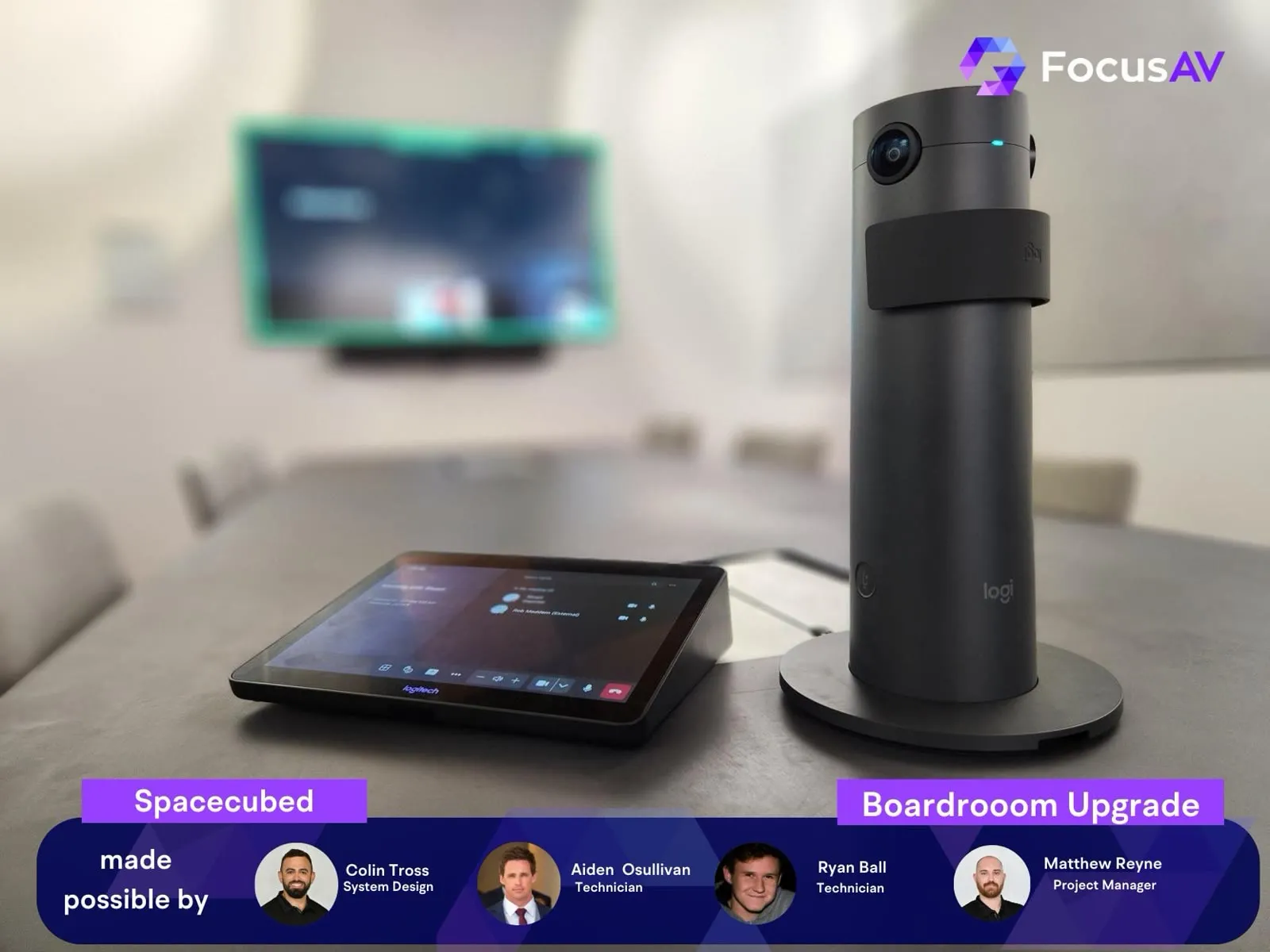
This is Hub Australia's boardroom at Nine The Esplanade — a certified Zoom Room built by Focus AV. The display wakes when the room is booked, the controller on the table shows the next meeting, and one tap joins it with the camera already framing the table and the microphones already tuned.
That's the difference between "a room with Zoom on a laptop" and a Zoom Room: the room itself is the participant. No cables passed around, no 'can you hear us now', no borrowed webcam pointed at half the table.
Because it's certified hardware managed through Zoom Device Management, IT sees every room's health from one dashboard — and every room you roll out behaves exactly like the last one.
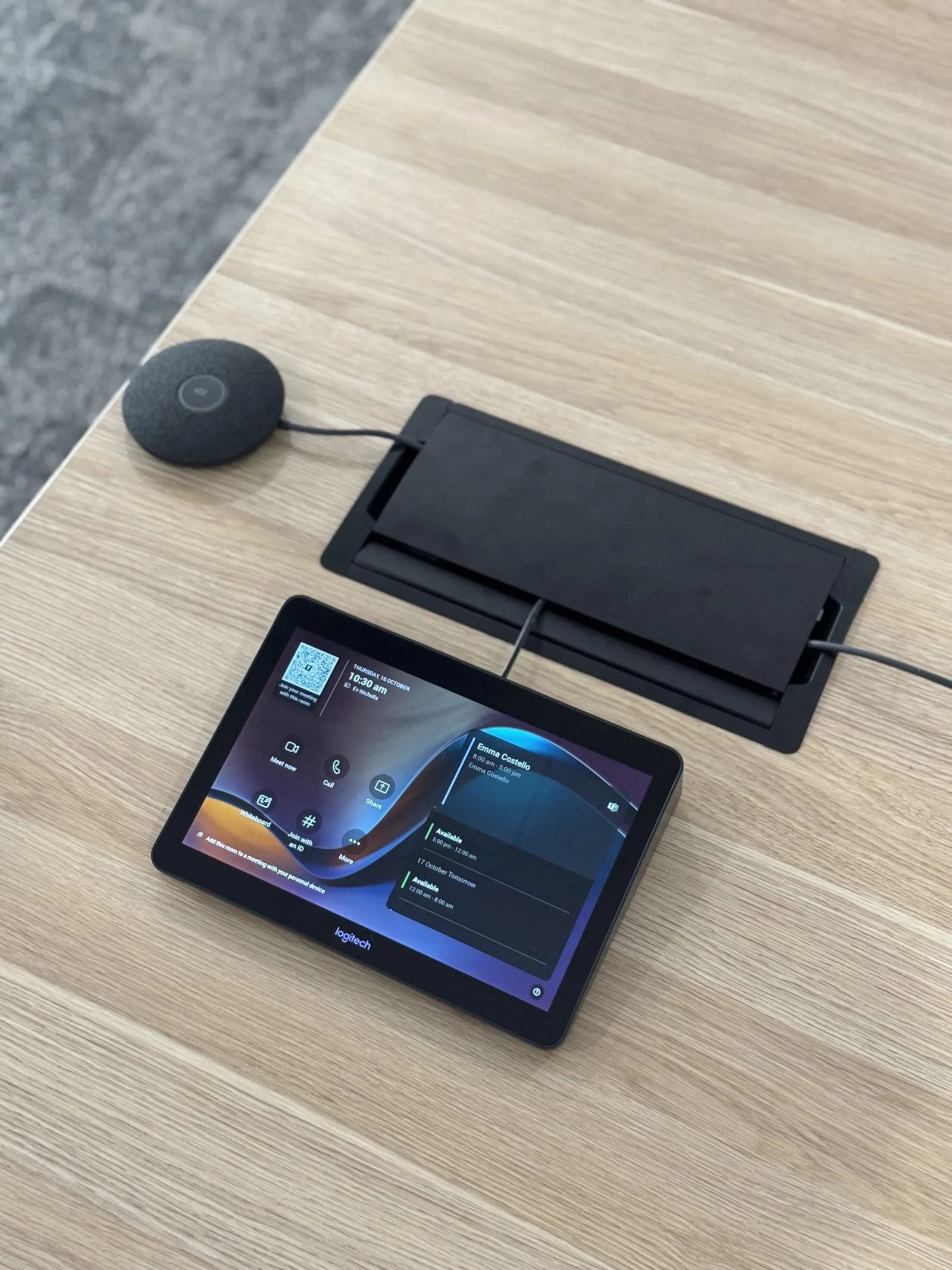
Anatomy of a Zoom Room
Three pieces, zero friction.
Auto-cycles every two seconds. Tap a part to jump to it.
 The whole room
 Native beats improvised
Zoom deserves better than a webcam.
If your organisation runs on Zoom, your rooms should run Zoom — natively. Laptop-and-cable rooms burn the first five minutes of every meeting and make every hybrid participant a second-class citizen.
A certified Zoom Room flips it: one touch to join, room-scale cameras that frame everyone, microphones that reach the whole table, wireless sharing, and a scheduling display that ends double-bookings.
Focus AV builds Zoom Rooms on certified Logitech, Neat and Yealink hardware — matched to each room size, deployed with your IT team, and standardised across sites so every room behaves identically.
Zoom Rooms vs Teams Rooms
The honest difference — and when Zoom wins.
A Zoom Room and a Microsoft Teams Room are the same idea executed for different platforms: certified hardware, one-touch join, central management. Pick the platform your organisation actually lives in. Zoom wins on guest simplicity, cross-platform grace and flat per-room licensing; Teams wins when your business runs Microsoft 365 end to end.
| Zoom Rooms | Microsoft Teams Rooms | |
|---|---|---|
| Native platform | Zoom — meetings, phone, whiteboard and workspace tools in one client | Microsoft Teams, inside the Microsoft 365 ecosystem |
| Room licensing | Zoom Rooms licence per room, per year — simple, flat, scales cleanly | Teams Rooms Basic (free, limited, up to 25 rooms) or Pro subscription per room |
| Certified hardware | Logitech, Neat, Poly, Yealink — largely the same devices, running Zoom natively | The same vendors, certified separately under Microsoft's programme |
| Joining the other platform | Direct guest join to Teams, Google Meet and Webex from the controller | Direct guest join to Zoom and Meet from the console |
| Fleet management | Zoom Device Management — every room's health in one dashboard | Teams admin centre, plus the Pro Management portal on Pro licensing |
| Chooses itself when | Your organisation lives in Zoom, meets externally a lot, or spans mixed ecosystems | Your organisation runs Microsoft 365 end to end |
Living in Microsoft 365? The mirror image of this page is our Microsoft Teams Rooms build — and the platform-neutral room design guide sits under meeting room & boardroom AV.
External-heavy meeting loads
Zoom's guest experience is the lowest-friction in the business — no tenant sign-ins, no lobby purgatory. Businesses whose meetings are mostly with outsiders feel this daily.
Mixed and non-Microsoft ecosystems
Organisations on Google Workspace, or juggling multiple ecosystems, get full-fat rooms without buying into Microsoft 365 licensing.
Coworking & multi-tenant venues
Rooms used by a different company every hour need a platform everyone recognises. It's why Hub Australia's boardroom at Nine The Esplanade runs the way it does.
Webinars, training & events
When the same rooms host webinars and large sessions, staying native to Zoom keeps hosting controls, breakouts and recordings first-class instead of bolted on.
One platform for rooms and phones
Organisations already on Zoom Phone get rooms, telephony and whiteboarding under one licence relationship, one admin console and one support conversation.
Rooms people can walk up to
Workspace reservation, scheduling displays at the door and digital signage on idle screens come with the room licence — the whole floor becomes bookable, visibly and honestly.
Hardware modes
Three ways to build a Zoom Room.
Zoom Rooms run in three hardware modes: an appliance (a certified video bar running Zoom natively — no PC in the room), a compute-based room for big and complex spaces, and all-in-one touch boards for collaboration areas. Appliances carry most rooms; compute-based builds carry the boardrooms.
Most rooms
Appliance mode
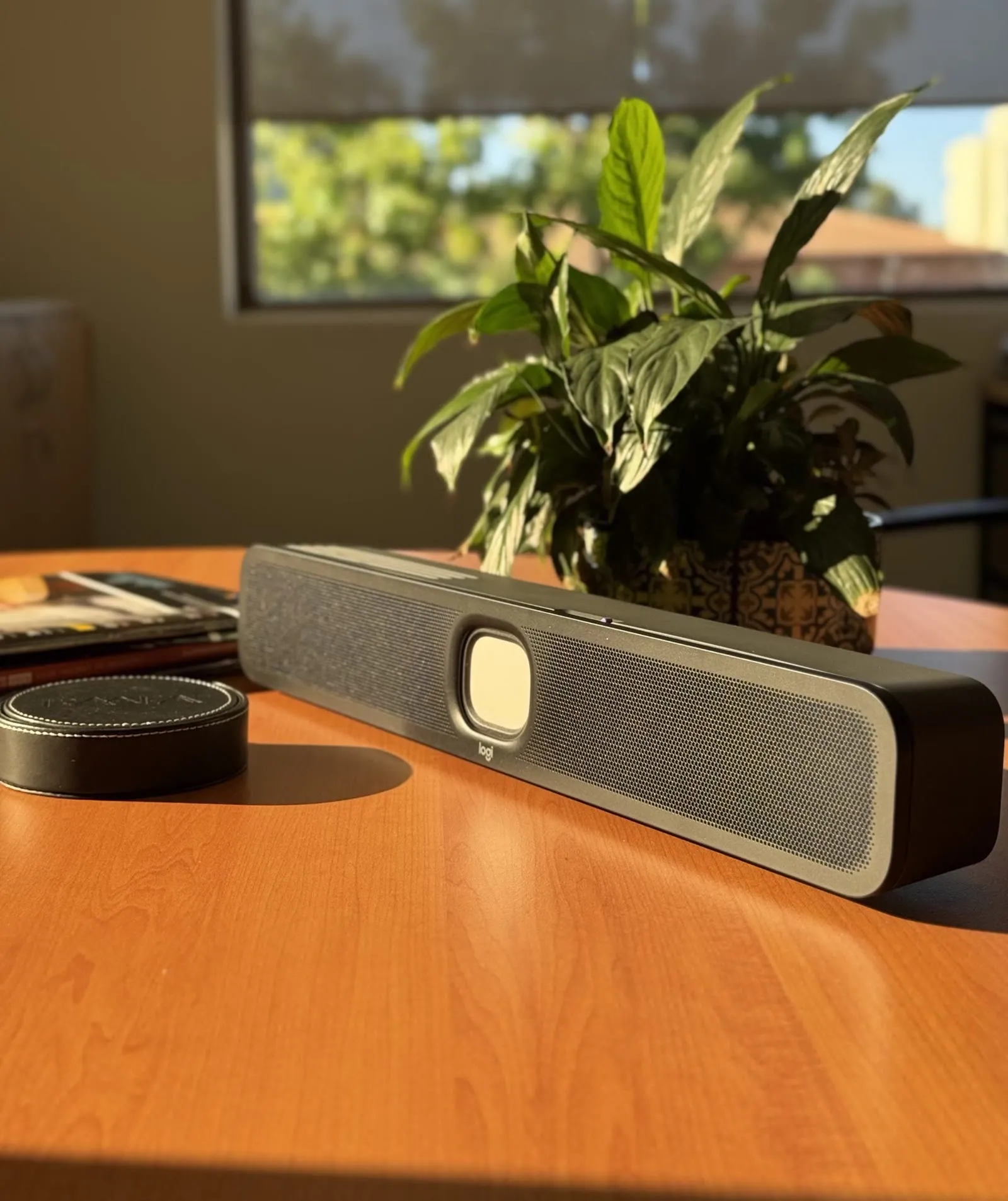
A certified video bar runs Zoom Rooms natively on the device — no PC in the room. Fewer boxes, faster boot, updates through Zoom Device Management. Our usual builds: Logitech Rally Bar family, Neat Bar and Bar Pro, Yealink MeetingBar series and Poly Studio X52, each with a Tap IP or TC10 controller on the table.
Boardrooms & complex spaces
Compute-based rooms
Zoom Rooms software on a dedicated room computer, with the AV built around it: modular cameras like Rally Plus or a centre-of-table Sight, ceiling arrays like the Shure MXA902, and Q-SYS DSP audio tuned to the room. This is how the big rooms earn broadcast-quality calls.
Collaboration spaces
Touch boards & scheduling
All-in-one touch boards — Neat Board, Rally Board 65 — put Zoom Whiteboard, camera and audio on one rolling surface for project rooms. At every door, a Tap Scheduler shows availability and takes on-the-spot bookings; idle displays can run Zoom digital signage.
Interop, without drama
One room, every platform.
A Zoom Room can join Microsoft Teams, Google Meet and Webex meetings directly from the touch controller — and Teams Rooms return the favour — so choosing Zoom doesn't lock your rooms out of anyone else's calendar.
Direct guest join
The invitation lands in the room's calendar, the join button appears on the controller, and the room joins the Teams or Meet call with its proper cameras and microphones.
Calendar does the work
Book the room like any attendee — Google or Microsoft 365 calendar integration reads the invite and offers the right join, whichever platform sent it.
BYOD as the last resort
For the platform nobody predicted, a USB fallback turns the room's camera and audio into peripherals for any laptop — the escape hatch that keeps the meeting on time.
Know the limits
Guest join is for joining; hosting stays richest on the native platform. If half your meetings are hosted on Teams, that's a platform conversation — and we'll have it honestly.
Deployment, the boring way
Rolled out like we've done it before.
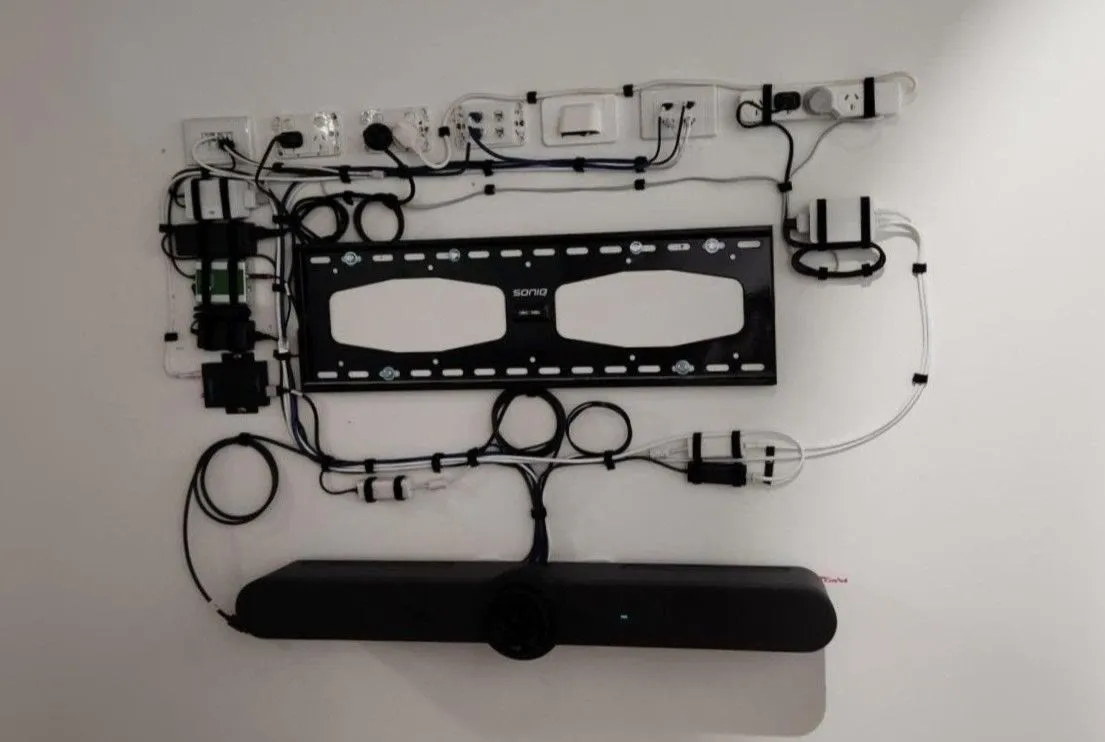
A Zoom Rooms rollout is repetition done well: one design per room size, licences and calendars ready before the hardware arrives, a pilot room proven first, then a staged installation your people barely notice. Every room reports into Zoom Device Management from day one, so IT sees the whole fleet's health from a single dashboard.
Audit & tiering
Every room measured and mapped to a tier — huddle, meeting, boardroom — so a thirty-room fleet needs three designs, not thirty.
Standards & licensing
One certified bill of materials per tier, plus room accounts, calendar integration and Zoom Rooms licences prepared with your IT before hardware lands.
Pilot room
The first room is built, used and criticised before the fleet follows. Objections get fixed in the standard, not repeated thirty times.
Staged installation
Rooms go in floor by floor around your business hours, each commissioned against the same checklist and live test calls.
Handover & support
Staff training, documentation for IT, and Focus Care behind Zoom Device Management for the faults a dashboard can't fix.
If the room needs a manual,
the room is wrong.
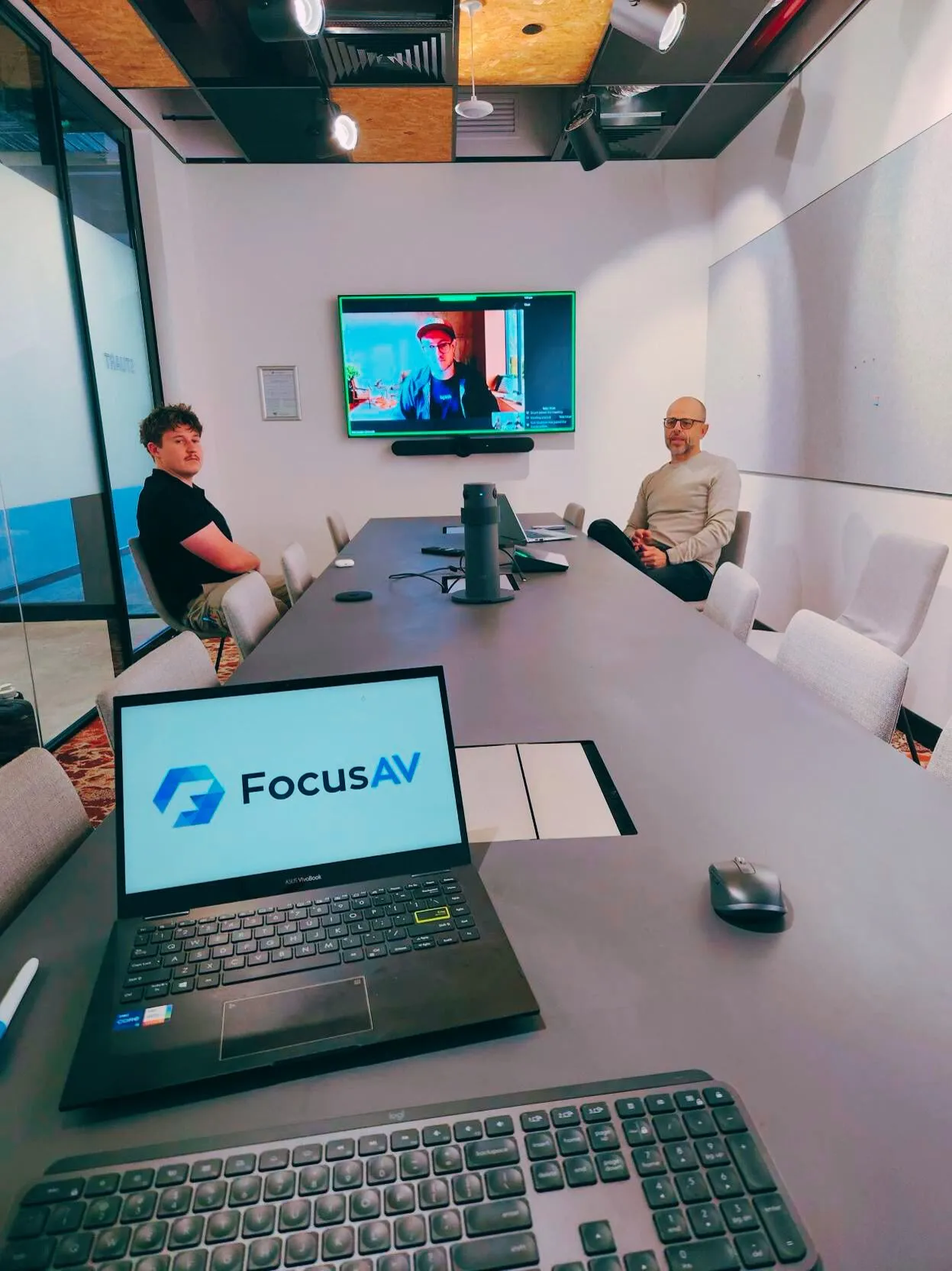
A certified Zoom Room has exactly one instruction: tap. Everything else — camera framing, microphone pickup, content sharing, the day a client insists on Teams — is the design's job, not the user's. That's the standard every room we hand over is commissioned against, on live calls, before we leave.
Licensing & budget
What a Zoom Room costs to run.
Two numbers matter: the build and the licence. Hardware, installed and commissioned, runs as indicative Perth ranges below; the Zoom Rooms software licence is per room, per year, and covers the room app, controller and scheduling displays, Zoom Device Management and digital signage.
Huddle room · 2–4 people
$5k–$10k
Certified appliance bar, display, controller — installed and commissioned.
Meeting room · 5–8 people
$10k–$22k
Auto-framing bar, extension mics, single or dual displays, scheduler at the door.
Boardroom · 10–16 people
$25k–$60k
Compute-based build, ceiling audio, DSP, tracking cameras, integrated joinery.
Training / town hall · 20+ people
Project-priced
Multi-camera, zoned audio and voice lift — designed and priced as a venue.
The room around the technology matters as much as the technology: acoustic treatment so ceiling mics hear speech instead of reverb, tables built for cameras and cable paths, and sound masking where conversations must stay in the room. We design all of it as one drawing.
- The Zoom Rooms licence is per room, per year — budget for it alongside the hardware
- Audio architecture is the biggest hardware lever: bar built-ins vs ceiling arrays and DSP
- Display count and size move the number next, then camera sophistication
- Room conditions — glass, ceilings, mounting — set the installation effort
- Acoustic treatment and furniture integration finish the room properly
- Ranges are indicative and exclude GST — every room differs; a walkthrough gets you real numbers
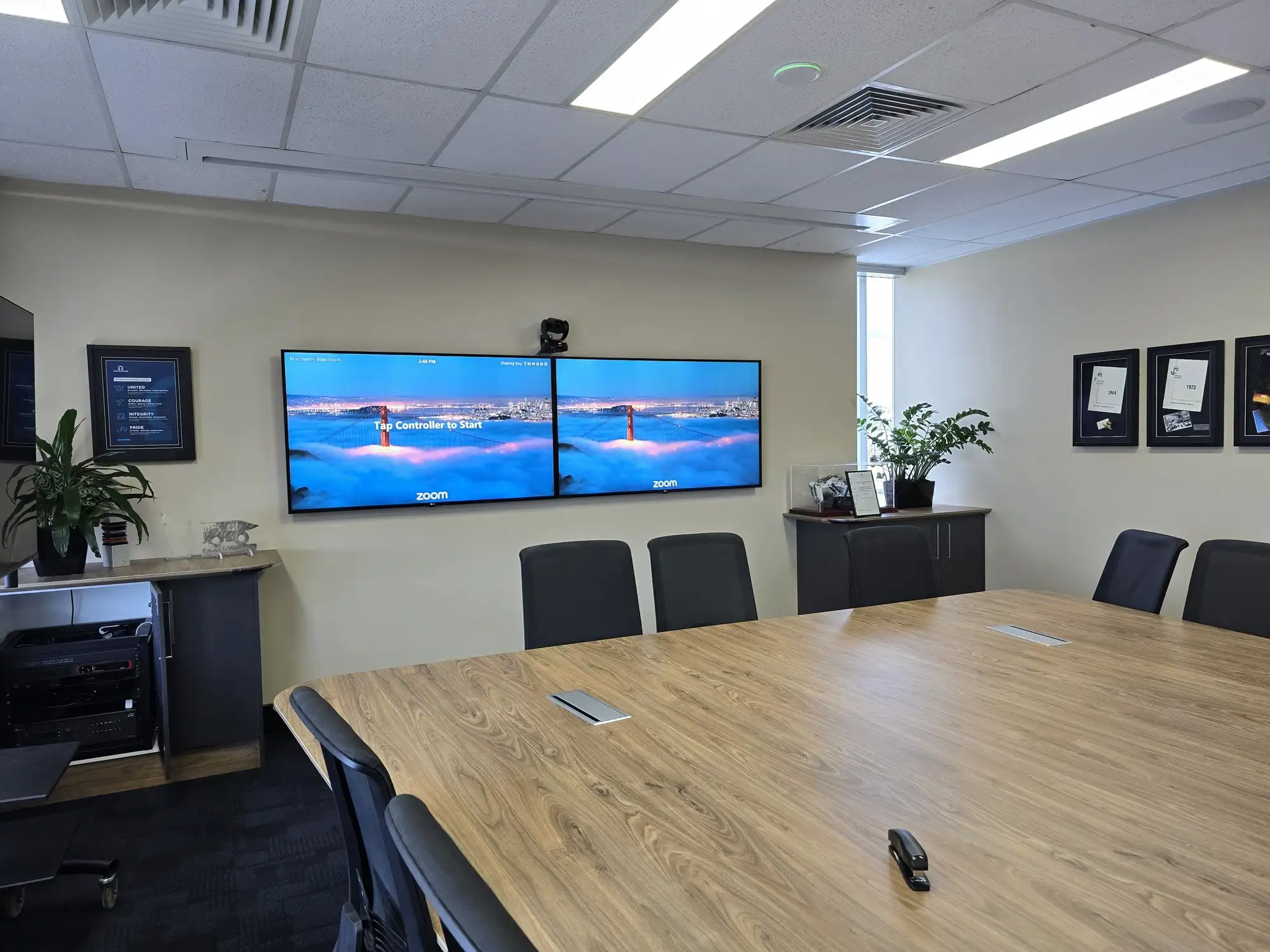
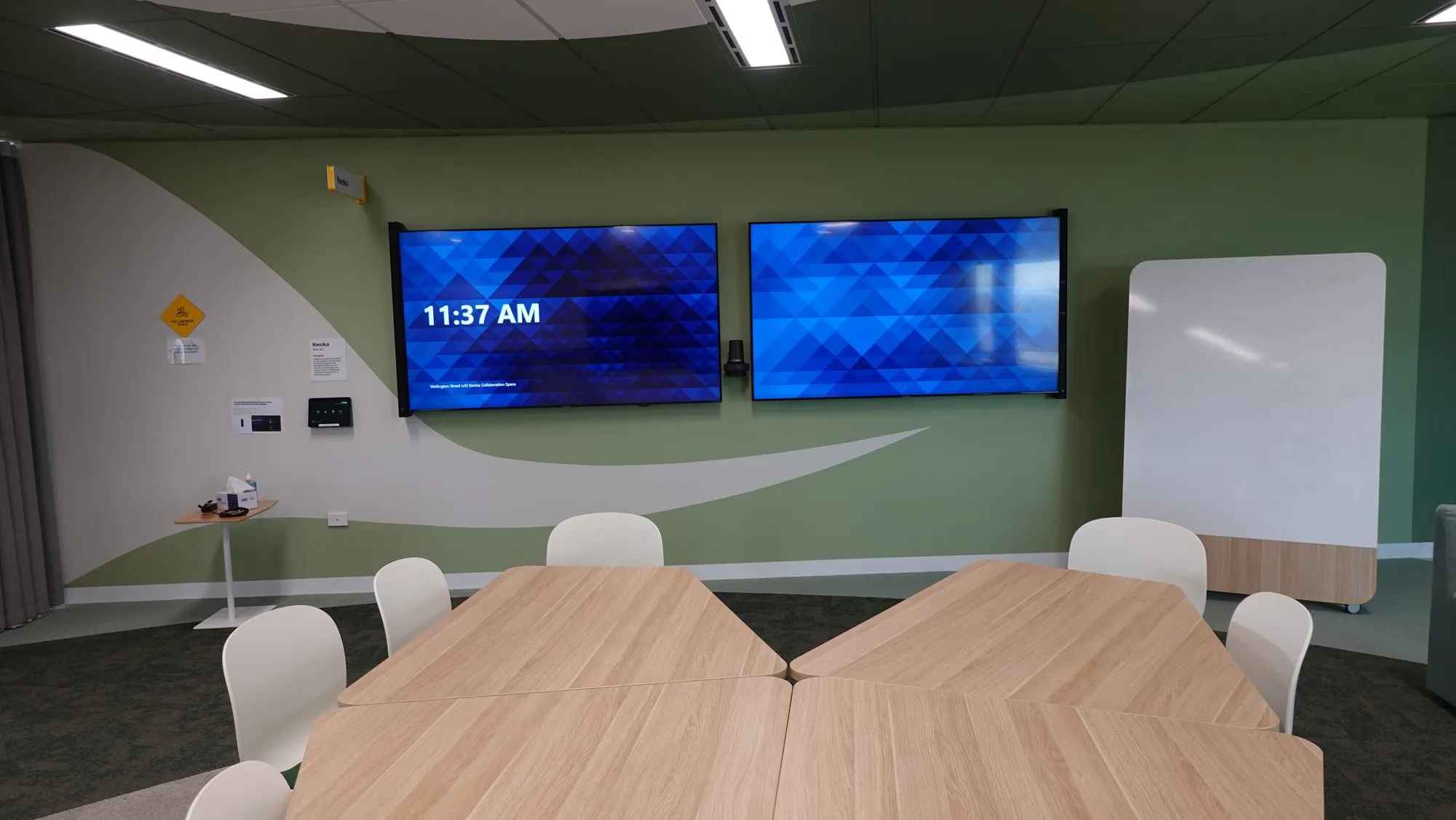
From the field Zoom rooms in service.
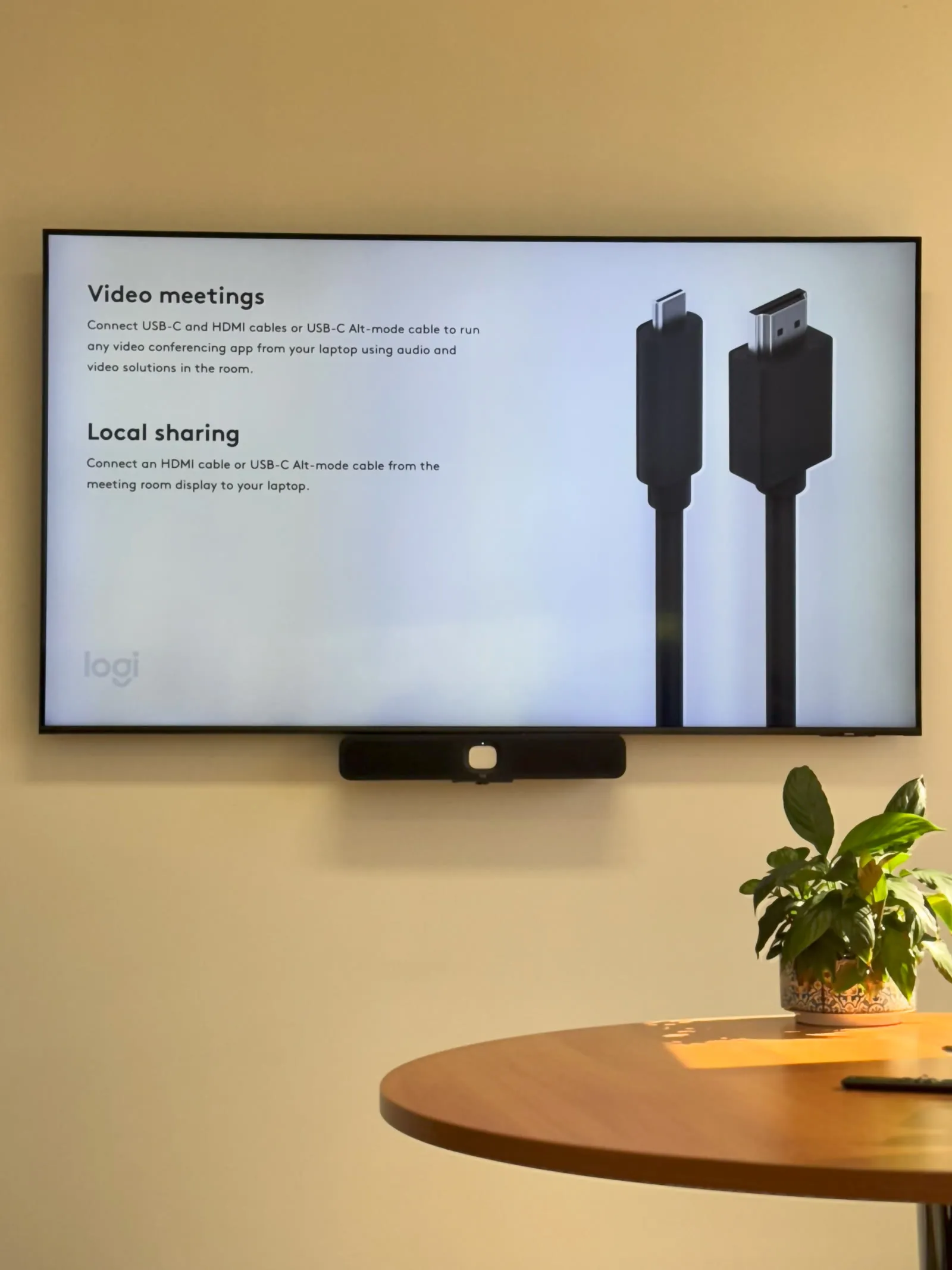
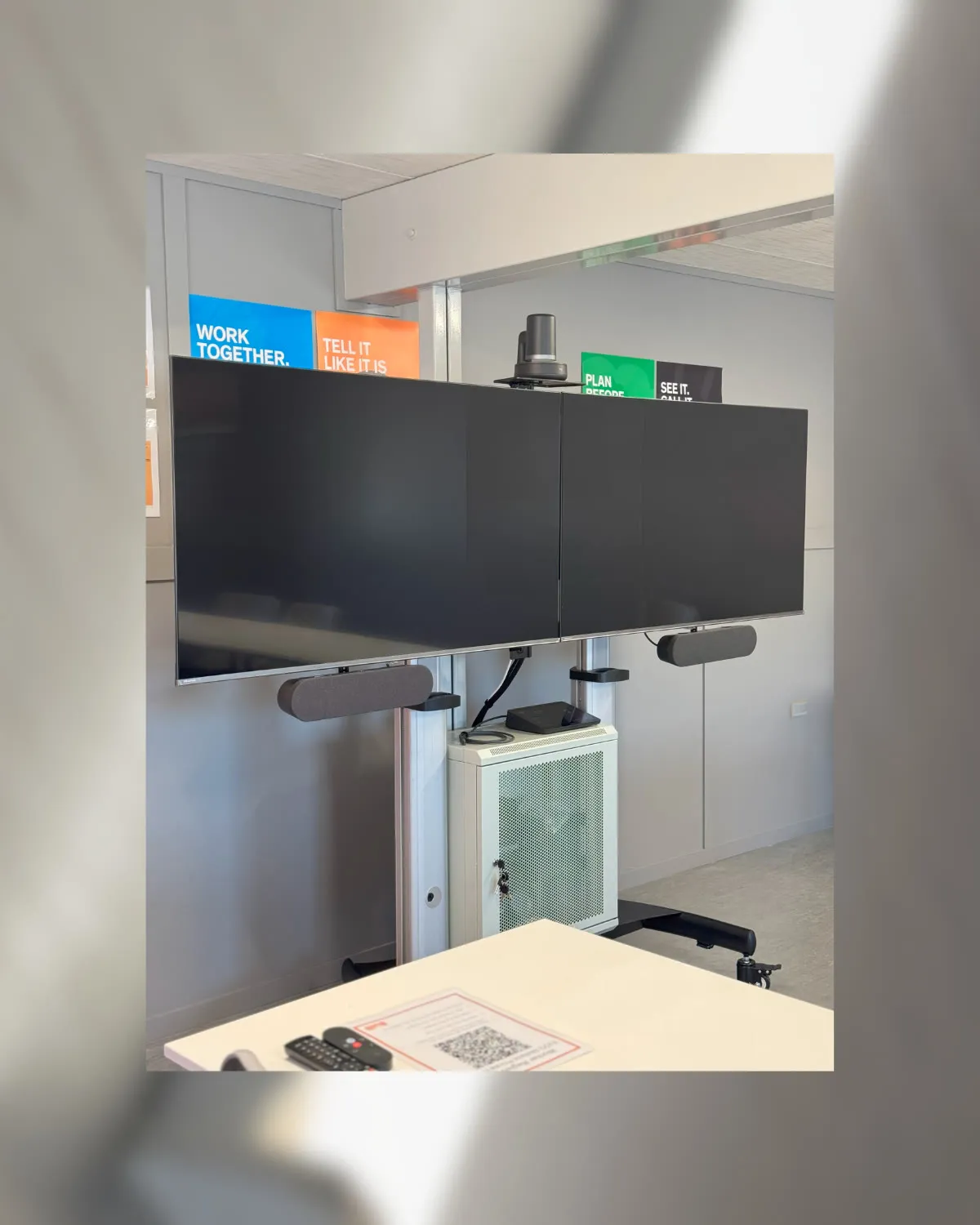
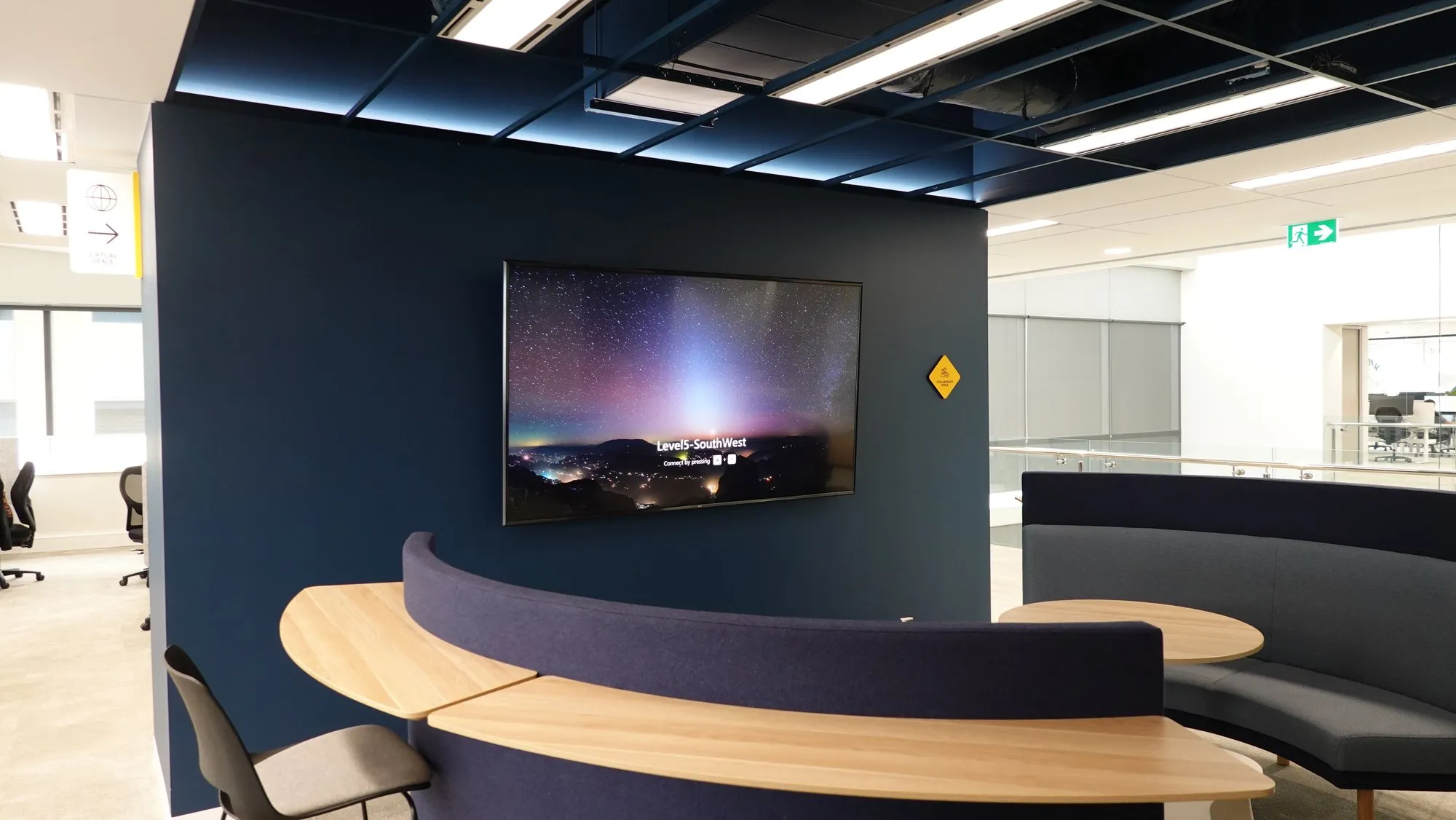
Real rooms, photographed on handover.
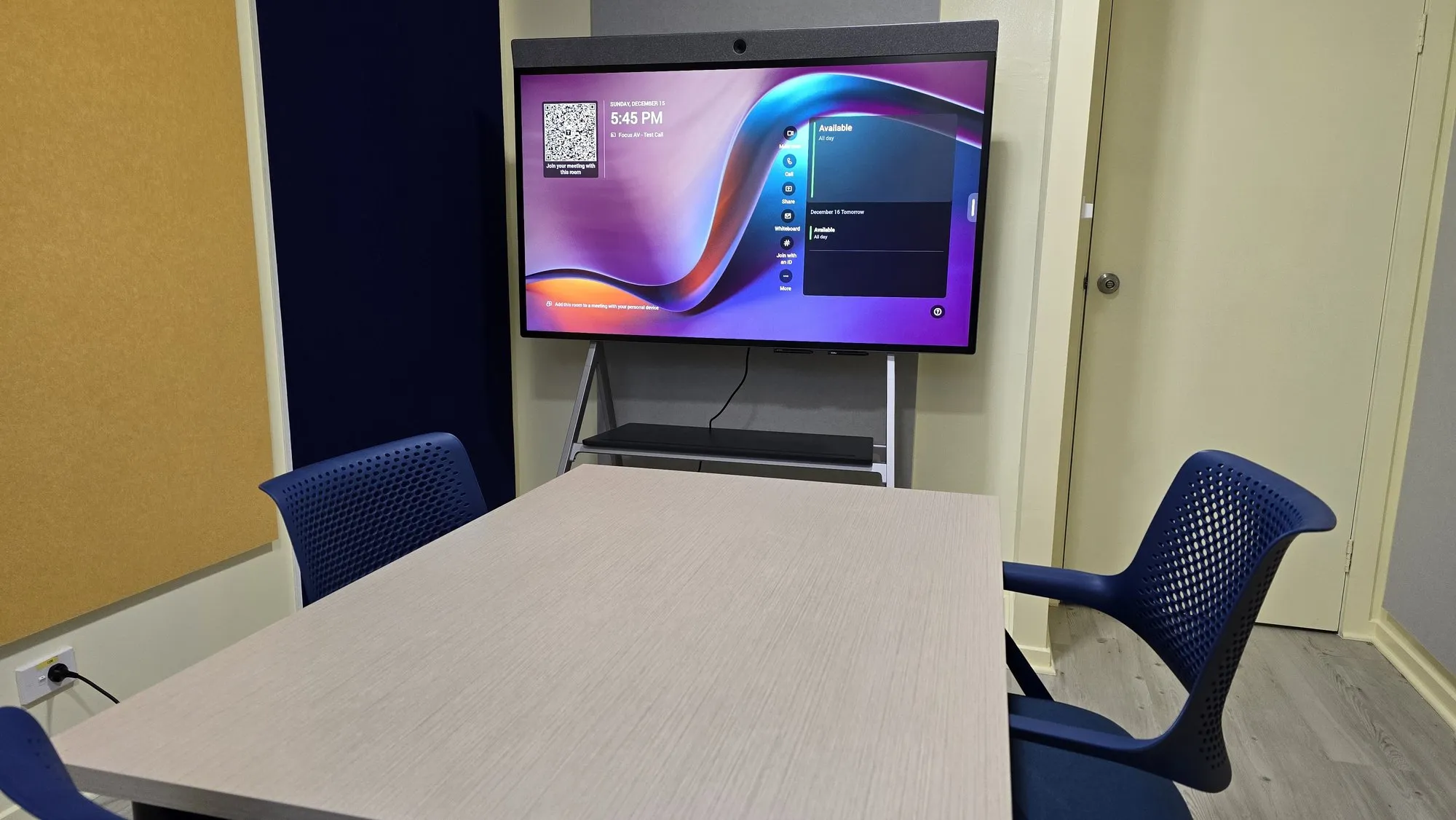
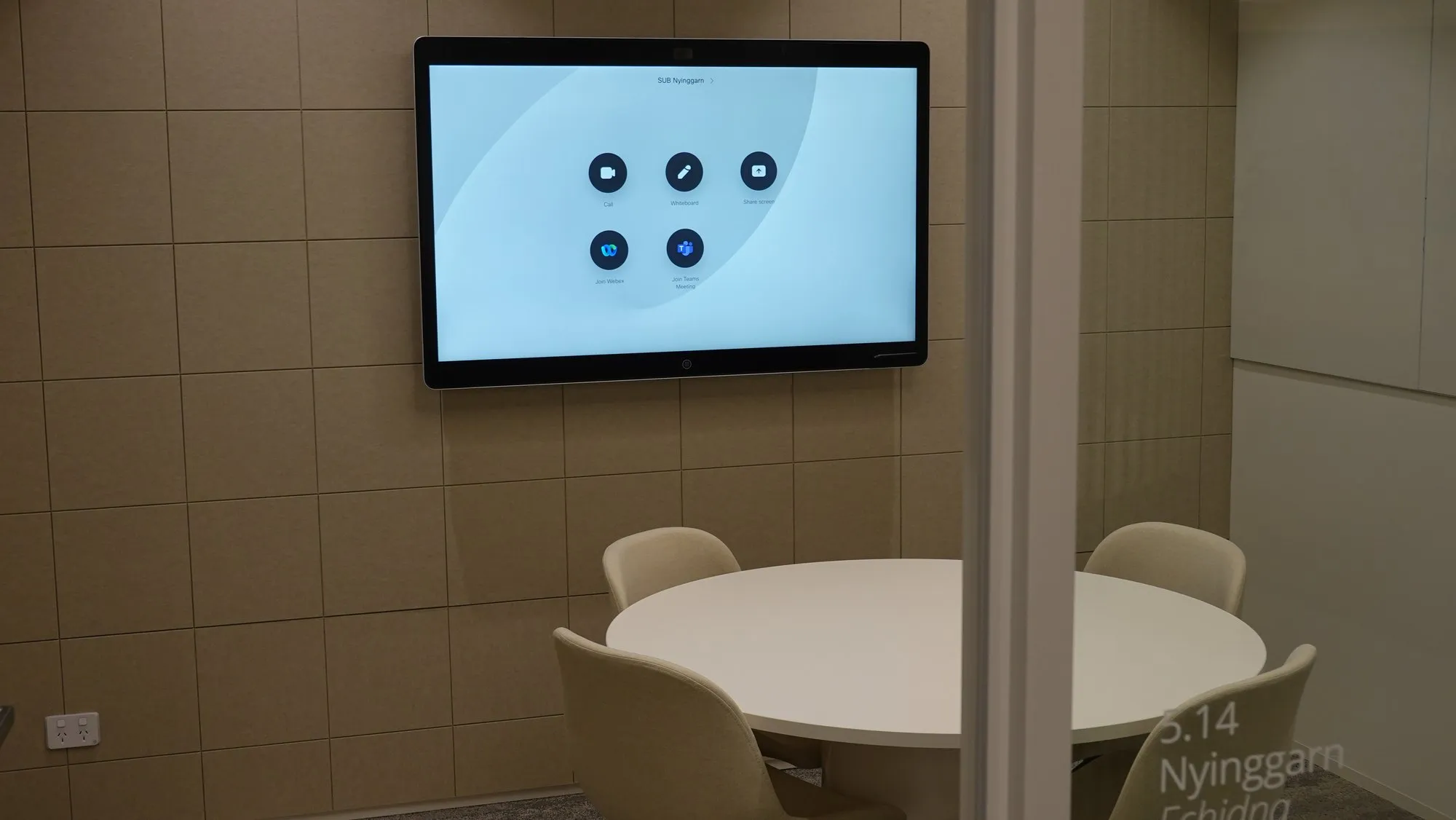
One-touch rooms, delivered.
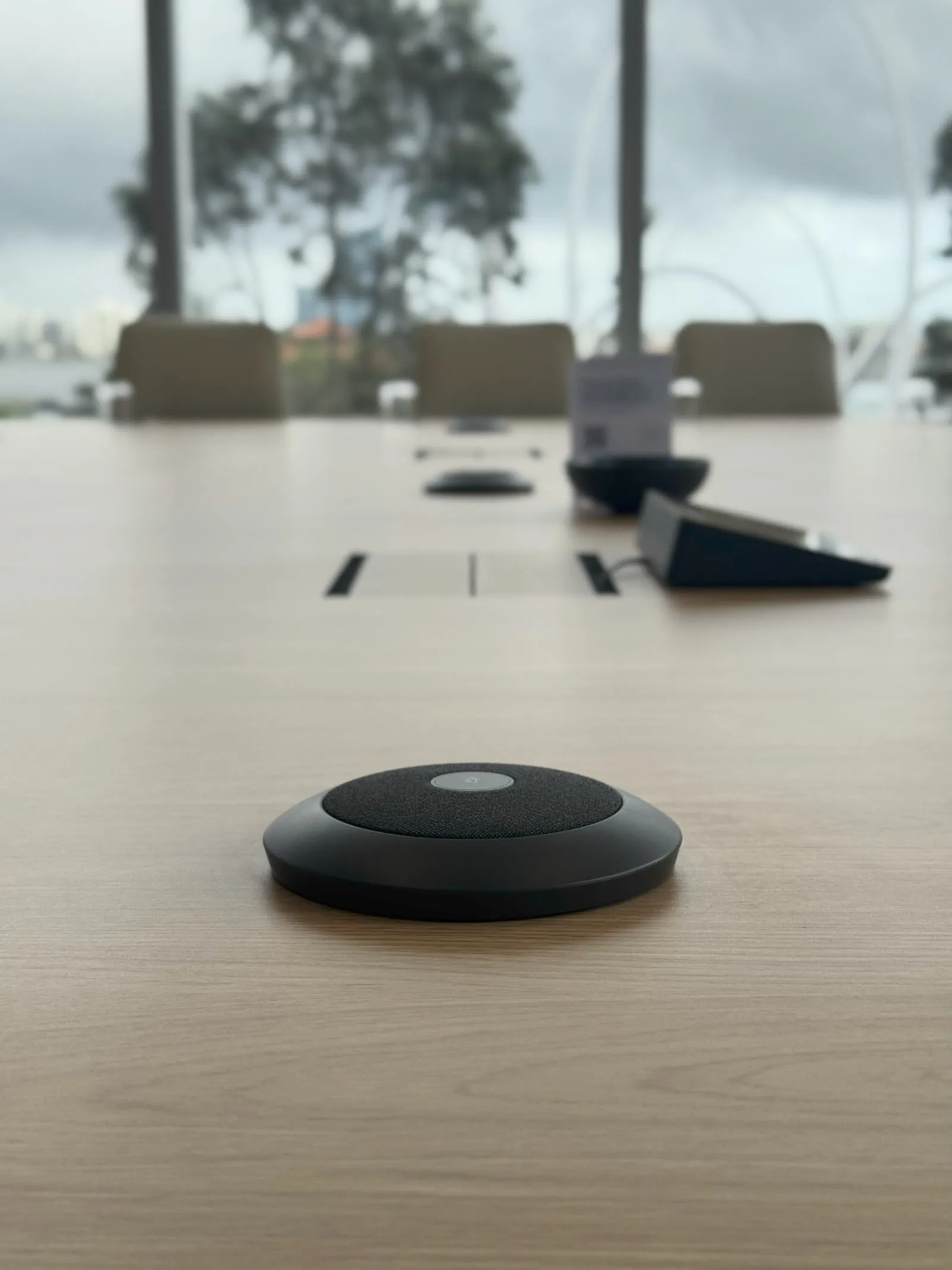
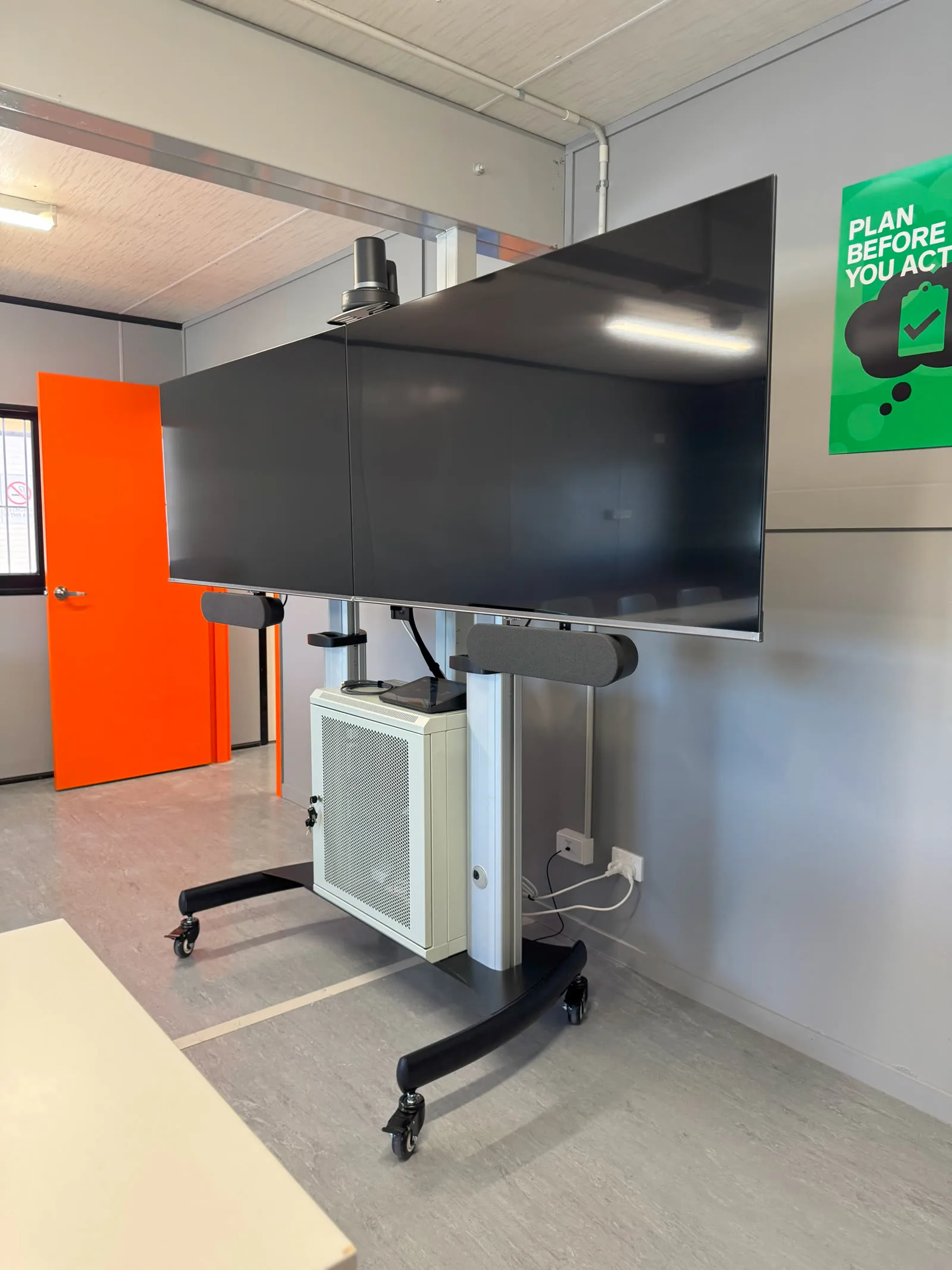
What we deliver
Certified Zoom, room by room.
Room design & hardware
Certified kits matched to huddle, meeting and boardroom scales — Logitech Rally family, Neat Bar and Board, Yealink.
Deployment & Zoom admin
Room accounts, calendar integration and Zoom Device Management set up with your IT — documented, not improvised.
Scheduling & signage
Tap Scheduler and door displays with occupancy status — plus Zoom digital signage on idle screens.
Audio engineering
Mic coverage and DSP designed for the actual room — and acoustic treatment when the room fights back.
Interop & BYOD
Zoom Rooms that can join Teams and Google meetings, plus USB fallback for guests.
Training & Focus Care
Handover, refreshers and support plans that keep the fleet healthy.
Proof
Delivered. Documented.
The whole room
One design. One schedule. One accountable partner.
Straight answers.
We use both Zoom and Teams — what do we build?
Build native for the platform you live in and enable interop for the other: a Zoom Room can join Teams meetings (and vice versa) with the right licensing. We'll map your real meeting traffic and recommend per-room, not per-fashion.
What hardware is actually certified for Zoom Rooms?
The ecosystems we deploy daily: Logitech (Rally Bar family with Tap controller), Neat (Bar, Board, Center) and Yealink — all Zoom-certified as complete kits. Certification matters: it's the difference between one-touch reliability and firmware roulette.
Can you convert our existing rooms to Zoom Rooms?
Usually — recent displays and mounts survive, cameras and audio often don't. We audit each room against certification and give you a per-room verdict with costs, so the rollout budget is real.
Who manages the rooms after install?
Your IT team through Zoom Device Management — with our documentation, training and Focus Care behind them. Monitoring, alerts and preventative visits keep 'the Zoom Room is down' emails extinct.
What's the difference between Zoom Rooms and Microsoft Teams Rooms?
Same idea, different platform: certified hardware, one-touch join, central management. A Zoom Room runs Zoom natively and is licensed per room through Zoom; a Teams Room runs Teams natively and is licensed through Microsoft 365. The hardware largely overlaps — Logitech, Neat, Poly and Yealink certify for both — so the real question is which platform your organisation actually lives in. Both can join the other's meetings as a guest.
How much does a Zoom Room cost in Perth?
Indicative Perth ranges, installed and commissioned: a huddle room typically lands between $5,000 and $10,000; a mid-size room $10,000–$22,000; a boardroom with ceiling audio and DSP $25,000–$60,000 — plus the per-room Zoom Rooms software licence. Audio architecture is the biggest cost lever, then displays and camera sophistication. Every room differs; a walkthrough gets you a real number.
Do Zoom Rooms need a licence?
Yes — each room needs a Zoom Rooms licence on top of your standard Zoom accounts, sold per room per year (indicatively in the several-hundred-dollar range annually). It covers the room software, the controller and scheduling display apps, Zoom Device Management and digital signage on idle screens. We set the licensing up with your IT as part of deployment, so the room arrives working, not almost-working.
What is a Zoom Rooms appliance?
Certified hardware that runs the Zoom Rooms software natively on the device itself — a video bar like a Logitech Rally Bar, Neat Bar or Yealink MeetingBar with no separate computer in the room. Fewer boxes, faster boot, updates managed through Zoom Device Management. Appliances suit most rooms up to boardroom scale; the biggest rooms move to a compute-based build with modular cameras and DSP audio.
Can a Zoom Room join a Teams or Google Meet meeting?
Yes. With direct guest join enabled, the invitation link in the room's calendar shows up on the touch controller and the room joins the Teams or Meet call with its proper cameras and microphones. Feature depth is best on the native platform — that's true in both directions — but for the weekly call with a client who lives on Teams, it simply works.
Can our existing Teams Rooms hardware be converted to Zoom Rooms?
Often, yes. Many certified devices — Logitech Rally Bars, Neat and Yealink appliances among them — carry certification for both platforms, and switching is a supported reprovisioning exercise rather than a hardware purchase. Displays, mounts and audio usually survive untouched. We audit each room's kit against Zoom's certified list and give you a per-room verdict before anything is bought.
What is Zoom Device Management?
Zoom's built-in fleet dashboard, included with the Zoom Rooms licence: every room's online status, firmware version, settings and alerts in one place, with remote restarts and scheduled updates. It's how one IT administrator looks after thirty rooms without visiting any of them — and our Focus Care plans sit behind it for the faults a dashboard can't fix.
Rolling out Zoom Rooms? Standardise from room one.
One walkthrough, one design standard per room size, and a rollout plan IT will actually enjoy.