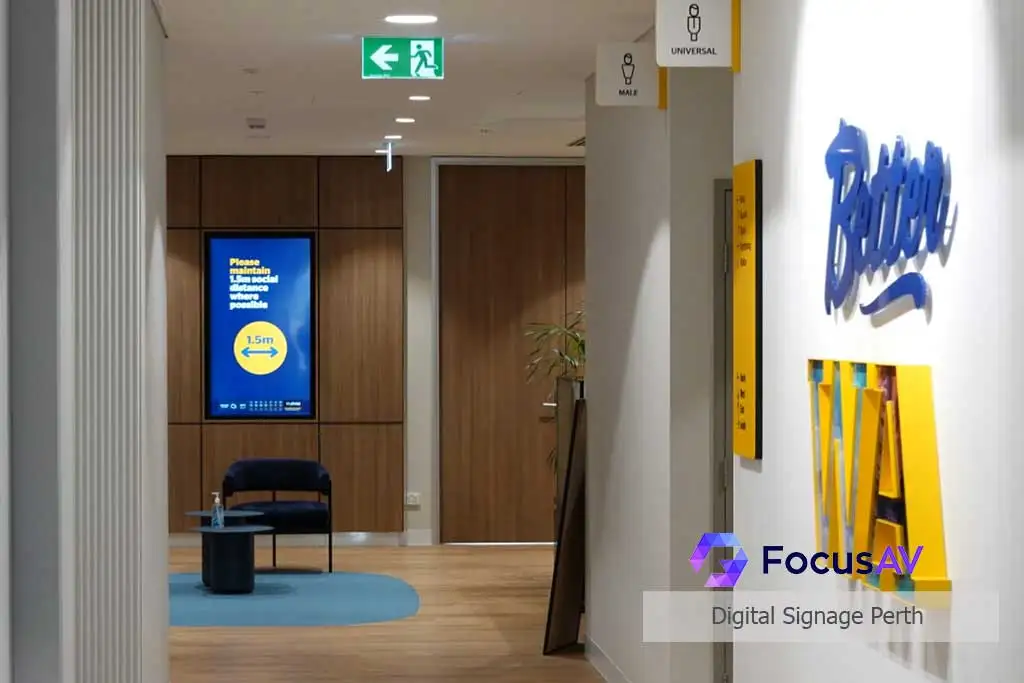
Digital Signage
Screens that earn their wall.
Signage only works when the content is current, the screens are reliable and someone can update it in seconds. Focus AV delivers all three — hardware, software and strategy — across Perth.
What signage actually is
Your message, on every wall you own.
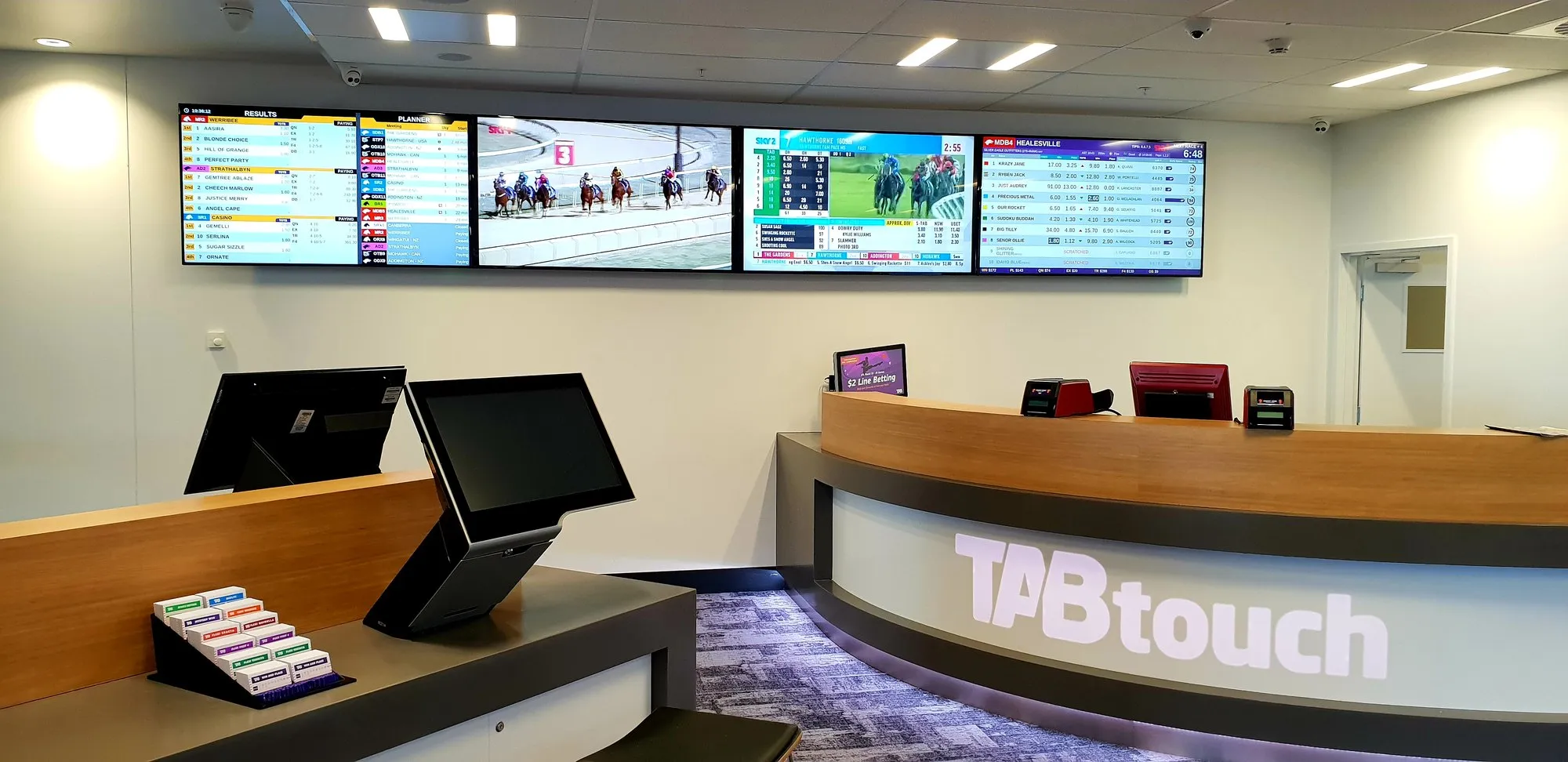
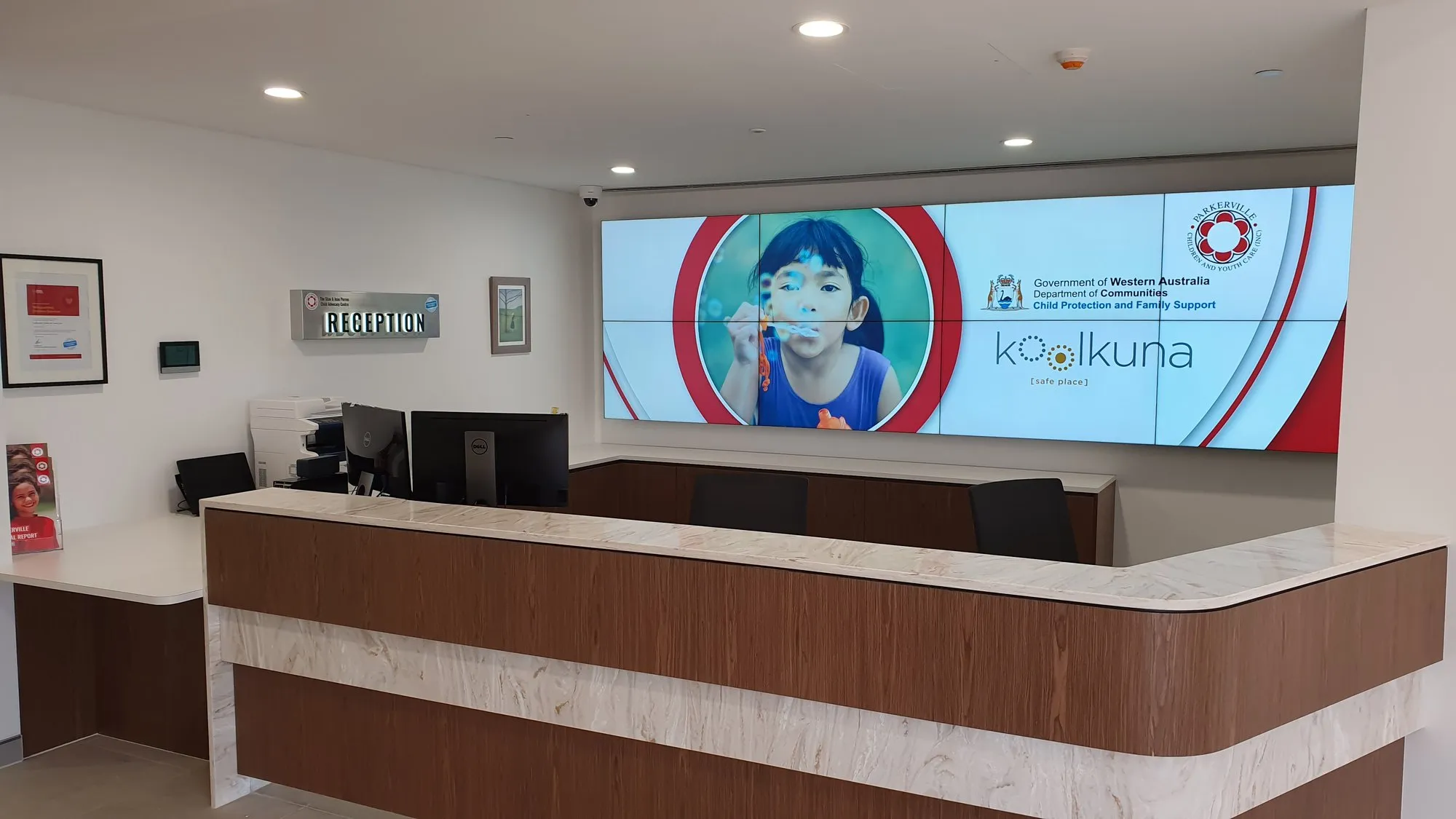
This is a venue front counter — a bank of screens above the service desk, all driven from one schedule. That's signage working: the right message, on the right screen, at the right moment, without anyone walking around with a USB stick.
A signage system has three layers. Commercial displays rated for 16-hour days. A content platform your team drives from a browser — schedule the safety brief for the workshop, the welcome loop for reception, the menu for the café. And a network that keeps every screen accounted for, so nothing goes quietly dead.
Focus AV delivers all three, then stays: content templates at handover, training for the message owners, and Focus Care monitoring so a dead screen gets fixed before your visitors see it.
Anatomy of a signage network
One platform, every kind of screen.
Auto-cycles every two seconds. Tap a part to jump to it.
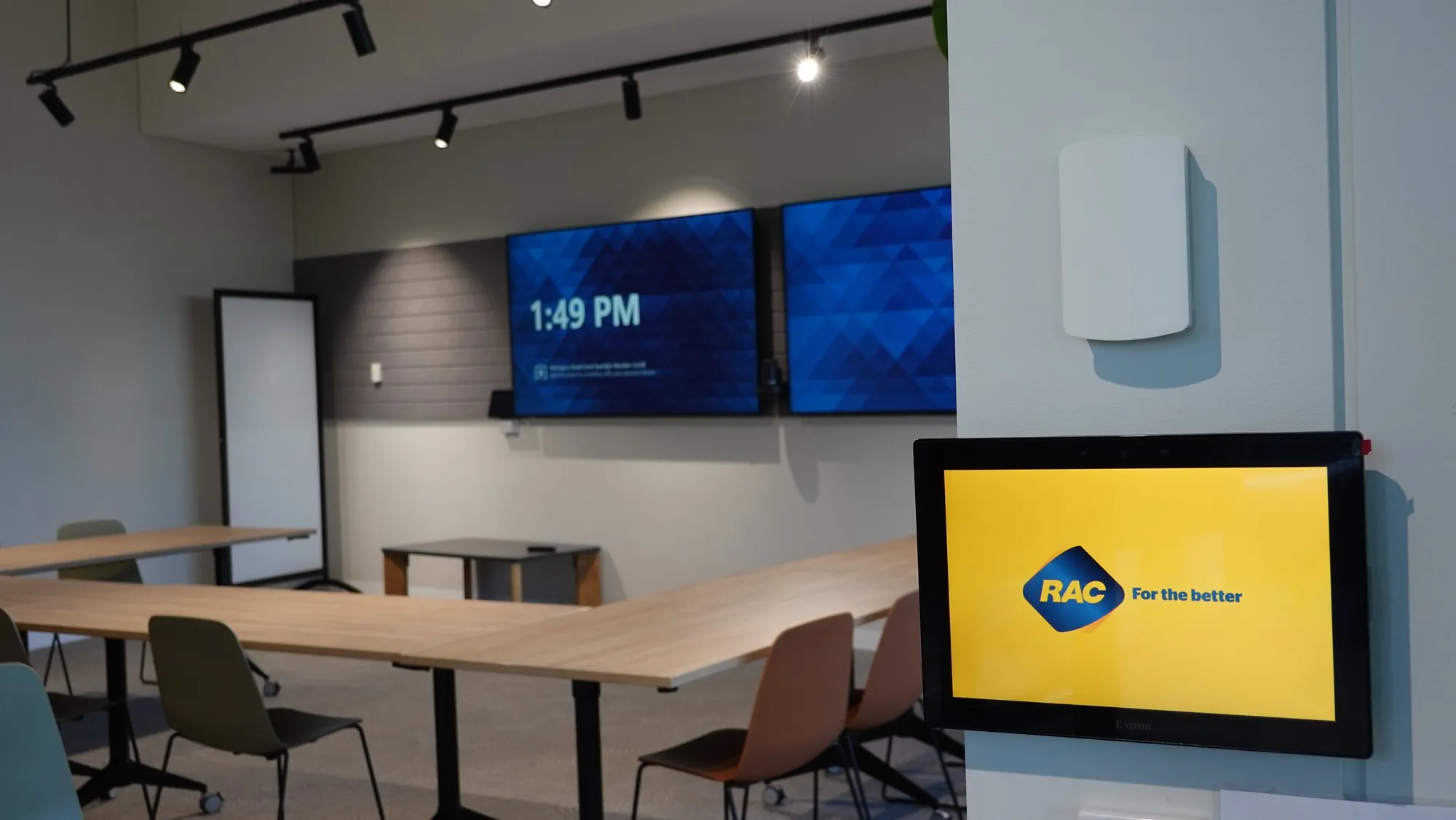
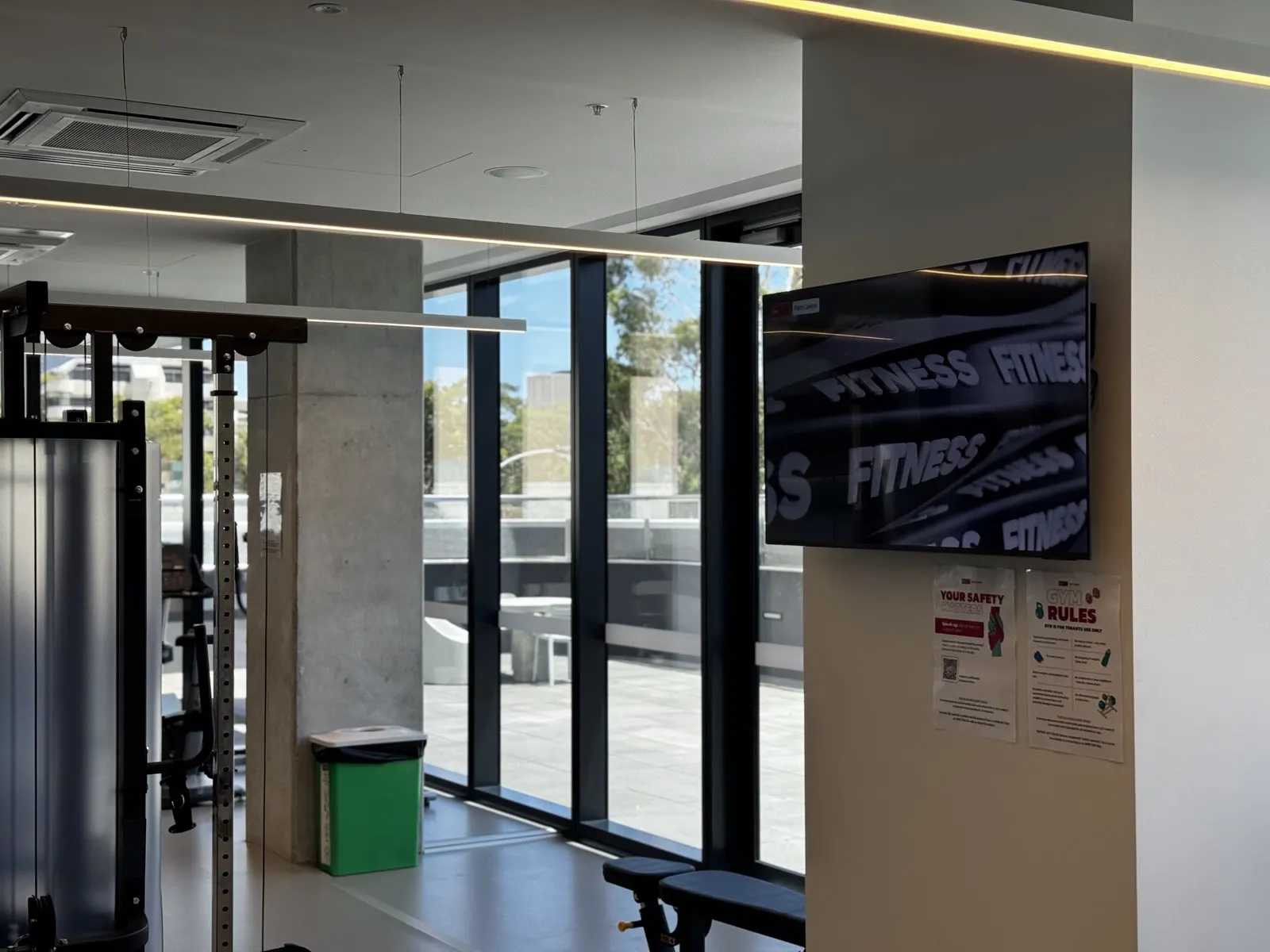
 The whole room
 The dead screen problem
Every city has haunted signage.
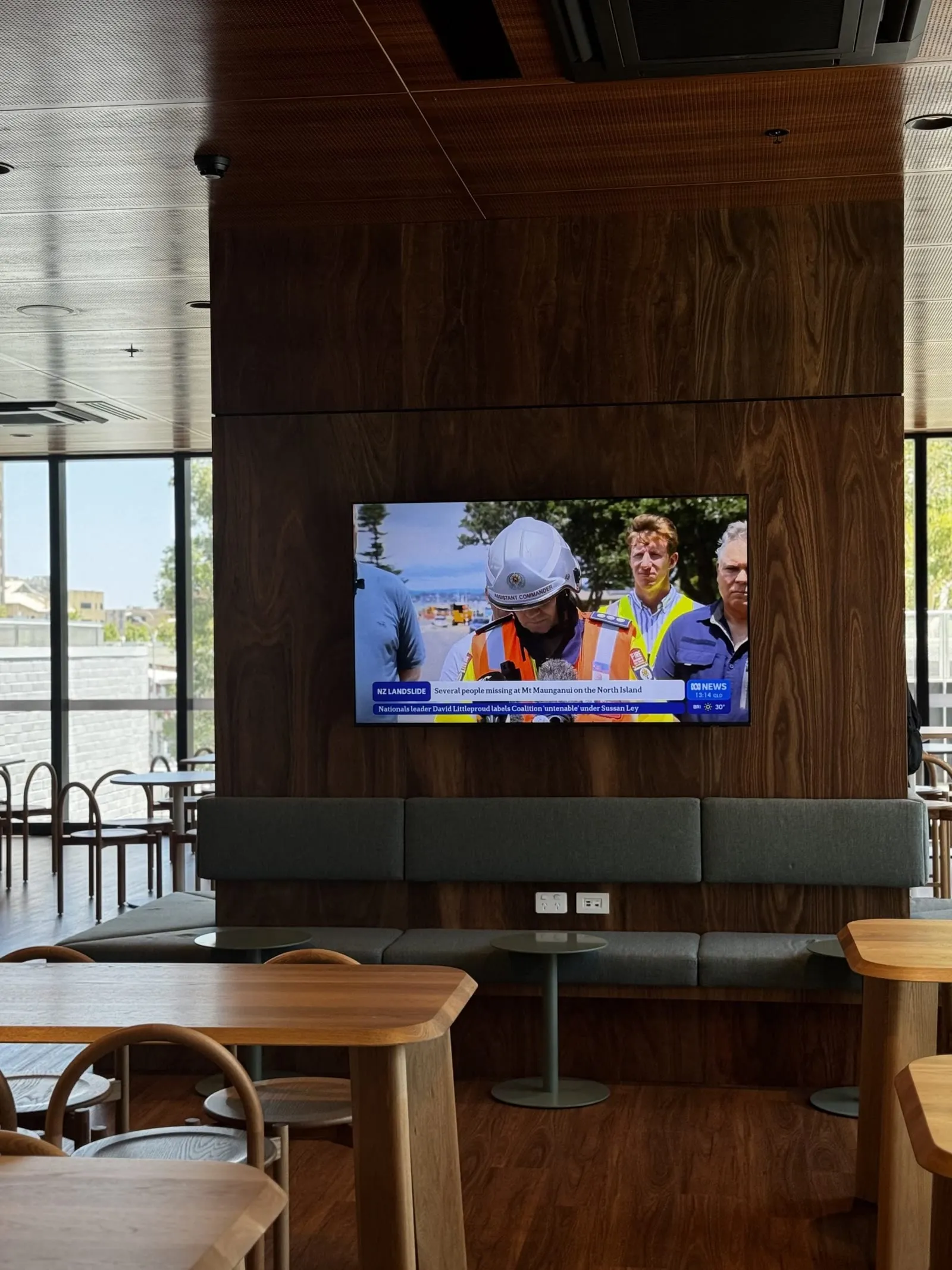
You've seen it: the foyer screen showing last year's welcome message, the menu board stuck on a Windows update, the 'temporarily out of order' TV that's been temporary since March. Signage fails when it's bought as a screen instead of built as a system.
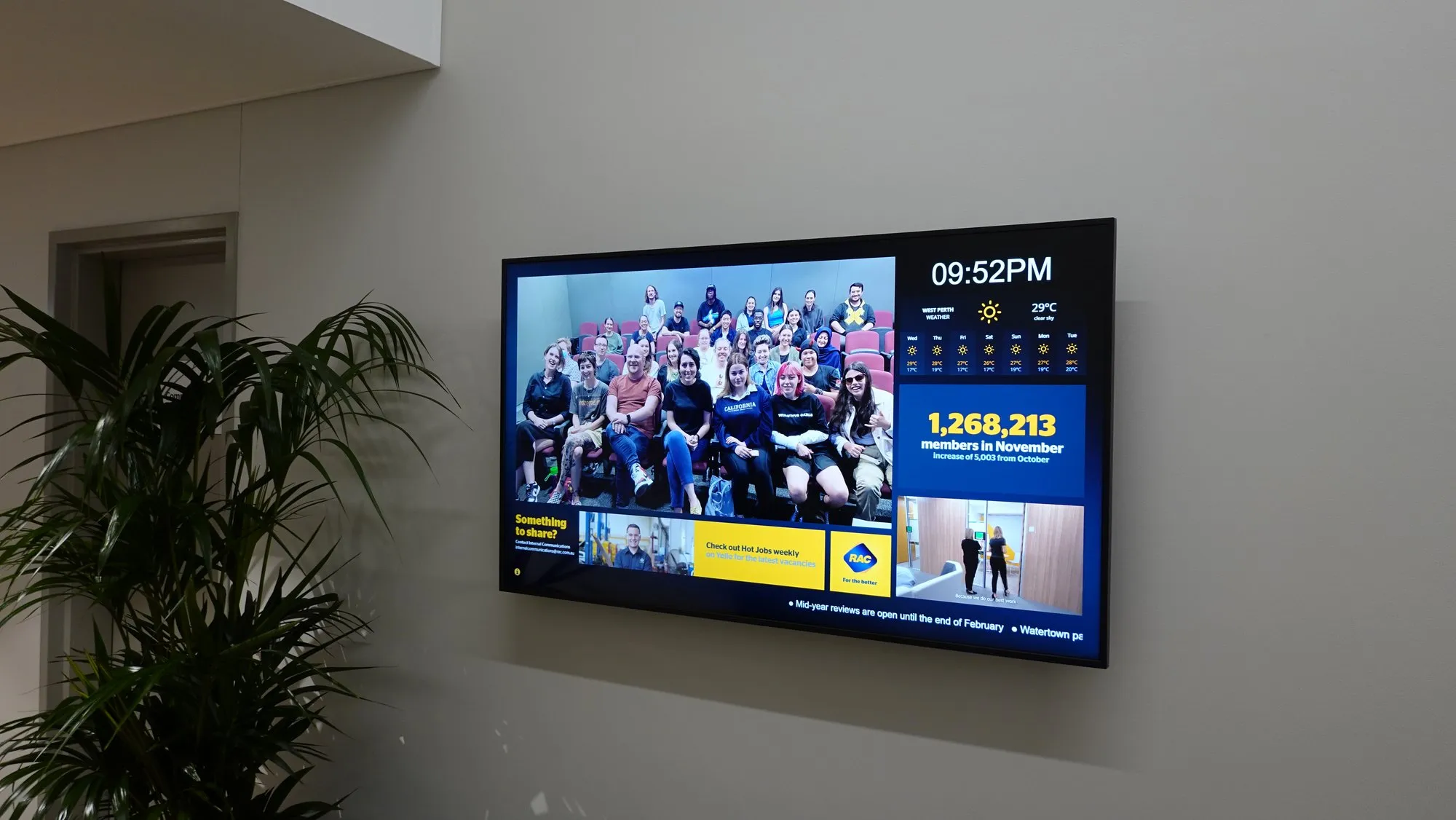
Done properly, digital signage is your hardest-working communicator — welcoming visitors by name, moving queues, selling the special, celebrating the safety record — updated from a laptop in seconds by whoever owns the message.
Focus AV builds signage as a system: commercial displays that survive 16-hour days, software your team actually uses (we work extensively with Australian-built Fusion Signage, among others), a network that IT approves of, and support that keeps every screen alive.
The system, not the screen
What a digital signage system is actually made of.
A commercial digital signage system has four parts: commercial-grade displays, a media player driving each screen, cloud software (a CMS) that schedules the content, and a plan for who updates what. Buy all four and the screens stay fresh for years. Buy just the screen and it goes stale by Easter.
Commercial displays
Panels rated for 16–24 hour duty, with commercial warranties and brightness matched to the space — around 350–700 nits indoors, 2,500+ facing glass. Where a foyer statement outgrows panels, direct-view LED takes over.
Media players
Most commercial screens now run signage natively on their built-in system-on-chip — no extra box behind the display. Dedicated players step in where you need 4K video, touch interactivity or live data feeds.
Software (the CMS)
A browser-based platform where your team schedules content by screen, zone and time of day. We deploy Fusion Signage on most Perth networks, and Tripleplay where live TV joins the mix.
Content & ownership
Branded templates, a named publishing owner per zone, and training at handover. The best hardware in Perth can't save a network nobody is responsible for updating — this layer is where signage lives or dies.
Indoor vs outdoor signage
Sunlight changes everything.
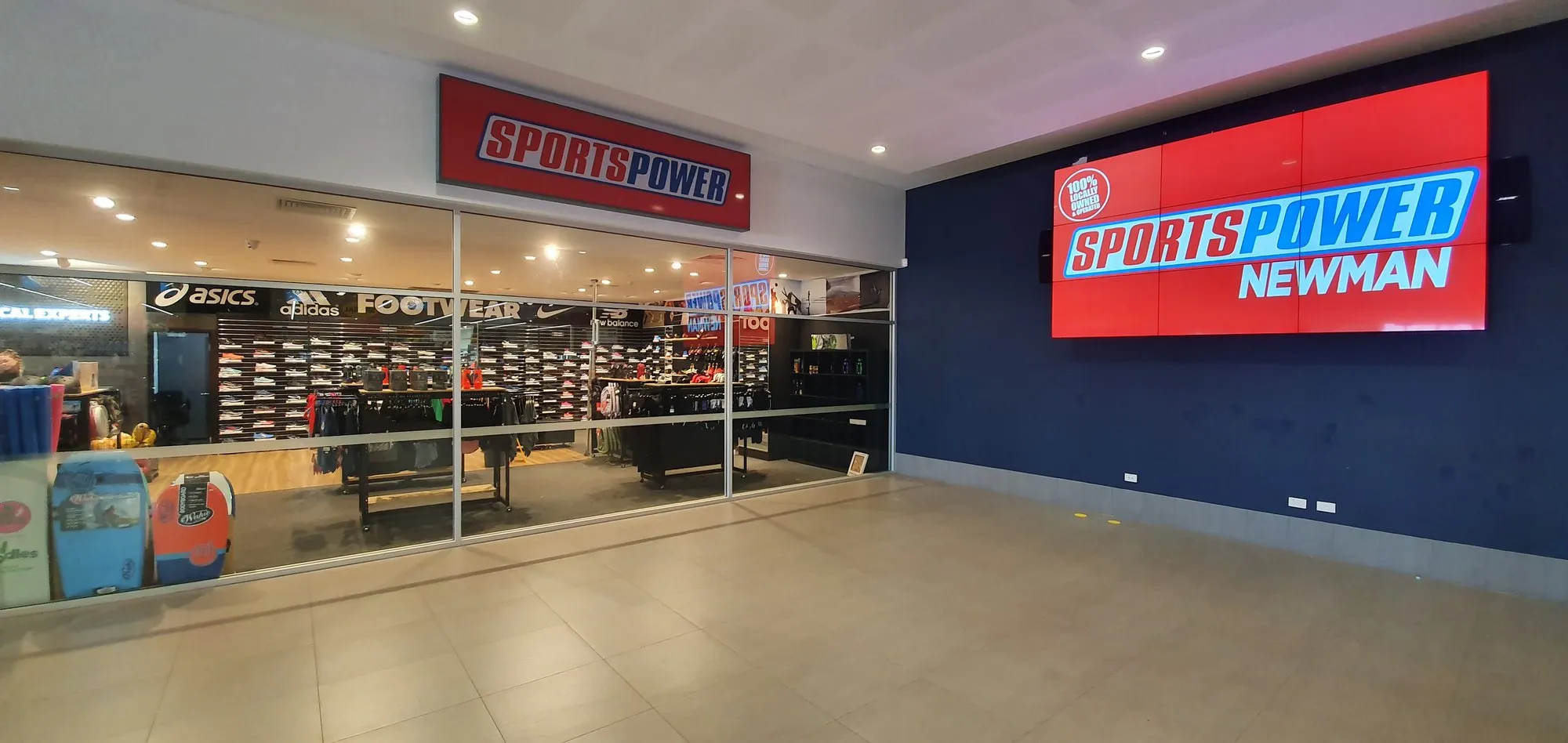
Indoor digital signage needs roughly 350–700 nits of brightness. Window-facing and outdoor signage needs 2,500 nits or more just to stay readable against Perth daylight, plus weather sealing and serious heat management. They're different products — an indoor panel pointed at the street simply disappears at noon.
| Spec | Indoor displays | Window-facing & outdoor |
|---|---|---|
| Brightness | 350–700 nits — comfortable in offices, retail floors and foyers | 2,500–5,000+ nits — readable through glass and in direct sun |
| Weather protection | None needed — standard commercial housing | IP-rated panels or sealed enclosures against rain, dust and coastal salt air |
| Heat management | Passive — air-conditioned interiors do the work | Active cooling engineered for 40°C summers and the heat load behind glass |
| Panel technology | Commercial LCD, 16–24 hour duty cycle | High-brightness LCD behind glass, or direct-view LED at larger sizes |
| Typical duty | Menus, welcome boards, KPIs, wayfinding, workplace comms | Shopfront promos, street-facing campaigns, site-gate and forecourt messaging |
Beyond roughly 75 inches outdoors, high-brightness LCD stops making sense and modular LED becomes the honest answer — that's a different engineering discipline, covered on our LED screens page.
Digital signage software
The software decides if screens stay fresh.
Digital signage software is a cloud CMS your team logs into from any browser — schedule the menu, the welcome loop and the safety brief per screen, per zone, per time of day. For most Perth businesses we deploy Australian-built Fusion Signage; for estates where live TV and signage share screens, Tripleplay.
Fusion Signage — our default
Australian-built, drag-and-drop scheduling, per-user permissions, and it runs natively on the Samsung, LG and Philips commercial screens we install — no extra player on most fleets. Priced per screen without punishing tiers, with support that answers in your time zone. The platform behind most of the signage networks we deploy, from single reception screens to multi-floor fleets.
Tripleplay by Uniguest — the enterprise convergence play
For corporate estates, venues and stadiums where broadcast TV, streaming and signage converge on the same screens — one console runs the lot, so a staff-dining display can carry live news with your comms zones around it. It's the same convergence we build with commercial IPTV, managed from a single dashboard.
What to look for in any signage CMS
- Browser-based, with nothing installed on office PCs to babysit
- Per-user, per-screen publishing permissions
- Runs on the display's built-in player where possible — fewer boxes, fewer failures
- Per-screen pricing that scales down as the fleet grows
- Screen-health visibility, so a dead display announces itself
- Support that answers in Australian business hours
The most expensive screen in Perth is the one still showing last year's message.
Hardware is never why signage fails. Screens die quietly — an update nobody owned, a player nobody rebooted, a message nobody retired. So we build the system around the part that actually breaks: the humans.
- Duty rating
- 16–24h
- Commercial panels built for the hours consumer TVs quietly refuse
- Against Perth sun
- 2,500+
- Nits of brightness on window-facing glass, or the street never sees it
- To publish an update
- < 60s
- From any browser, by the person who owns the message — not a designer on retainer
- Screens unaccounted for
- Zero
- Fleet health watched under Focus Care — a dead display is our problem before it's yours
Corporate & multi-site signage
One dashboard, every branch.
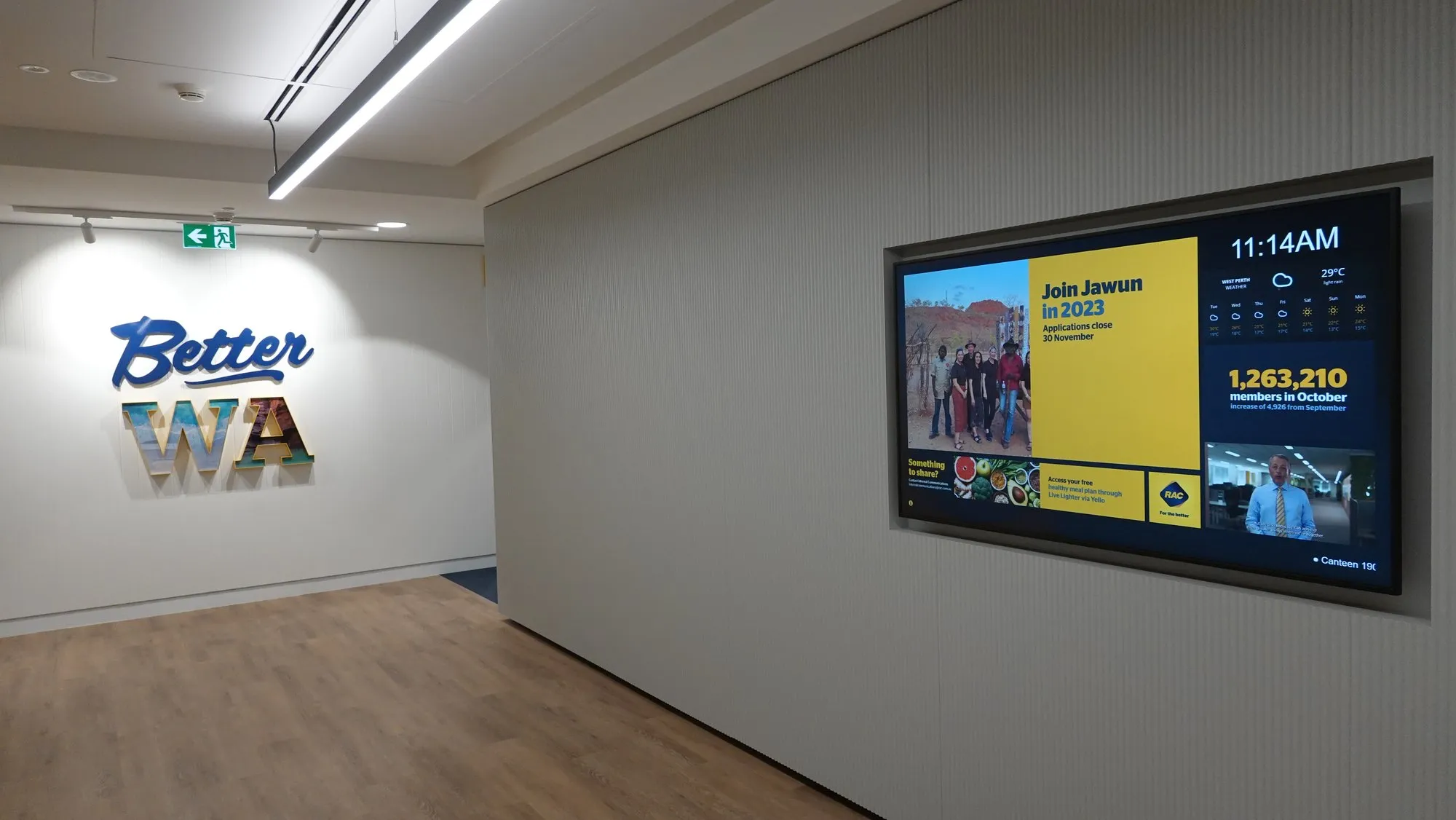
Corporate digital signage across multiple sites runs from a single CMS account: head office owns the brand templates and the network-wide messages, each branch owns its local zones, and permissions keep everyone in their lane. The safety announcement lands on every site simultaneously; the Joondalup lunch menu stays Joondalup's problem.
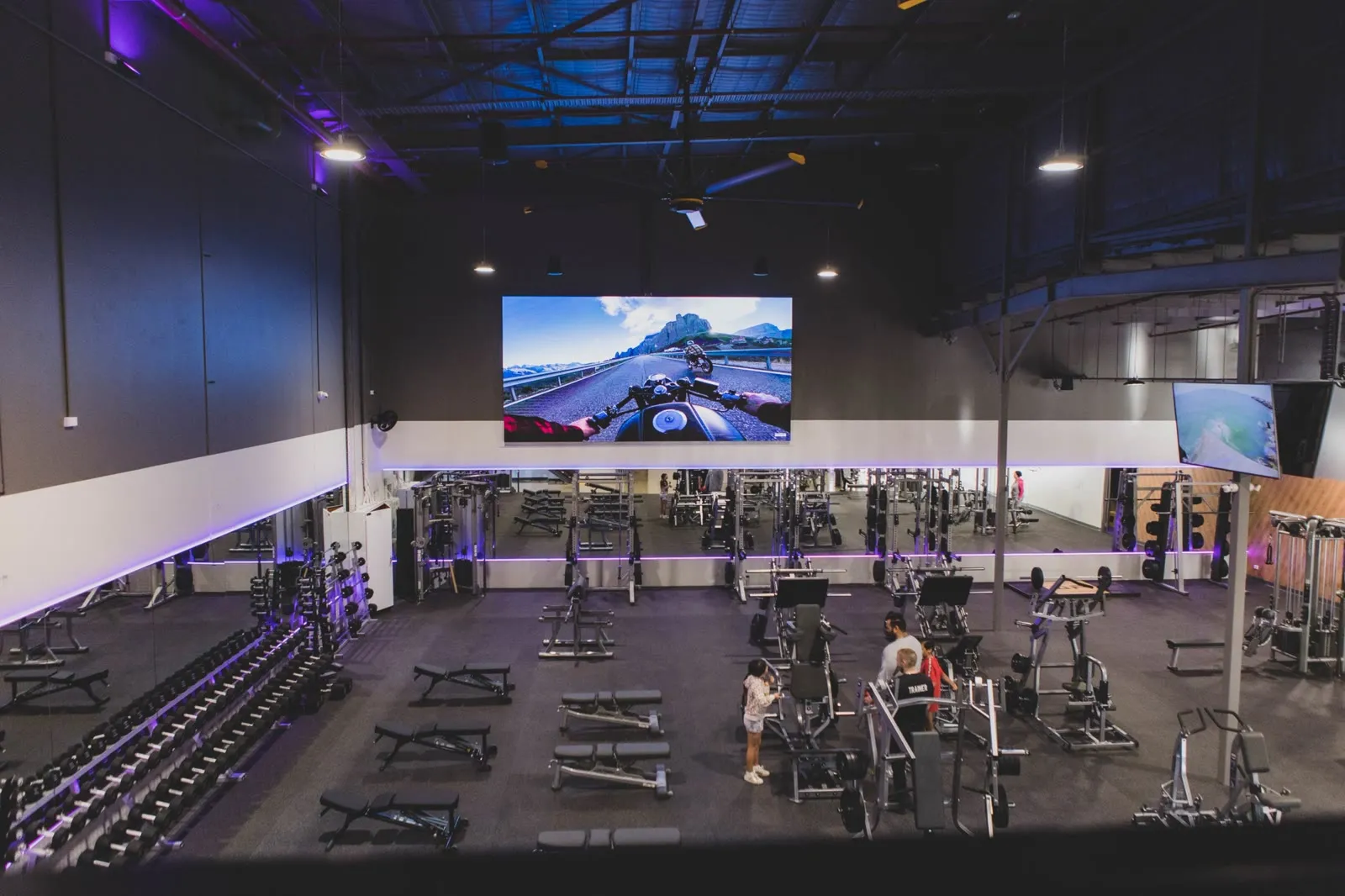
That structure is what makes fleets manageable. Rolling out a new site means shipping a pre-configured screen and claiming it into the account — no technician on a plane. It's the model behind the executive welcome walls we built for Linkforce and the building-wide screen network running everything from tenant gym channels to café menus off one platform.
Where corporate comms needs broadcast television in the mix — staff dining, trading floors, gyms, waiting areas — signage and IPTV share the same screens and the same schedule: news at lunch, your KPIs and safety record the rest of the day.
How a deployment runs
From site walk to screens alive.
A typical Perth signage deployment runs two to four weeks from survey to handover — most of that is planning and lead time. The install itself is usually a day or two per site.
Site walk & content audit
Where screens will actually earn attention, what messages exist today, and who owns each one.
System design
Displays, mounts, players, software platform and network path — one drawing, one number.
Install & configure
Mounted, connected and enrolled in the CMS — every screen named, grouped and manageable remotely.
Templates & training
Brand templates loaded, and the people who own the message publish their first update before we leave.
Monitor & support
Screen health watched remotely under Focus Care — a dead display is our problem before it's yours.
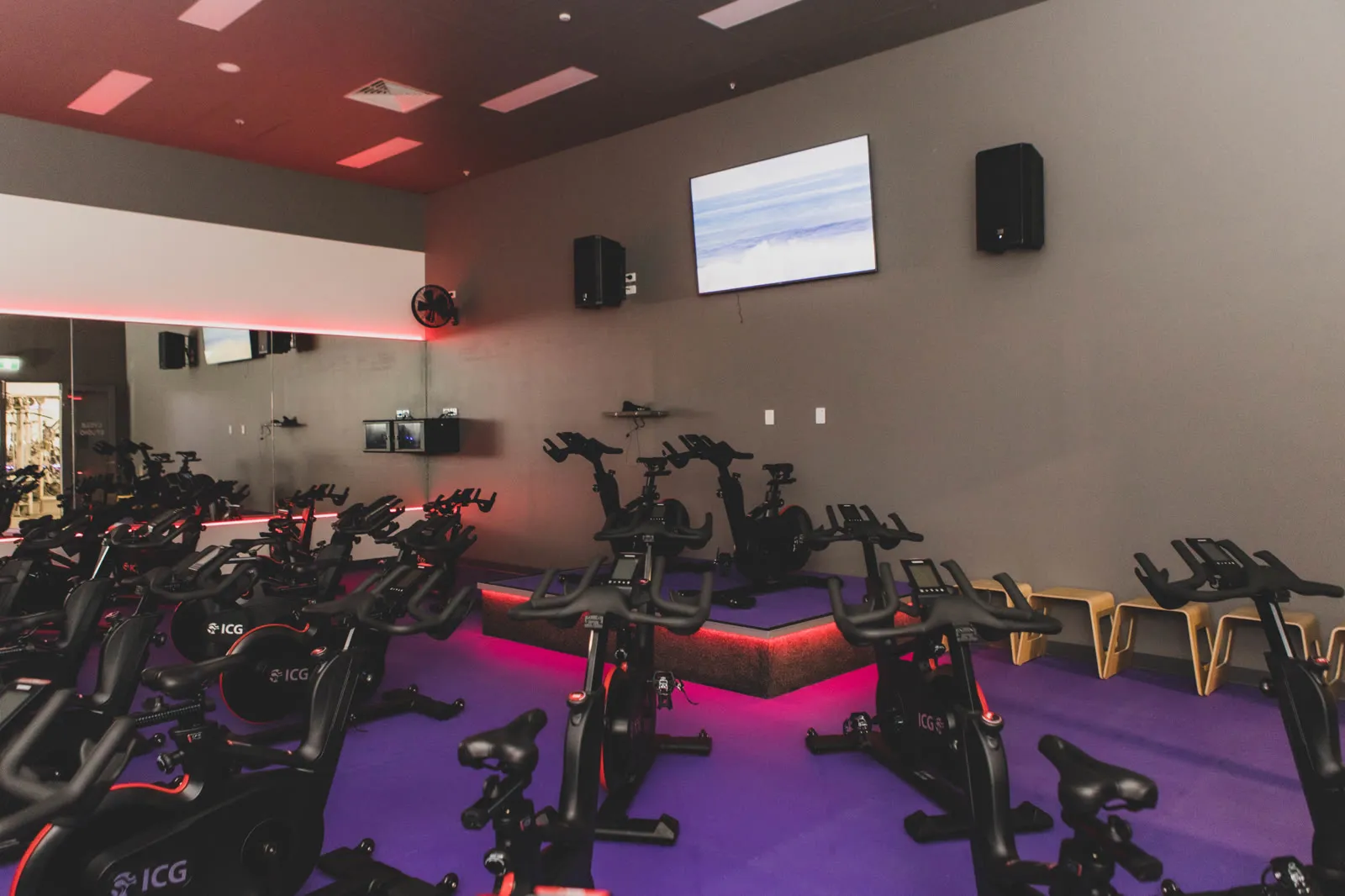
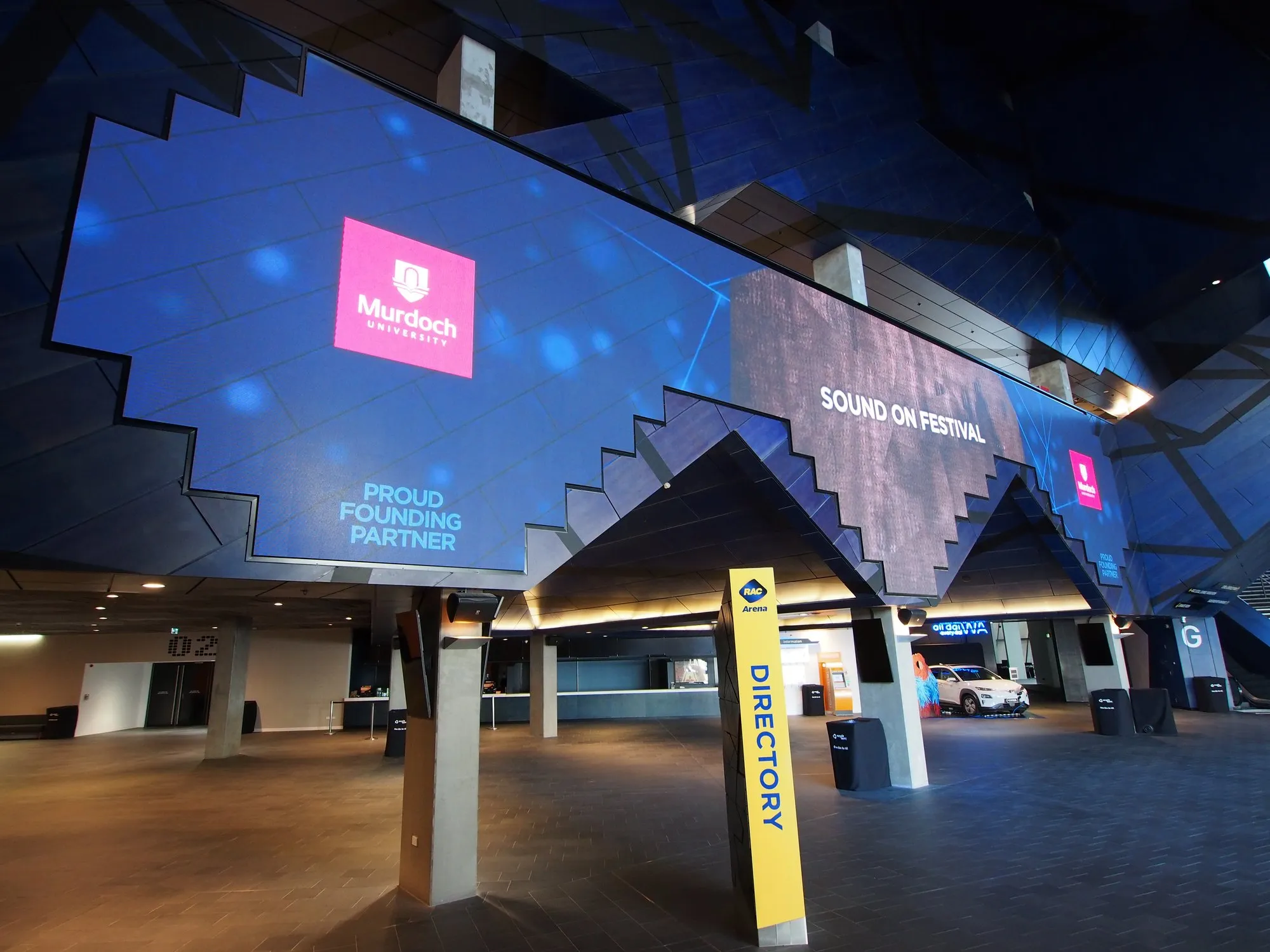
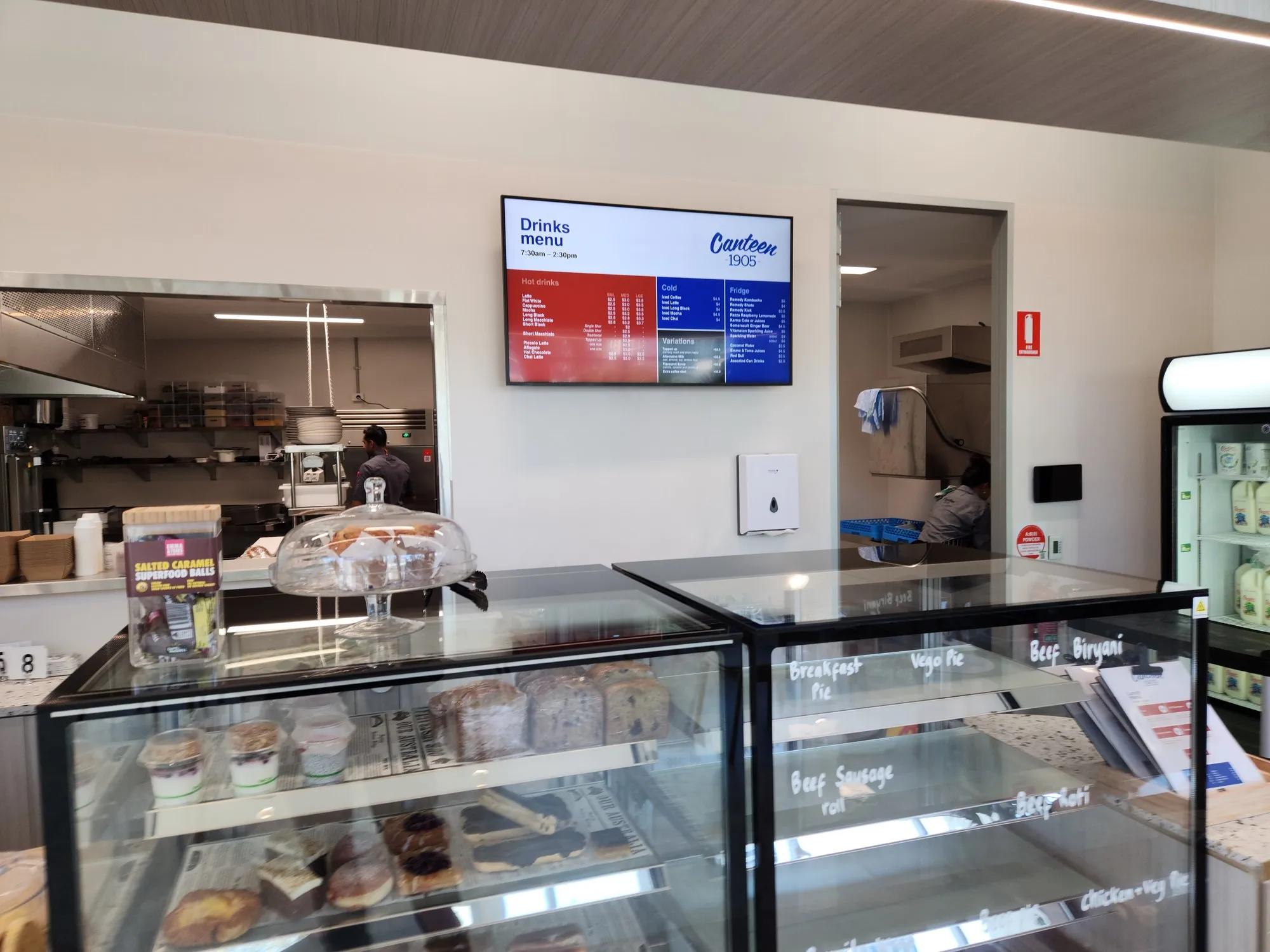
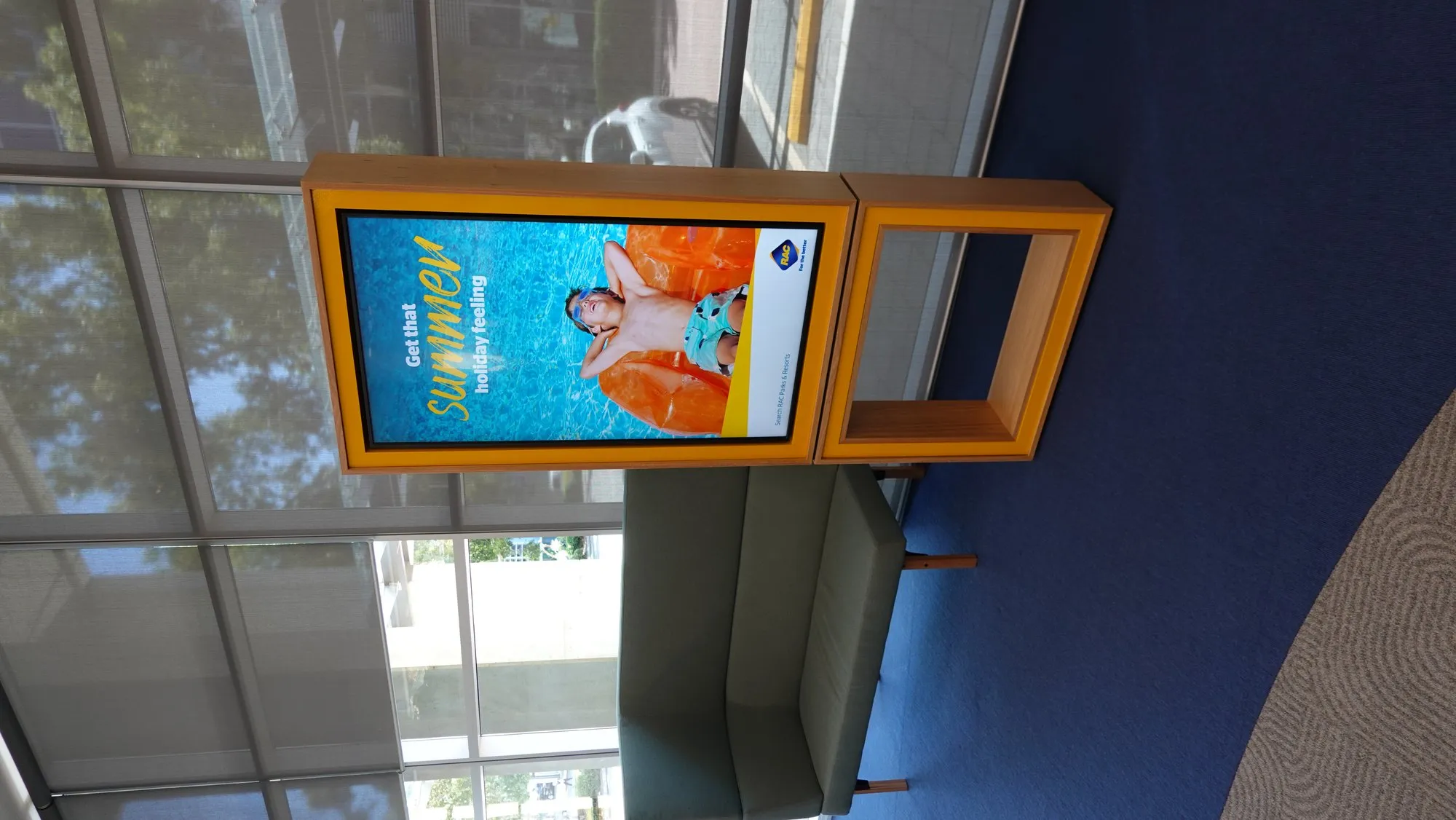
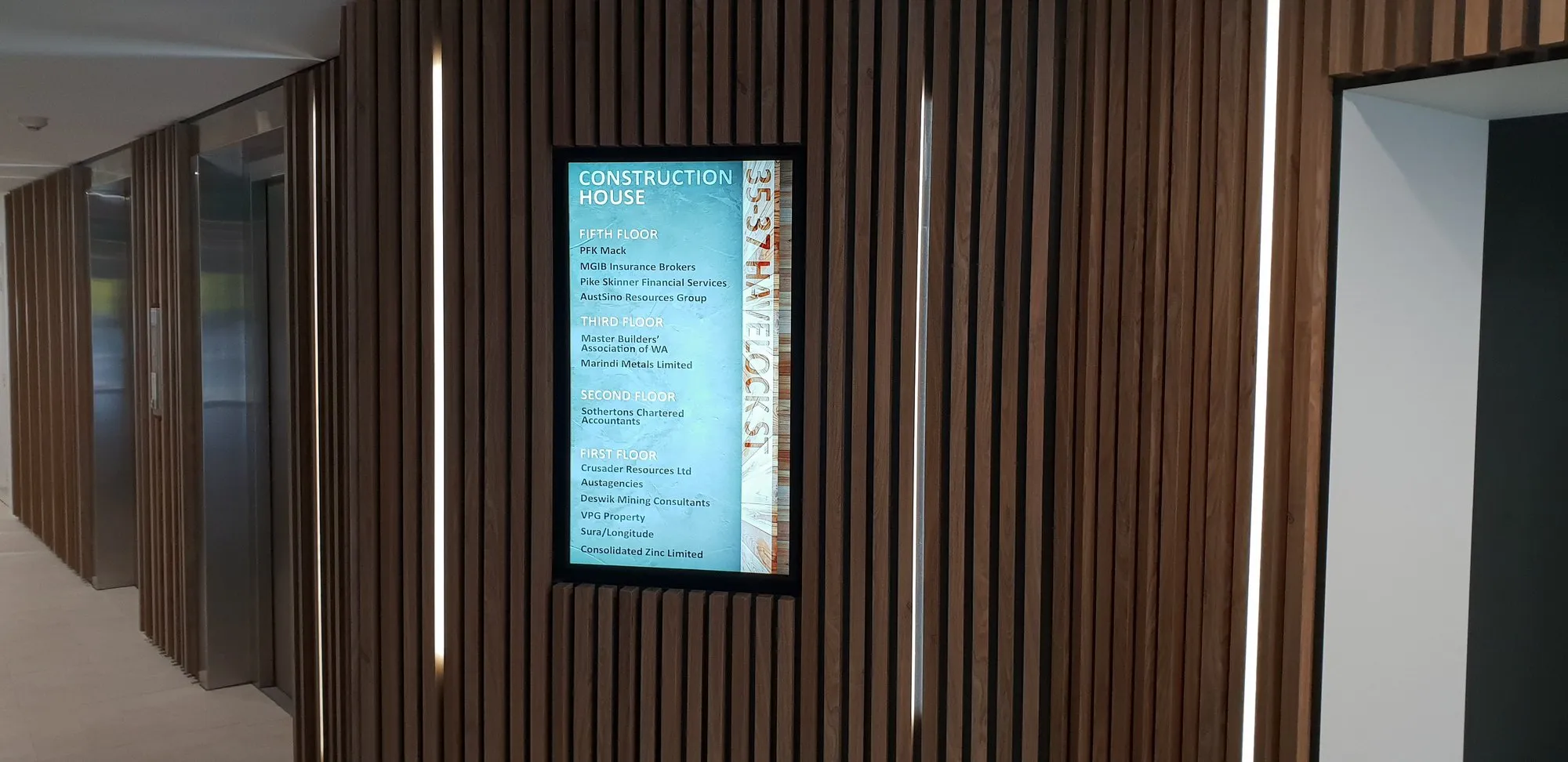
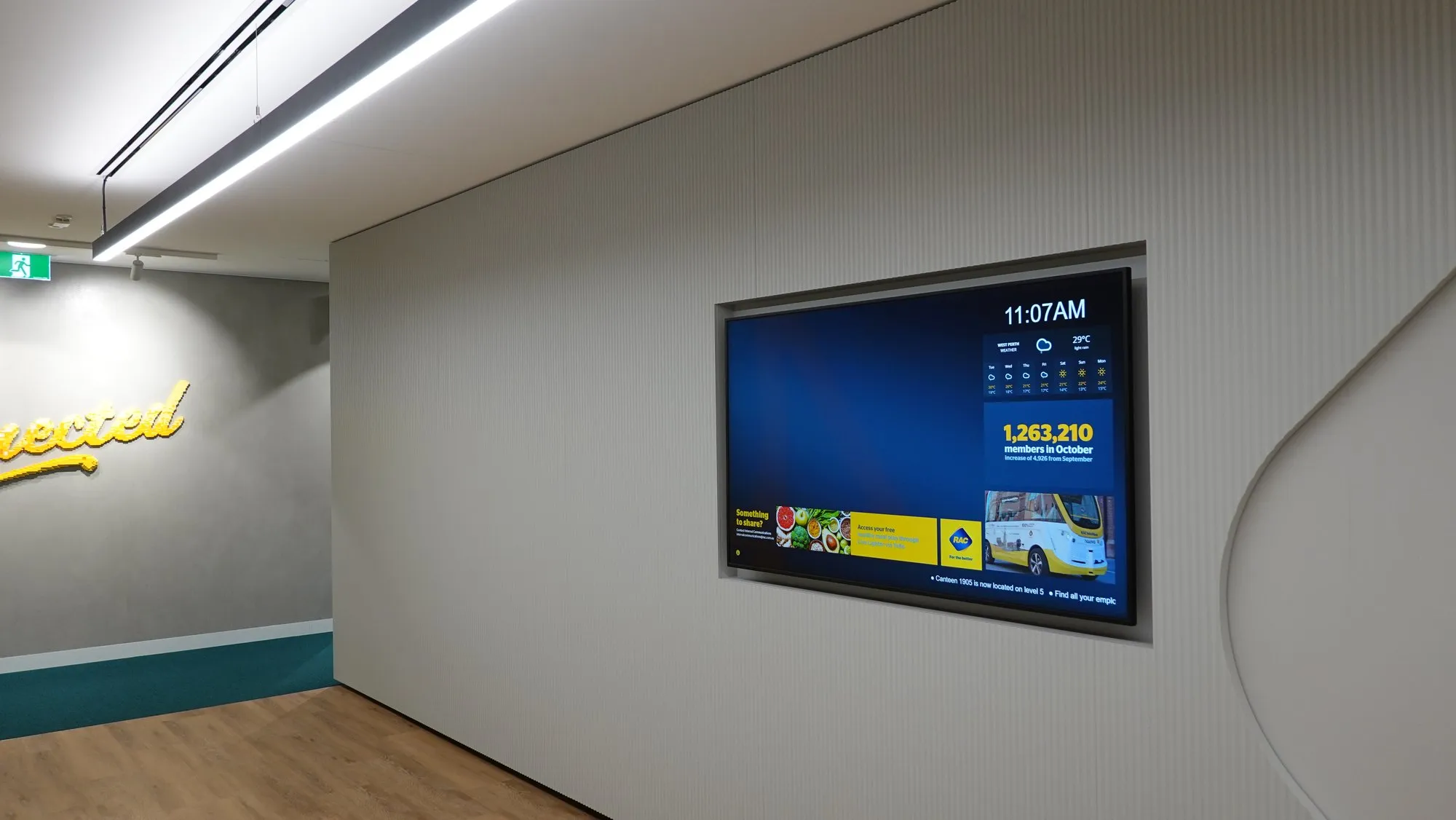
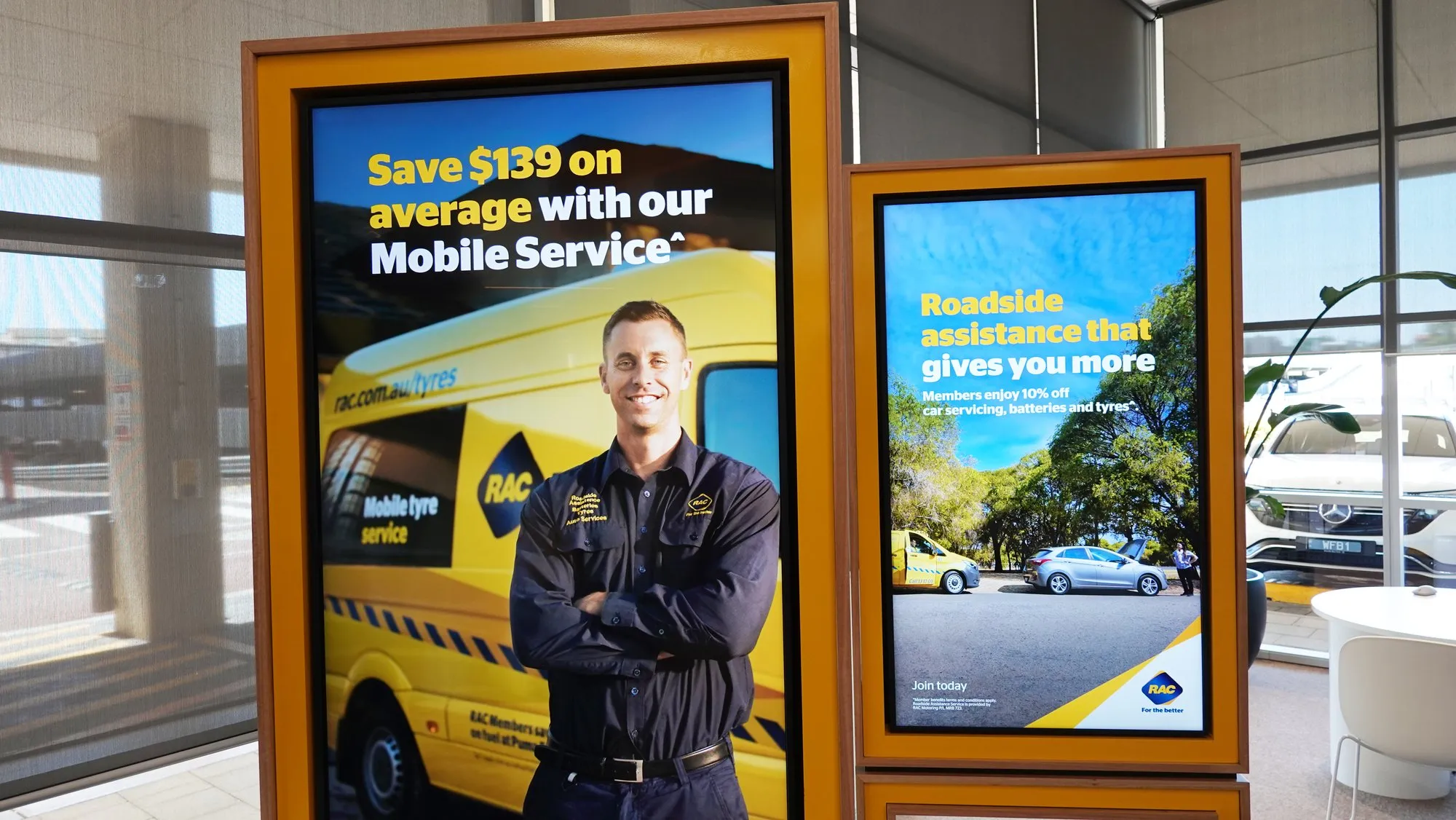
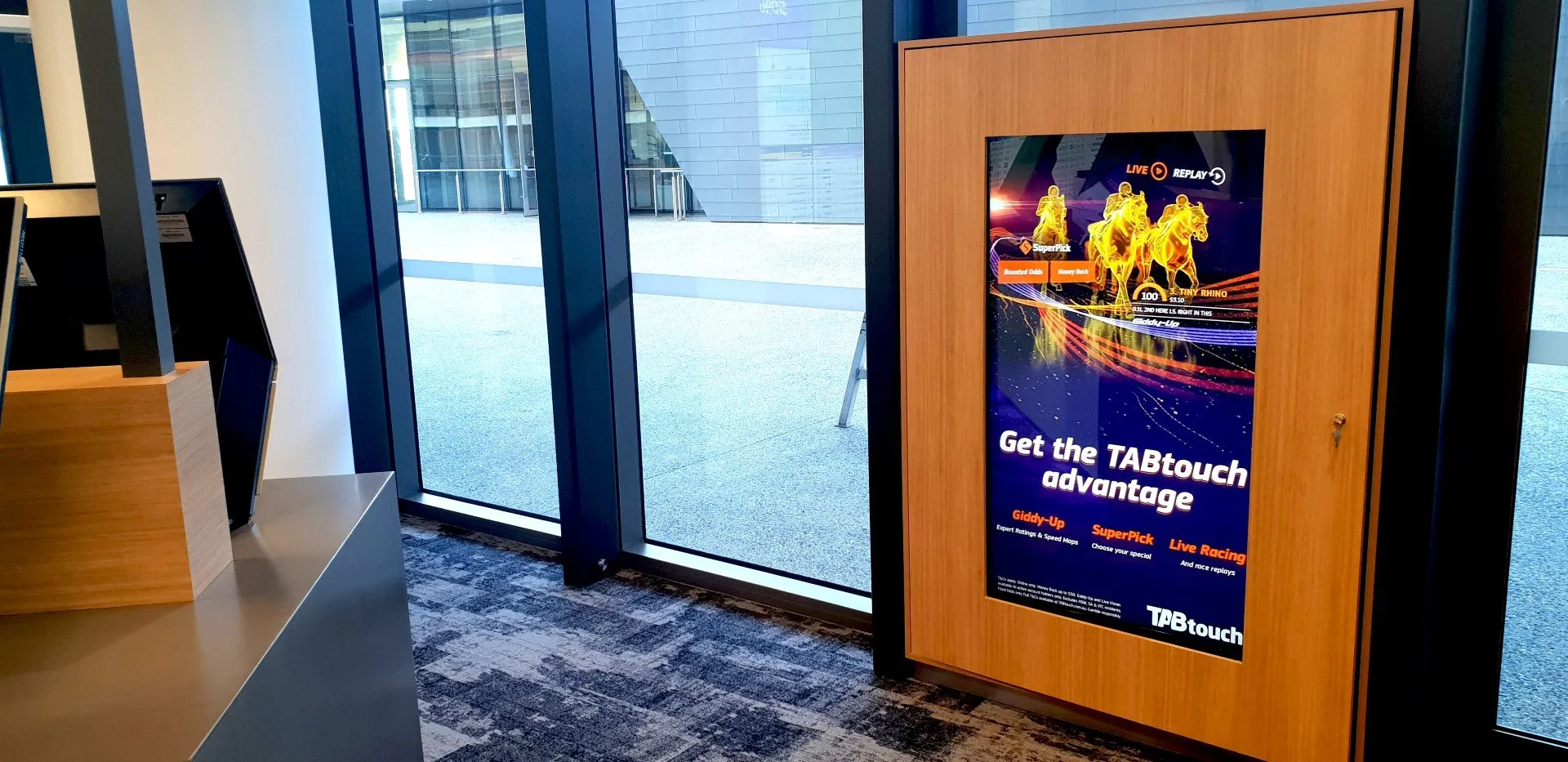
From the field Screens we put in, photographed on site.
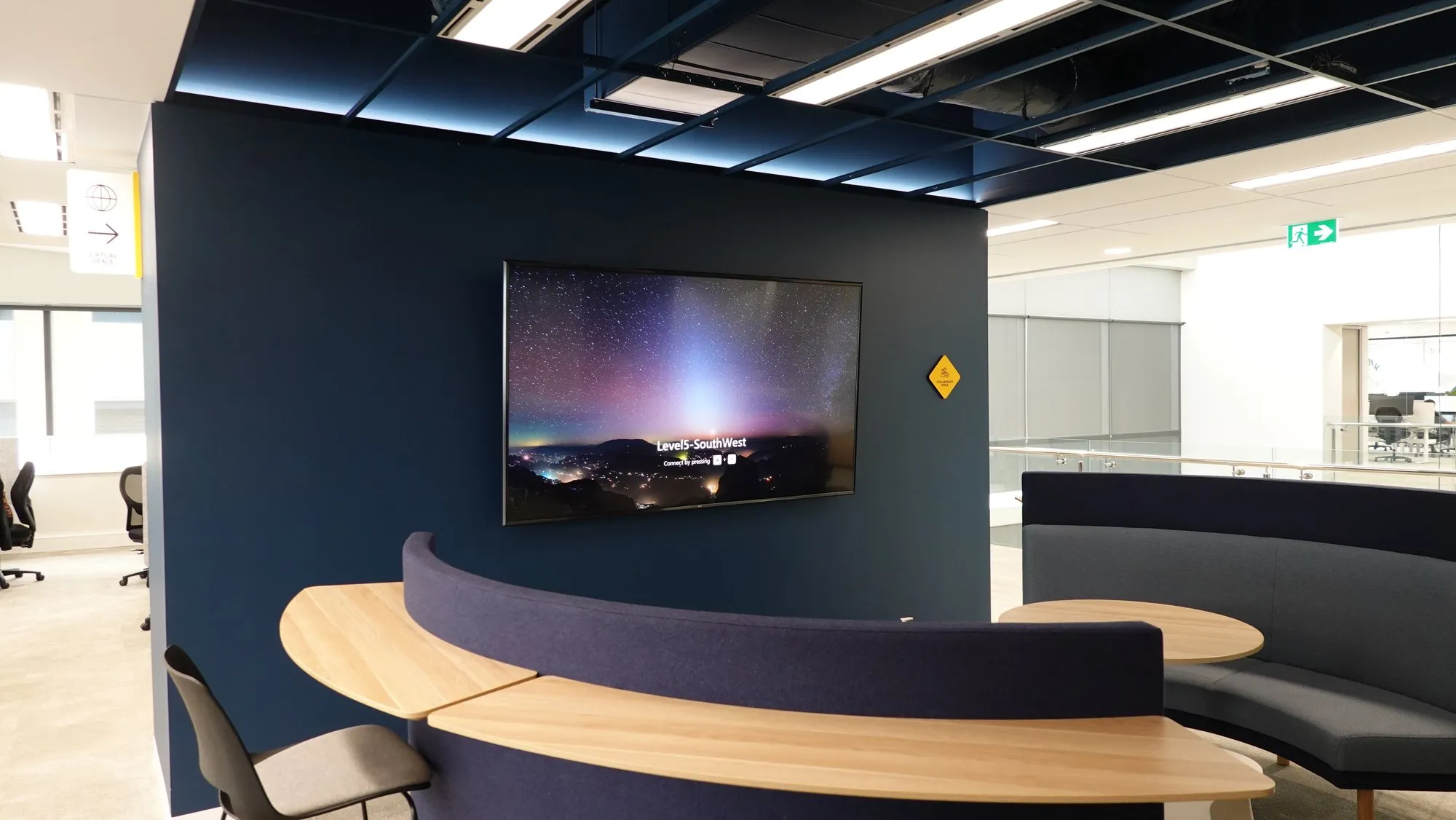
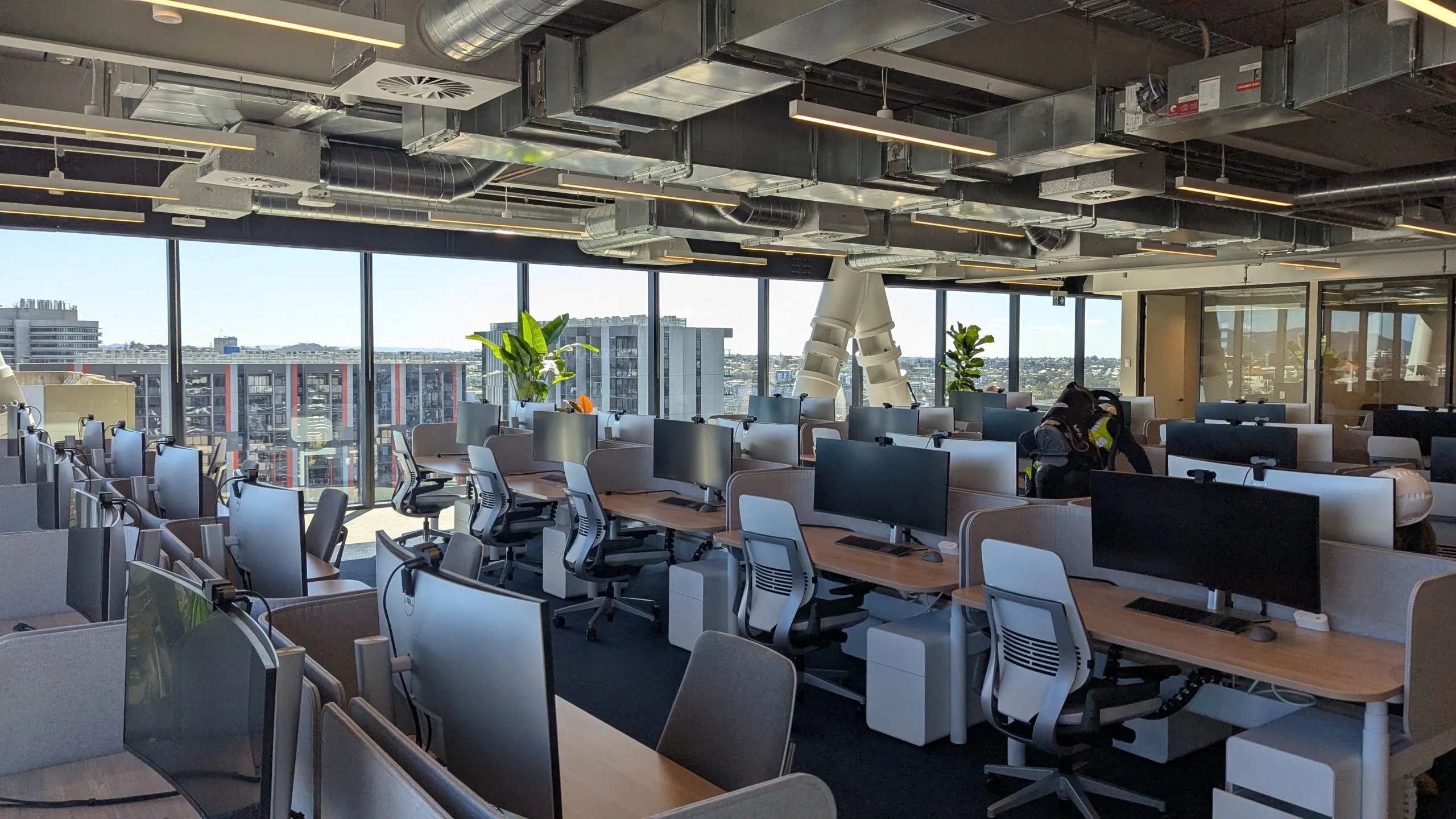
No styling, no photographer — these are our own photos from real Perth installs, taken on handover day and during the fit-out.
Budgeting
What digital signage costs in Perth.
Most single-screen commercial signage installs in Perth land between $2,500 and $6,000 including the display, mounting, player setup and software configuration, with CMS licensing from roughly $200–$500 per screen per year. The ranges below are indicative only — every site differs, and panel grade, access and content scope all move the number.
| Setup | Indicative range | What's included |
|---|---|---|
| Single indoor screen | $2,500–$6,000 installed | 43–55″ commercial panel, mount, player or SoC setup, CMS configured |
| Window-facing high-brightness screen | $7,000–$18,000 installed | 2,500+ nit panel, thermal management, engineered glass-line mounting |
| Multi-screen network (5–10 screens) | $15,000–$50,000 | Displays, players, fleet CMS setup, branded templates, training |
| Outdoor LED signage | From ~$20,000 | Modular LED, structure and weatherproofing — see LED screens |
| Software licensing | $200–$500 per screen, per year | CMS, updates and platform support — cheaper per screen as fleets grow |
These are indicative ranges for typical Perth commercial installs, not quotes — every project differs. What moves the number most: screen size and count, commercial versus consumer panels (consumer TVs void their warranty on commercial duty), mounting complexity and site access, software tier, and whether content design is in scope. We quote the whole system as one figure after a site walk.
- Screen size & count — the biggest single lever
- Panel grade — commercial duty cycle vs consumer TV
- Mounting & access — plasterboard wall vs double-height foyer
- Software tier & content design scope
Signage networks, delivered.
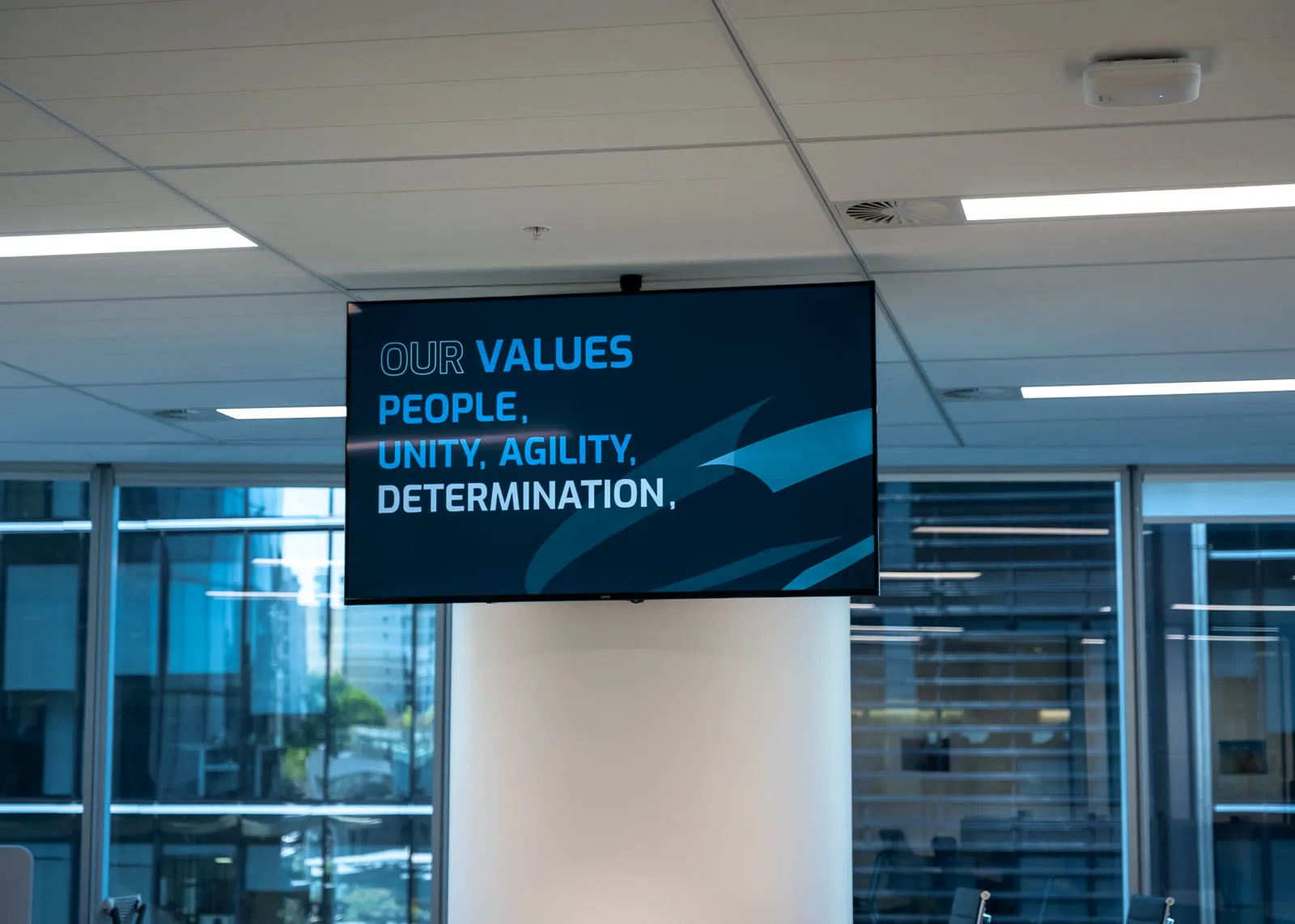
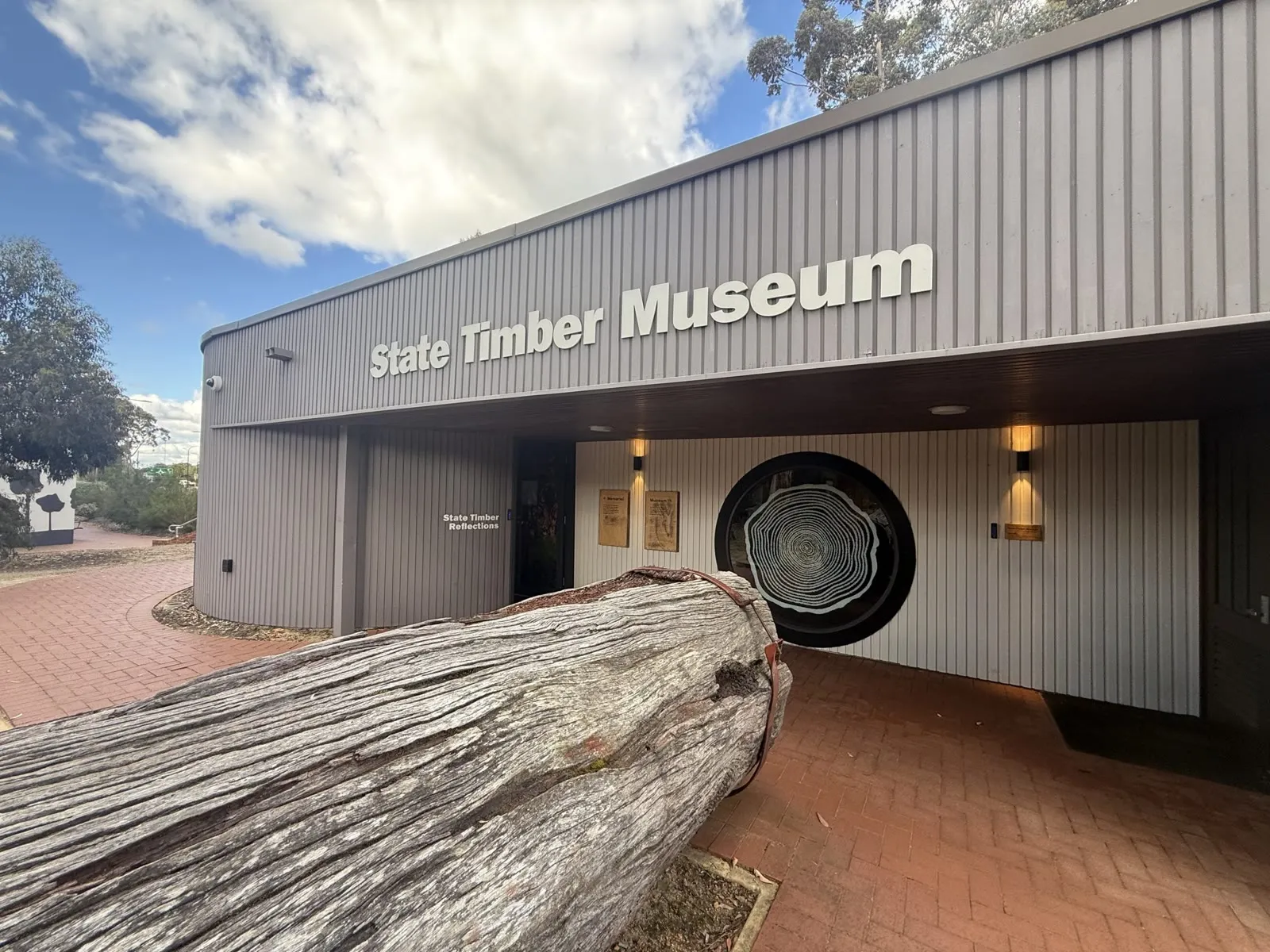
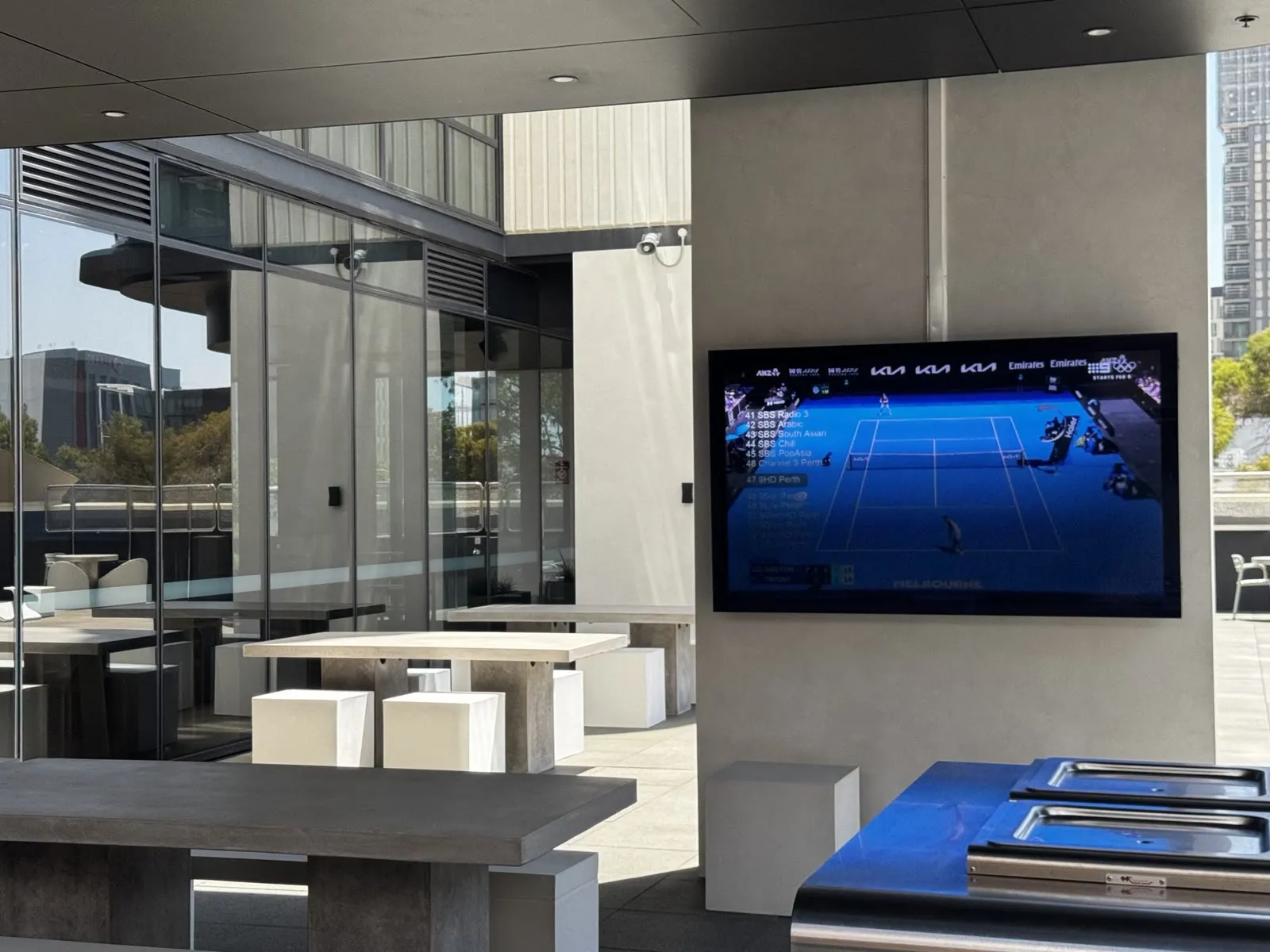
What we deliver
Hardware, software, and the plan.
Commercial displays & LED
Panels rated for all-day duty — from meeting-room door screens to window-facing high-brightness and full LED walls.
Signage software (CMS)
Simple, Australian-supported platforms like Fusion Signage — schedule content by screen, group, time of day, from any browser.
Content templates & strategy
Branded layouts your team fills in — menus, welcome boards, KPIs, safety comms — so screens stay fresh without a designer on retainer.
Deployment & networking
Players, mounts, power and network sorted in one visit — engineered placement, tidy cabling, remote management from day one.
Interactive & wayfinding
Touch directories, room booking screens and interactive displays for foyers, campuses and venues.
Fleet monitoring & support
We watch screen health remotely and fix issues before your visitors see them — no more haunted signage.
Where signage pays
One system, every message.
- Corporate comms & KPIs
- Reception & welcome boards
- Menu boards & retail promos
- Wayfinding & directories
- Safety & compliance messaging
- Window & street-facing displays
- Sponsor screens in venues
- Room booking panels
Proof
Delivered. Documented.
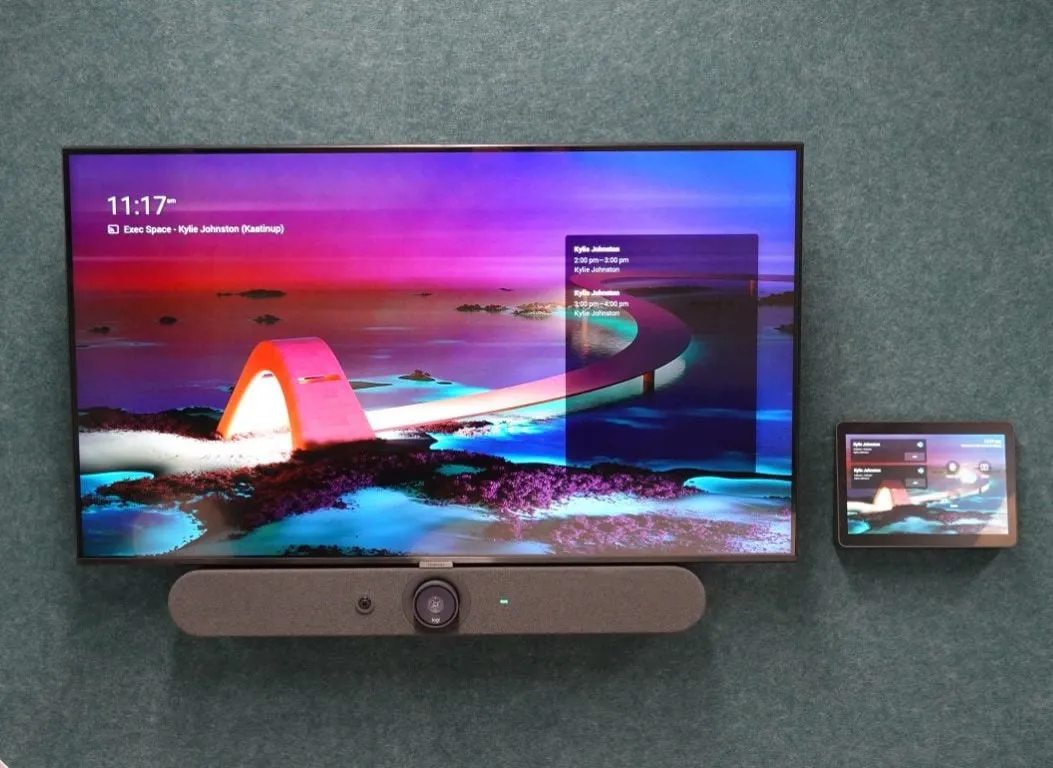
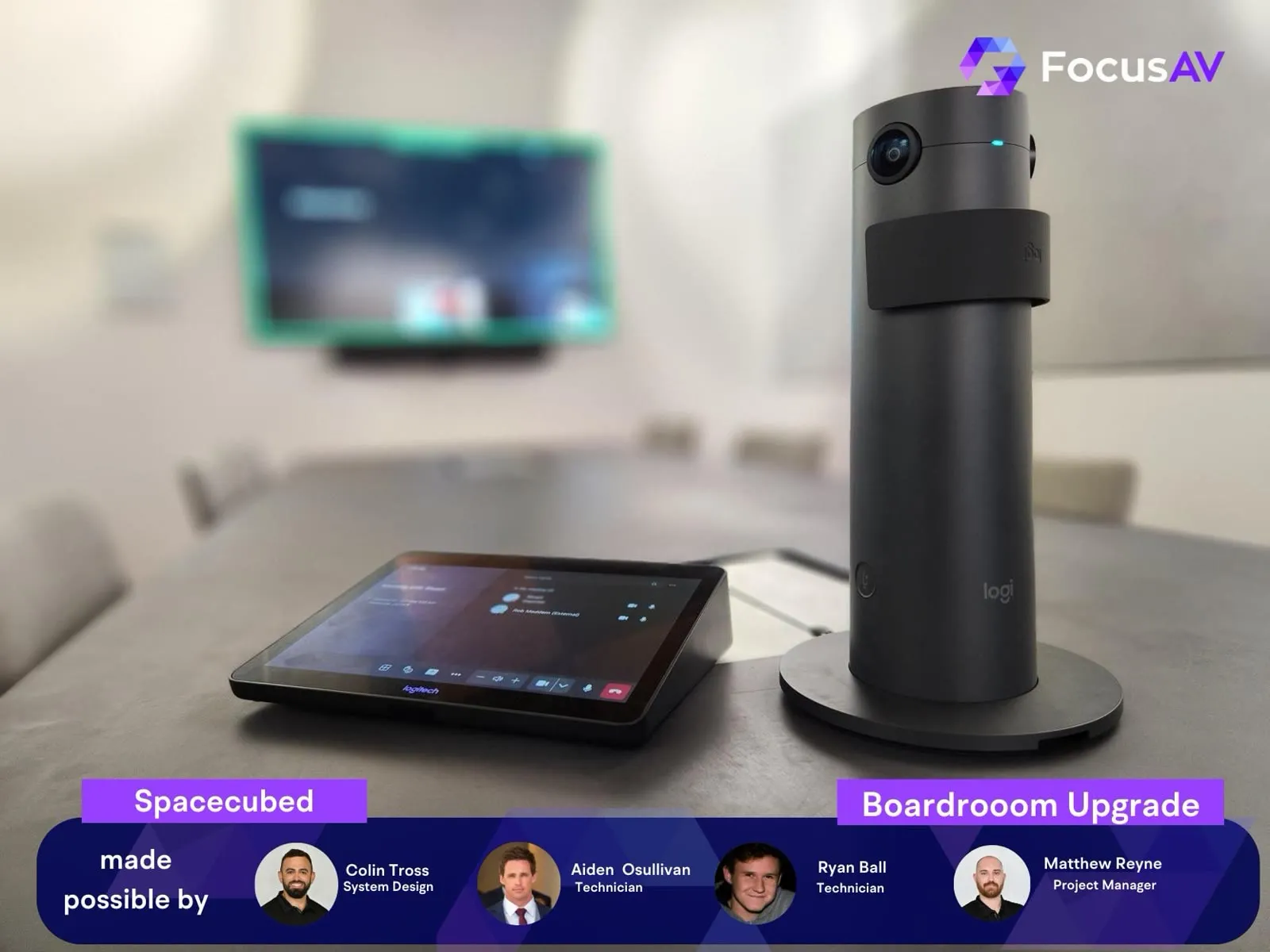
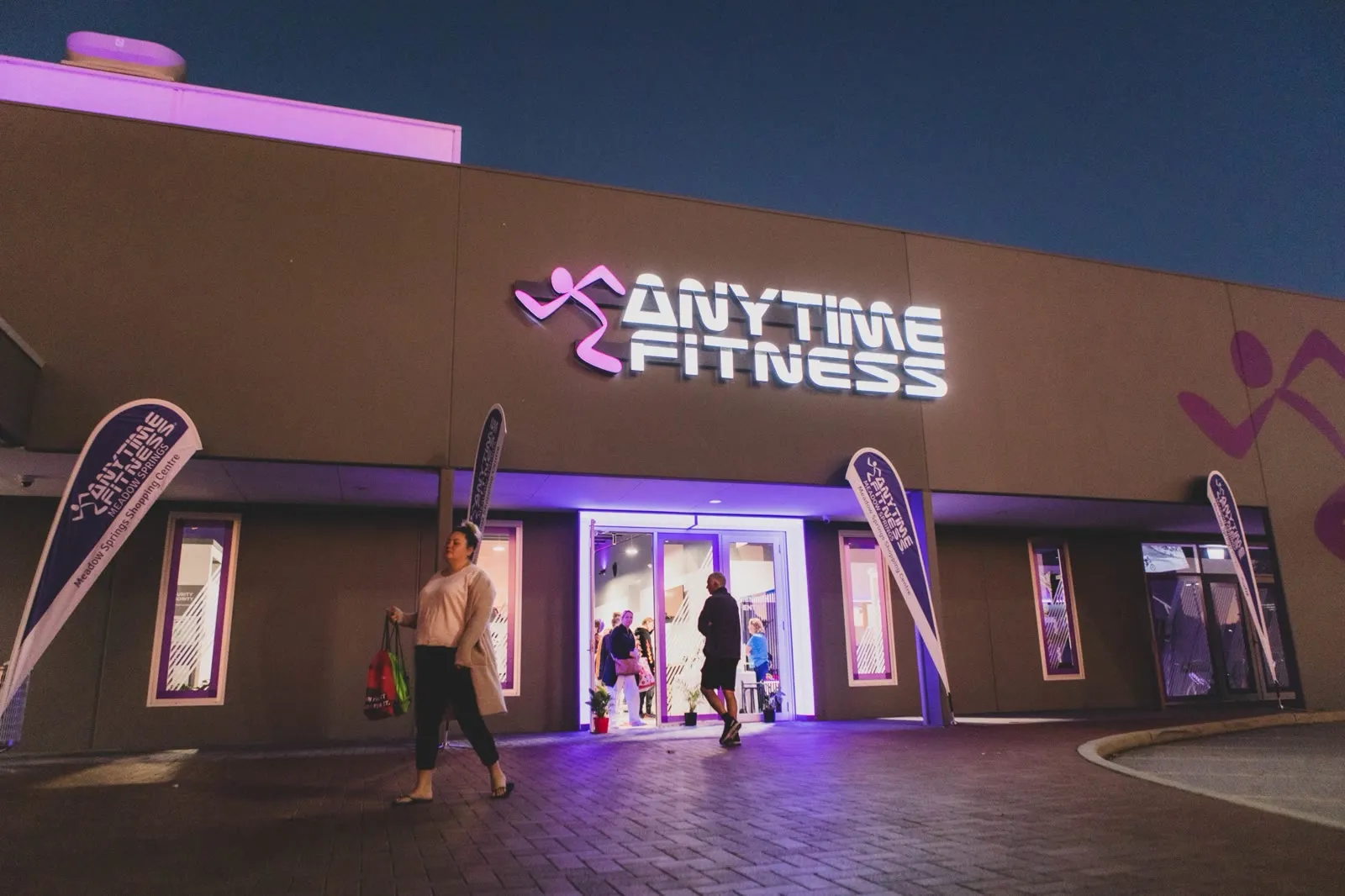
The whole room
One design. One schedule. One accountable partner.
Straight answers.
Can't we just use normal TVs?
You can — for about a year. Consumer TVs aren't built for all-day duty cycles, can't be managed remotely, and their warranties generally exclude commercial use. Commercial displays cost a little more and last years longer, with brightness that works in daylight and inputs that lock down.
What software do you recommend?
For most Perth businesses we recommend Fusion Signage — Australian-built, genuinely simple, and priced per screen without nasty tiers. Where requirements are heavier (interactivity, data feeds, enterprise fleets) we'll match the platform to the job. You'll always be able to update content yourself.
Who updates the content?
Your team — that's the point. We set up templates and training so updating the menu or the welcome board takes less time than printing a poster. If you'd rather outsource it, we can arrange managed content too.
Can screens show live data and TV?
Yes — dashboards, calendars, social feeds and data sources can sit alongside scheduled content, and signage can share screens with IPTV where you want broadcast television in the mix.
What does digital signage cost in Perth?
A single managed screen typically lands in the low thousands installed, with software from a few hundred dollars per screen per year. Fleets get cheaper per screen. We'll quote the whole system — hardware, install, software, support — as one clear number.
What's the difference between digital signage and an LED screen?
Scale and construction. Digital signage typically runs on commercial LCD panels up to about 98 inches — the right tool for menus, reception boards and workplace comms. An LED screen is built from modules into one continuous display of almost any size, and takes over where panels top out: foyer walls, shopfront windows and outdoor advertising. Same content strategy, different hardware — and we design both.
Can digital signage be used outdoors in Perth?
Yes, with outdoor-rated hardware. Perth daylight demands at least 2,500 nits of brightness (a standard indoor panel is 350–700), plus IP-rated weather sealing and cooling engineered for 40-degree summers. For larger outdoor formats, direct-view LED usually beats high-brightness LCD — a different product category we also design and install.
Do I need a media player for every screen?
Often not any more. The commercial displays we install from Samsung, LG and Philips run signage software natively on their built-in system-on-chip — fewer boxes, fewer cables, fewer failure points. Dedicated players still earn their place where you need 4K video, touch interactivity, live data feeds or video walls.
How do we manage digital signage across multiple sites?
From one cloud CMS account. Head office owns the brand templates and network-wide messaging, each site owns its local zones, and permissions keep everyone in their lane. Adding a site means shipping a pre-configured screen and claiming it into the account — no technician flight required. That's how corporate fleets stay current without a full-time signage manager.
What size screen is best for digital signage?
Work backwards from reading distance — a rule of thumb is about 25mm of screen height per metre of viewing distance for comfortable reading. Menu boards behind a counter usually land at 43–55 inches, reception and foyer displays at 55–75 inches, and anything read across a large hall or car park starts to favour LED over LCD.
Got a message worth showing? Let's put it on the wall properly.
Tell us what you need people to see — we'll design the screens, the software and the update workflow around it.