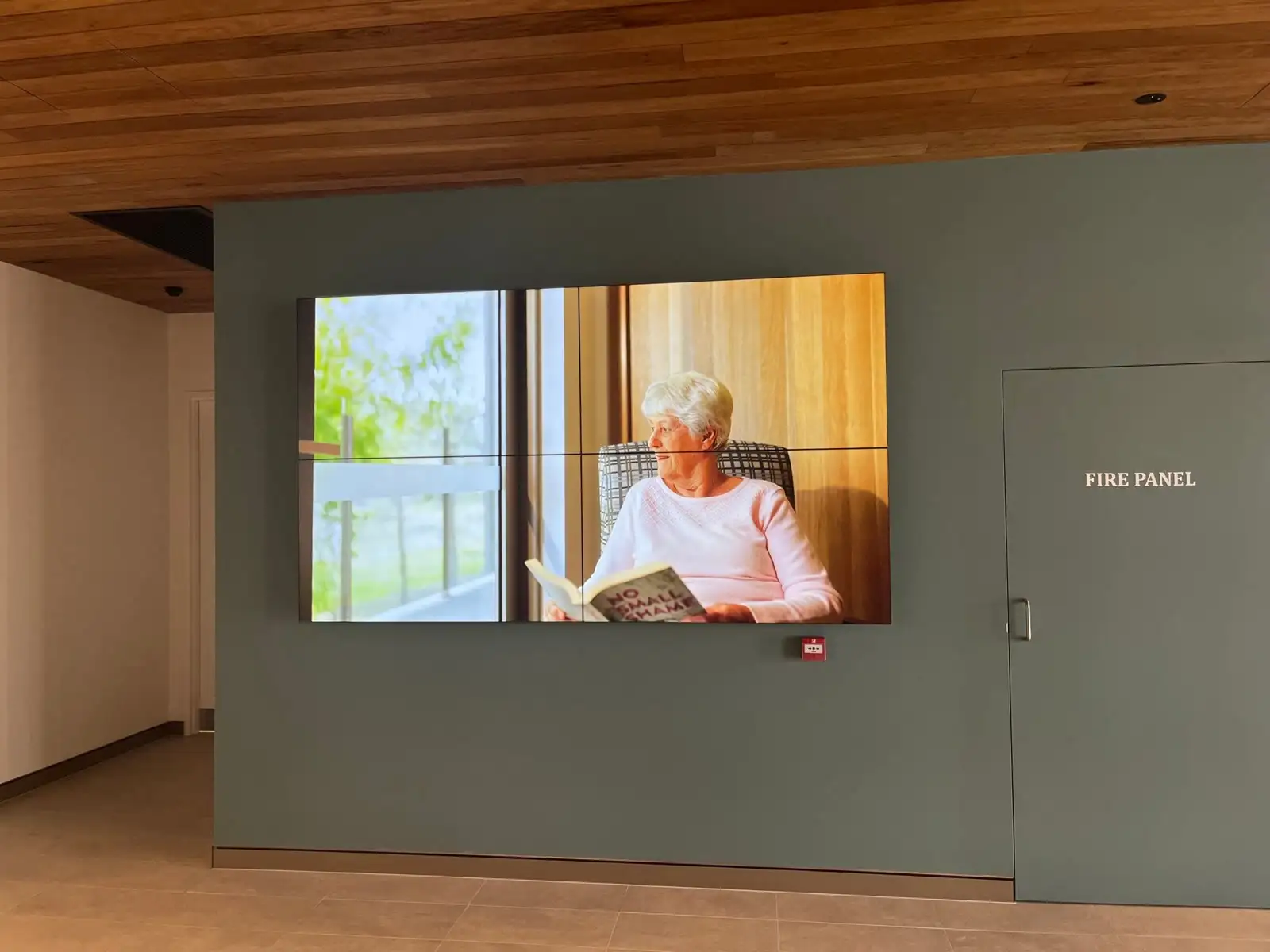
Somewhere on your signage software vendor’s website is a page that almost nobody opens before signing: the supported-device matrix. It is a table of panel platforms and version numbers, updated quietly, with no announcement when a row changes. It is also the single document that decides when your screens stop working — not the panel warranty, not the brightness figure, not the five-year hardware cover the reseller led with.
That is the argument of this piece, stated plainly. In a signage project, the display is the least consequential decision you will make, and choosing it first is how organisations end up ripping perfectly good glass off a wall. The panel is a commodity with a long working life. The computer welded behind it has a shorter one, governed by two companies you do not control: the display manufacturer that maintains its operating system, and the software company that decides how long to keep publishing an app for it. Specify digital signage in Perth software-first, and the hardware question mostly answers itself. Do it the other way around and the platform inside the panel will expire years before the panel does.
The free media player is the most expensive part of the screen
Nearly every commercial display now ships with a media player inside it — a system-on-chip running the manufacturer’s own operating system, with your content-management app installed on top. Samsung uses Tizen, LG uses webOS, and the sales logic is hard to argue with at the quote stage: no player box, no second power outlet, no HDMI lead behind the bracket, one thing to mount and one thing to fail. Written up like that, the player is free.
It is not free. It is bundled, which is a different thing, and the bill arrives later as an early replacement.
Look at what has actually happened on the Samsung side. Samsung’s developer documentation is explicit that the Samsung Smart Signage Platform — SSSP, the app framework that CMS vendors have written against for a decade — received no further enhancements after Tizen 6.5, and is deprecated from Tizen 8.0. Its replacement, the Tizen Enterprise Platform, introduced a new API framework, which meant signage software companies had to build a new application rather than update the old one, and obtain partner-level credentials to use parts of it. None of that is scandalous; platforms age and get replaced. But notice where it leaves a buyer. Whether a screen bought in 2021 still runs your CMS in 2028 is not a question about the screen. It is a question about how long a software company chooses to maintain a legacy app for a framework its own vendor has stopped developing.
The LG side shows the mechanism even more clearly, because it comes down to a browser. The signage apps running on these panels are web applications, executed by the browser engine baked into the display’s firmware when it was built. Some CMS platforms now require a Chromium build that only exists on webOS 6.x and above; displays on webOS 5.x and earlier are running something older. And the support ranges differ vendor by vendor — compare a few published matrices and you will find one platform listing webOS 3.0 through 8.0, and another supporting 4.x to 6.x plus 8, with holes in between. Same screens. Different verdicts. Whether your panel is “supported” is not a property of the panel at all.
This is the part that should change how you buy. The panel is glass, backlight and power supply, and it ages slowly and predictably. The player is a small computer with a frozen browser, and it ages the way computers age — fine until the day something it must talk to moves on without it.
The Two-Clock Rule
Every signage display you buy is running two clocks at once, and almost nobody prices the second one.
The Two-Clock Rule: a display has a panel clock — brightness, backlight hours, duty-cycle rating, measured in years — and a platform clock, which is how long your CMS vendor will keep shipping an app for that operating-system generation. Design every fleet so that when the platform clock runs out, you replace a player, not a panel.
| Panel clock | Platform clock | |
|---|---|---|
| What it is | Backlight, power supply, physical wear | OS generation, browser engine, CMS app support |
| Who controls it | Physics and duty cycle | Display manufacturer plus your CMS vendor |
| How you find out it has stopped | Gradual — dimming, colour shift, a failure | Abrupt — an app stops updating, or a feature you need never arrives |
| Typical horizon | The longer of the two, comfortably | The shorter of the two, usually by years |
| What it costs to reset | A new display, a lift, an installer, downtime | A player behind the screen, or a firmware generation you already own |
The rule does not say “never use the built-in player”. It says the two clocks must be visible on the same page before you sign, and the cheaper clock should be the one that expires first. When the platform clock is the thing that runs out — and it is — the correct response is a device you can unplug and swap for a fraction of the cost of the display it drives, not a fleet-wide replacement of screens that are still perfectly bright.
There is a second-order benefit that only shows up on multi-site estates. A player standardises the fleet. Once playback lives in a device you chose, a foyer screen bought in 2022 and a lunchroom screen bought in 2027 behave identically, run the same app version, and fail in the same way — which is the difference between a fleet you can support remotely and thirty individual troubleshooting problems. That was the logic behind the Samsung displays and dedicated media players we deployed for Brightwater Care Group, alongside IPTV into more than 120 resident rooms: an estate that size is only sustainable if every endpoint is the same endpoint.
Outdoor digital signage in Perth is this argument with heat added
Everything above gets shorter under a Perth summer. A window-facing foyer screen in a west-facing tenancy runs at high brightness for most of the day, in an enclosure that traps heat, with a small fanless computer bonded to the back of the panel. Heat is what shortens component life, and the SoC sits inside the part of the assembly that gets hottest.
For genuinely outdoor or high-ambient positions, the honest answer is usually not a brighter LCD at all — it is big LED screens built for the conditions, driven by a processor mounted somewhere serviceable and shaded, using IP-rated outdoor ranges such as Absen’s LED displays, which are built for full sun rather than asked to survive it. The design principle is the same one the Two-Clock Rule describes, just more obvious when the sun is involved: keep the computing away from the heat and where a technician can reach it without a scissor lift.
For shopfront and window positions in Perth’s retail strips, the practical test is not the nit figure in the brochure. It is whether the screen is still legible at 2pm in February, and whether the thing playing the content can be replaced from a step ladder.
The honest case for the built-in player
There is a real one, and it deserves better than a strawman.
For a single reception screen running a looped playlist, an external player is an extra device, an extra cable and an extra thing to go missing in a ceiling void. Slim recessed joinery frequently has no room behind the panel for anything at all. Retail rollouts where two hundred sites must be identical and cheap have a genuine argument for a bundled platform, because uniformity at scale is worth more than upgradeability. And plenty of content — a menu board, a wayfinding loop, a safety brief on rotation — asks so little of a player that the modest chip inside the panel will run it happily for years.
We deploy exactly this configuration often. Fusion Signage runs natively on the commercial displays we install, and for a lot of Perth offices that is the right answer: no player, no extra hardware, Australian support in Australian hours. What makes it defensible is not that the SoC is good enough — it is that the CMS vendor’s commitment to those panel platforms is a known, checkable quantity, and the fleet is small enough that a platform transition means a handful of screens, not a capital project.
The failure is not choosing the built-in player. The failure is choosing it without ever asking the platform-clock question, then discovering the answer in year six with sixty screens on the wall.
What InfoComm 2026 quietly conceded
The industry has started admitting this in hardware. At InfoComm 2026, LG announced an alliance with BrightSign putting BrightSignOS on the embedded system-on-chip of its UV5N series in 49, 55 and 65-inch sizes, which LG describes as the first displays to market with that integration. PPDS did the same on the Philips side, launching the Signage 6060 range in 43, 55 and 65-inch, running BrightSignOS on an integrated BrightSign chip.
Read what that means. Two major display manufacturers decided that the operating system inside their own panels was better supplied by a specialist whose entire business is signage playback than by their own consumer-derived platform. That is not a small concession. It is the display vendors agreeing that the platform, not the panel, is the product people are actually buying.
It is also not a cure. The OS is still inside the glass, so the two clocks still tick — but it does move the platform question away from the display brand’s roadmap and towards a company whose reason to exist is keeping players supported. For a buyer, that is a better bet than it was two years ago, and it is worth asking about by name at tender.
The Platform Support Clause
Here is the part worth stealing. Three lines, dropped into any signage tender or purchase order, that force both vendors to answer the question in writing before your money moves:
- State the app, not the brand. “Tenderer to nominate the CMS application version that will run on the proposed display platform, and the specific OS generation and firmware level required.” This converts “it’s Samsung, it’ll be fine” into a version number somebody has to stand behind.
- Ask for the horizon in years. “Tenderer to state the date until which the CMS vendor publicly commits to supporting that OS generation, and to provide the published supported-device matrix as an appendix.” Nobody has to guarantee the future. They only have to show you the document they already maintain.
- Price the escape route now. “Tenderer to quote the cost of migrating each screen to an external media player, should platform support end before the panel reaches end of life.” A number in the tender is worth more than a promise in the meeting, and it makes the cheap-looking option prove it is cheap across ten years rather than across the quote.
Any competent supplier can answer all three in a paragraph. A supplier who cannot answer the second one has told you something useful about how their fleets tend to age.
If you are buying screens this quarter
Do it in this order. Choose the software first — what your team will publish, who is allowed to publish it, and how many people in the organisation can update a screen without raising a ticket. Then read that platform’s supported-device matrix and let it narrow the hardware list for you. Then choose panels for the physical job: size, duty cycle, brightness, mounting depth, orientation. Only then decide, screen by screen, whether the content is simple enough and the site accessible enough to accept the built-in player, or whether a device you can swap in ten minutes is the better ten-year purchase.
Where signage sits alongside live television — foyers, gyms, lounges, waiting areas — the same discipline applies, which is why platforms like Tripleplay carry signage and IPTV in one system rather than leaving two fleets to age at different rates. The multi-floor IPTV install we delivered across lounges, a gym and outdoor areas works for exactly that reason: the source equipment sits in one serviceable rack rather than scattered behind screens on every floor.
The last thing to buy is the one people skip: someone whose job it is to notice. Screens fail silently — a player drops off the network, a panel wakes on the wrong input, a playlist expires and nobody sees a black rectangle in a foyer they walk past every day. That is what Focus Care exists to catch, and it is a cheaper line item than the reputational cost of a dark screen at your own front door.
None of this requires anyone to gamble on which display brand wins. It requires one question at the front of the process instead of the back: what is playing this content, how long will it be supported, and what does it cost to replace when it is not? Get that right and commercial digital signage in Perth becomes what it should be — a wall you update in seconds, on hardware you replace on your schedule rather than on someone else’s release notes.