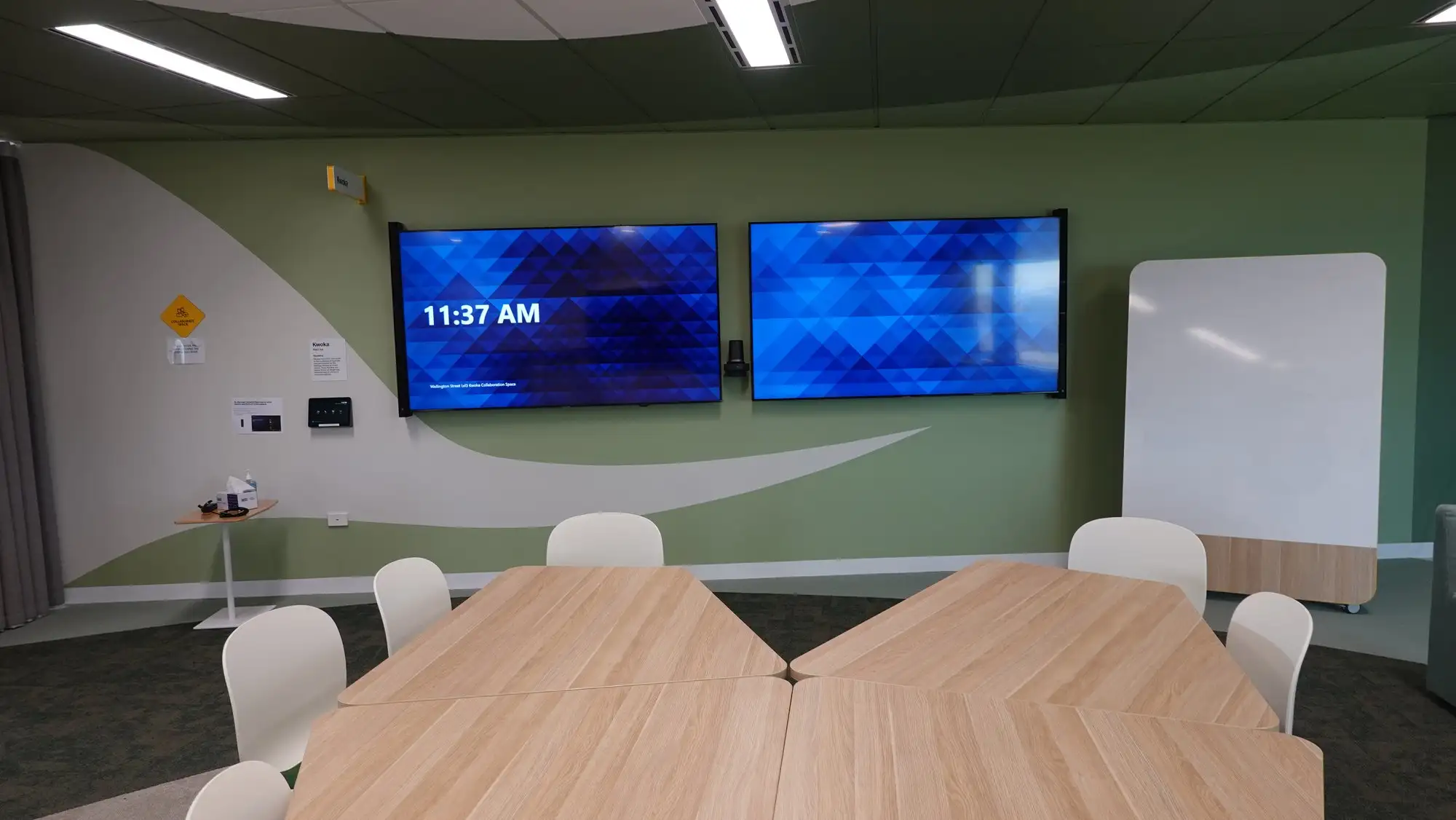
“We run Zoom, but half the people we meet with run Teams. Can the room do both?”
We get asked that in almost every scoping meeting, and the industry has a stock answer ready: buy multi-platform certified hardware, enable guest join on both sides, and the room will handle whatever walks in. It sounds like engineering. It is mostly reassurance. Here is the position, stated before the evidence, because it decides how a room gets drawn: a room is native to exactly one platform, and the second platform is always a reduced version of the room you paid for. Multi-platform hardware is a procurement hedge — the ability to redeploy an appliance in three years — not a meeting feature you can promise users this year. Design accordingly: build the room native to the platform your meetings actually live in, and serve the other platform with a cable and an honest expectation, not with a mode switch. For organisations whose meetings genuinely run on Zoom, that means committing to certified Zoom Rooms in Perth rather than buying a compromise and calling it flexibility.
Two vendors just told you what the guest join is missing
In late October 2026, Microsoft and Zoom announced Cross-Platform Meeting Connect, a joint effort to make meetings between the two platforms behave like real meetings. Read the feature list the way an integrator reads it — as a confession. The announcement promises dual-display support, up to 1080p video for Teams meetings on Zoom Rooms, HDMI content sharing, participant rosters, read-only meeting chat, and synced muting and call ending.
Every item on that list is something the current guest join does not do.
That is the useful part of the news, and it is more useful than the news itself. For several years the industry has sold cross-platform joining as a solved problem. Two vendors have now jointly published the list of ways it is not solved, and the list is not a set of edge cases. Dual display. Content sharing. Mute. Those are not garnish; they are the room.
The timing deserves the same scepticism. Zoom has stated a first-half-2027 window for Zoom Rooms joining Teams meetings with these capabilities. Microsoft has not published a date for the other direction. Some trade coverage reports that the 1080p piece for Teams meetings on Zoom Rooms has already reached general availability; other coverage describes the entire package as planned work with no dates attached. That ambiguity is precisely why a roadmap is a poor foundation for a room you are signing off this quarter. A fit-out being documented in Perth right now will be in service long before the full feature set lands, and the people using it will judge it on what it does in February, not on what was announced in October.
What a guest join actually gives you today
The vendor documentation is specific, and it is worth putting in one place, because almost nobody reads both sides of it before specifying a room.
Joining a Teams meeting from a Zoom Room: Zoom’s support material states the meeting appears on the room’s first display only, with no wired or wireless HDMI content sharing while you are in it. Dual-screen is not supported. Annotation and meeting transcripts are unavailable. The join itself takes noticeably longer than a native join, because the room is loading a web client rather than its own.
Going the other way, from a Microsoft Teams Room into Zoom, Microsoft documents Direct Guest Join as capped at 720p at 30 frames per second, on a single front-of-room display, with no mute-state synchronisation between the room console and the meeting session. Direct Guest Join is available on both Teams Rooms Basic and Pro licences. The higher-quality path — 1080p, dual display, content camera — runs over SIP through a certified cloud video interop provider, which requires a Teams Rooms Pro licence plus a paid plan with that provider. That is a second subscription and a second support relationship, for a capability most clients assume they already bought.
| Native Zoom Room | Zoom Room joining a Teams meeting | Laptop and a cable | |
|---|---|---|---|
| Front-of-room displays used | Both | First display only | Usually one |
| HDMI or wireless content sharing in the room | Yes | Documented as unavailable | Yes — it is the laptop’s screen |
| Mute synced between console and meeting | Yes | Not synced | Mute lives on the laptop |
| Annotation and transcript | Yes | Documented as unavailable | Whatever the laptop’s platform allows |
| One-touch join from the table controller | Yes | Yes, but slower to connect | No — someone plugs in |
| Room health visible to IT | Yes, centrally managed | Yes, the device is still managed | No |
| Who gets the 8:55 phone call | Your integrator | Your integrator | Whoever is standing nearest |
Read the middle column again. A guest join is not a slightly worse meeting. It is a different room — a single-screen room with no content sharing — wearing the hardware of a good one.
The room that loses the most is the room you spent the most on
Here is the part that gets missed, and it inverts how most organisations prioritise their spend.
Guest join degradation is not distributed evenly. It falls hardest on the rooms with the most capability to lose. A huddle room with one display, one video bar and four chairs loses almost nothing in a guest join, because it only ever had one display and one content path. Your twelve-seat boardroom — dual displays, ceiling microphone array, ceiling speakers, a proper table with connectivity in it — loses the second display, loses the in-room content share, and loses the mute button meaning what it says. The more room you bought, the more of it switches off.
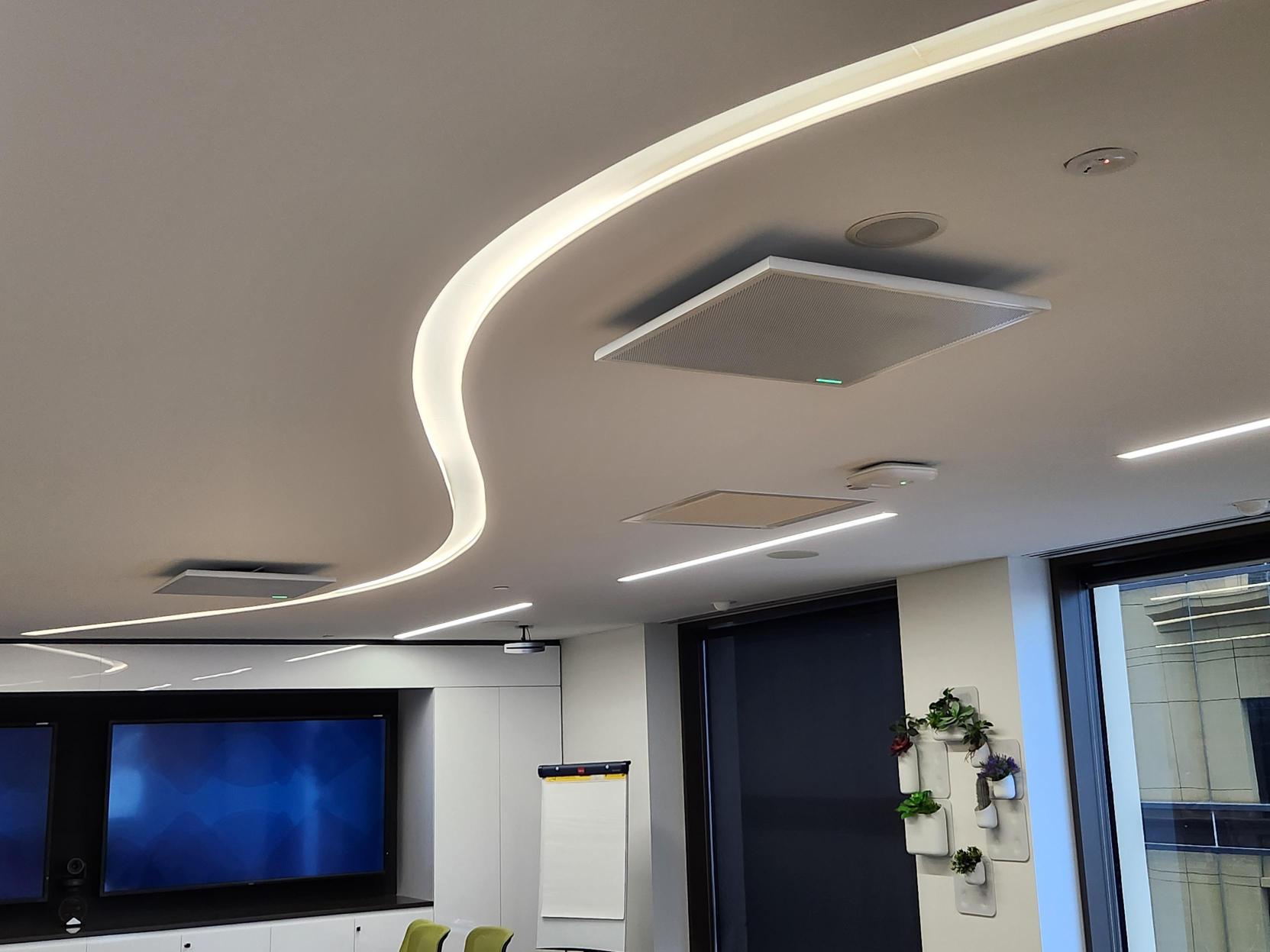
It gets worse, because of which meeting lands in which room. Nobody books the boardroom for the internal stand-up. The boardroom is where the client pitch goes, the board call, the partner review — which is to say, disproportionately the meetings hosted on somebody else’s platform. The room most degraded by cross-platform joining is the room most likely to be doing cross-platform meetings. That is not bad luck. It is the predictable result of treating platform interoperability as a feature of the hardware rather than a property of the meeting.
There is a specific trap worth naming. Zoom’s guidance indicates the web-client join path works in rooms with a single camera, microphone and speaker. A boardroom with a ceiling array and distributed speakers is not that room. Before anyone promises a client that the big room will join anything, that constraint needs checking against the actual room design — which is a meeting room AV design question, not a licensing one.
Multi-platform hardware is a procurement hedge, not a meeting feature
The phrase doing the damage is “multi-platform device”. It is true, and it is routinely misheard.
Certified appliances from the major manufacturers — the Logitech Rally Bar family, the Neat Bar Pro, the Poly and Yealink equivalents — genuinely can run either platform. What they cannot do is run both at once. In appliance mode a device runs one service provider at a time. Switching is a provisioning operation: Logitech documents changing the service provider from the device settings or remotely, with the device rebooting into the new provider, and notes that moving off Teams Rooms on Android requires a factory reset first. Either way it is an administrative task performed by someone with portal access, not a button a user presses at 8:58 because the client sent a Teams link.
So the capability is real and the benefit is real — it just arrives at a different time than people imagine. It arrives in year three, when the organisation changes platform and the hardware does not have to be skipped. That is a genuine commercial advantage and a sound reason to buy certified multi-platform hardware. It is worth paying for. It is simply not an answer to “can this room do both” on a Tuesday morning, and the gap between those two things is where disappointed clients come from.
Write it down in the specification in plain words: this hardware can be redeployed to another platform. This room is native to one.
The Thirty-Day Invite Count
Which platform, then? Most organisations answer this with a logo — whatever is on the email signature, or whatever IT standardised on in 2021. The room does not care about the logo. It cares about invites.
The Thirty-Day Invite Count: before specifying any room, export thirty days of that room’s calendar and count the meetings by platform. Not the organisation’s meetings. That room’s meetings.
Four things fall out of it, and they are usually a surprise:
- A platform above about 70 per cent is the room’s native platform. Build it native, and accept that the remainder arrive as guests. You have optimised the meetings that actually happen in that room.
- Two platforms roughly even — and no single platform clears 70 per cent — is the signal to stop buying a room system for that space. This is the room that should be built around a laptop and a cable done properly: a single USB-C connection to the room’s camera, microphones and displays, with something like the Lightware Taurus UCX or a Logitech Swytch doing the switching. It is platform-agnostic by design rather than by compromise, it gets full use of both displays, and it never has a worse day because of whose meeting it is. We argued this case at length in the real cost of BYOD meeting rooms, and the invite count is how you find the rooms it applies to.
- The split is almost never the same in every room. Executive floors skew toward whatever clients use. Project and delivery teams skew toward whatever the head contractor uses. Treating a whole building as one platform decision is the error underneath most unhappy fleets.
- If the room has no calendar data because it is a new fit-out, count the nearest equivalent room instead — same floor, same team, same kind of meeting. An imperfect count beats an assumption with a logo on it.
Thirty days, one export, one afternoon. It is the cheapest piece of AV design anyone will do on the project, and it is the only input that reliably predicts whether the room will be liked.
Where the hedge genuinely is the right answer
The honest counter-case matters, because there are rooms where everything above points the other way.
Co-working and serviced office operators are the clearest example. A tenant signs for twelve months and brings their platform with them; the next tenant brings a different one. There, the ability to reprovision a room between platforms is not a hedge, it is the operating model, and the reprovisioning time is a cost of doing business rather than a design failure. The same applies to training and demonstration spaces that genuinely host external parties week to week, and to organisations partway through a platform migration, where running both natively across different floors for eighteen months is the sane way through.
There is also a legitimate case for the SIP interop route. If an organisation runs a small number of very high-value cross-platform meetings — a boardroom that hosts a monthly call with a partner on the other platform, where dual display and proper content sharing are not negotiable — then a Teams Rooms Pro licence plus a cloud video interop plan buys back most of what the guest join gives away. It costs more and adds a vendor. For two or three rooms out of forty, that can be exactly the right trade. For forty rooms out of forty, it is a budget problem pretending to be an architecture.
What none of these cases support is the default: buying multi-platform hardware across an entire fleet, enabling guest join everywhere, telling users the rooms do both, and discovering the limitations one disappointed meeting at a time. The exceptions are specific. The default should not be built from them.
What we would do
Count the invites before drawing the room. Make the native platform an explicit, written decision per room rather than a building-wide assumption. Buy the multi-platform hardware anyway — it is good hardware and the redeployment option is worth real money — but record it in the documentation as a redeployment path, not a daily capability. Then tell users the truth about guest joins, in one sentence, at handover: you can join anything from this room, and meetings on the other platform will use one screen and will not share content in the room. A user who has been told that once is annoyed for ten seconds. A user who discovers it in front of a client remembers it for three years.
The organisations who get the most out of this are the ones willing to be decisive. If the count says Zoom, stop apologising for it and build properly native Zoom Rooms design, installation and support — one-touch join, both displays working, room audio tuned to the table, every room behaving like the last one. If it says Microsoft, the same logic applies to Microsoft Teams Rooms. Either way the decision is worth more than the hedge, because the hedge protects a budget line in 2029 while the decision protects every meeting between now and then.
We have built both across Perth — the Zoom Room in Hub Australia’s boardroom at Nine The Esplanade, and the mobile hybrid setup for Built that had to work in a changing site office. Neither tried to be two rooms. Both are supported under Focus Care, which is the other half of this argument: the room that gets looked after is the room that keeps behaving the way it did at handover, whichever platform it is native to.
If you are specifying rooms now and the Cross-Platform Meeting Connect announcement has made the decision feel safe to defer — it has not. Count the invites and commit. The interop will arrive when it arrives, and a room built native to the right platform will be improved by it rather than rescued by it.